

Do Portable Projectors Work For A Home Theater?
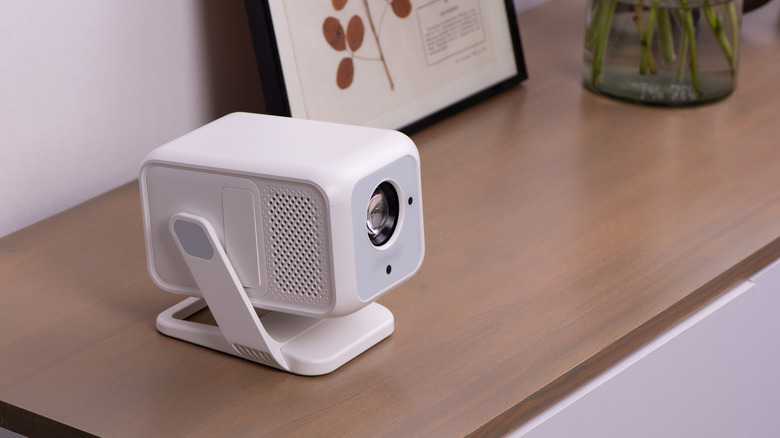
We may receive a commission on purchases made from links.
Why spend upwards of $1,000 on a big-screen TV or home theater projector when a bite-sized lens costs significantly less and delivers just as large (if not larger) an image? We're glad you asked, because there are tons of budget-friendly portable projectors on the market right now. Unfortunately, some folks are buying these products with the expectation that they'll bring the same kind of picture quality and features to the table as hardware that's more than double the price. That's simply not the case, and sometimes, it really is as easy as the numbers.
In the case of projection technology, the main digits to fret over are the device's ANSI lumens rating. This is the official metric for measuring projector brightness, and most compact models struggle to output more than 300 ANSI lumens. For small bedrooms and viewing spaces with easy-to-control ambient lighting, that's probably just enough illumination; for a dedicated home theater with a sizable projector screen, 300 lumens probably won't cut it. Ideally, screens that are 100 inches or larger should be paired with a projector that reliably outputs at least 1,500 ANSI lumens.
A bigger screen needs a lot of lighting, and if you're building off of a strong source, you run the risk of visuals looking dim and color-starved: the antithesis of good home theater picture quality. And while ambient lighting from a lamp or ceiling fixture might be manageable, if your theater space has windows that drench the room in sunlight for most of the day, you should definitely bundle some blackout curtains with your projector purchase — even if you decide on a premium model.
ANSI lumens are critical, and so is HDR support
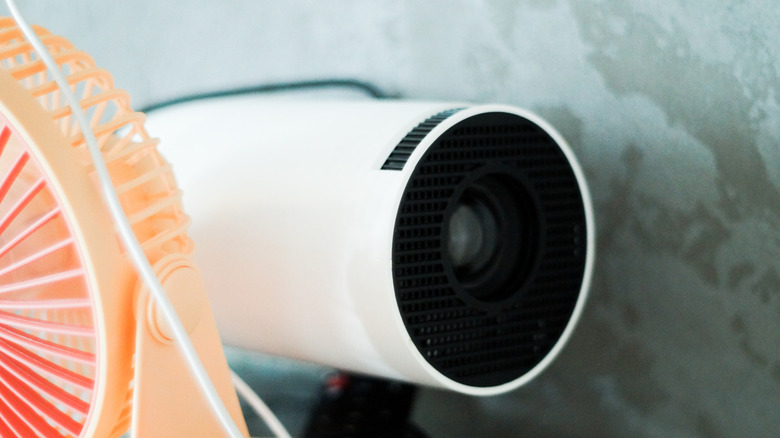
Home theater-level picture quality shouldn't just look good because the room is dark and your projector is bright; factors like High Dynamic Range (HDR) are equally important. Cheap projectors tend to get the short end of the stick when it comes to HDR support; you'll be lucky if you can find one that supports HDR10 formats and isn't completely lackluster in most ways. Not to single out a brand, but this Freeski mini projector might be the perfect example:
At $50 (on sale for $40 at the time of writing), it's super-cheap, and the manufacturer claims it has "HDR technology." But there's no indication of which HDR format(s) the projector supports, and it only outputs up to 120 ANSI lumens — best steer clear of this one, friends! Cheap projectors tend to have fewer image correction features, too; if you need a unit with auto-keystone correction, zoom tools, and input settings, you may need to increase your budget.
We might be making it sound like you can't get good picture quality in a home theater from a portable projector. That's not true, but it is exceptionally difficult. We 100% recommend going with a portable projector if it's from a top brand and has all the right picture features; this should also be reflected in the final price. The $250 XGIMI Vibe One and the $300 MoGo 2 Pro are the kinds of dollar amounts you should familiarize yourself with.
Other portable projector marketing to understand
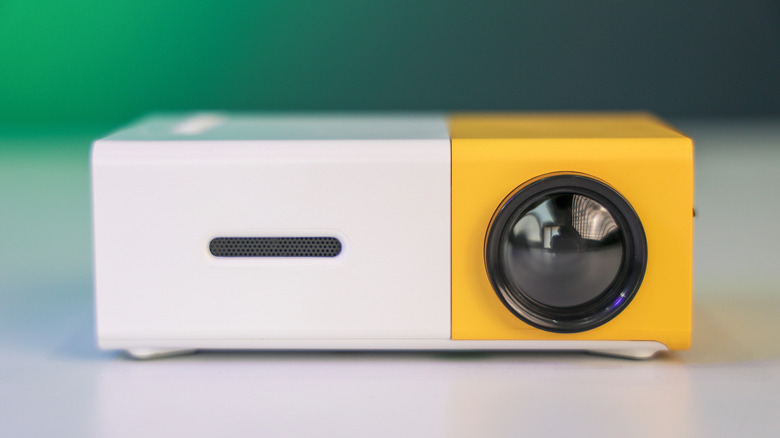
The lion's share of portable projectors are made by companies the world has never heard of, with brand and product names that are often impossible to pronounce. There are hundreds of these projectors vying for your attention, and "home theater" is a phrase these manufacturers love throwing around. You might also see "4K supported," which isn't the same thing as native 4K. It's really just a clever way of saying the projector will accept a 4K signal, but that the movie or show will need to be downscaled to 1080p (or the highest native resolution the projector supports).
At the very least, you'll always want to have an external speaker or soundbar connected to your projector, even if you own a high-end model. Manufacturers will sometimes include built-in speakers on cheap projectors, while talking up the fact that the product delivers "Dolby Digital." But the speakers may only total 10 watts altogether, and all "Dolby Digital" really means is "up to a 5.1 signal but probably stereo." You may also come across portable projectors that advertise apps like Netflix, HBO Max, Disney+, etc. If the projector does indeed have streaming apps, it'll need to be connected to Wi-Fi to access these platforms.
You'll also want to verify what network bands the projector supports. Most smart home devices are limited to 2.4GHz connectivity, and the same goes for compact projectors. If you're doing a movie night outdoors, it might actually make more sense to run a long Ethernet cable between the projector and your router if the projector has a LAN port.