

4 Reasons Why Your 3D Printer Is Stopping In The Middle Of A Print
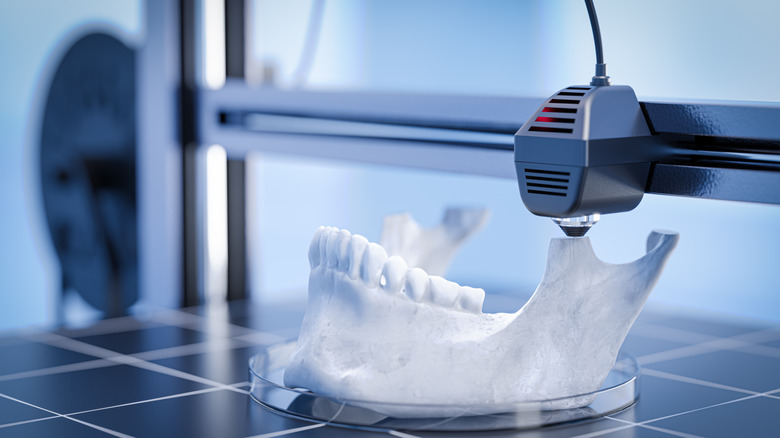
3D printing is satisfying as long as you don't run into a problem. Usually, 3D printing can take several hours, but sometimes it may even take days just to complete a single project, depending on its scope. Having the printing stop unexpectedly in the middle of the process can be extremely frustrating, especially when you don't know what's causing the stoppage. While some of the problems can be simple enough to understand what went wrong, others may indicate a bigger issue related to hardware or the software.
Understanding what issue caused the interruption in 3D printing can help you troubleshoot the main cause and potentially save you the trouble of facing the same issue in the future. Some of the main reasons why a 3D printer can unexpectedly stop while printing are: a corrupted SD card or G-code file, clogged nozzle or extrusion problems, overheating and thermal protection issues, and unexpected power interruptions. The printer depends on several components such as the hotend, nozzle, motors, sensors, and firmware, making it difficult to figure out the cause. So, if you can't see what's wrong with the printer, it would be better to take it to a qualified technician.
A corrupted SD card or G-code file
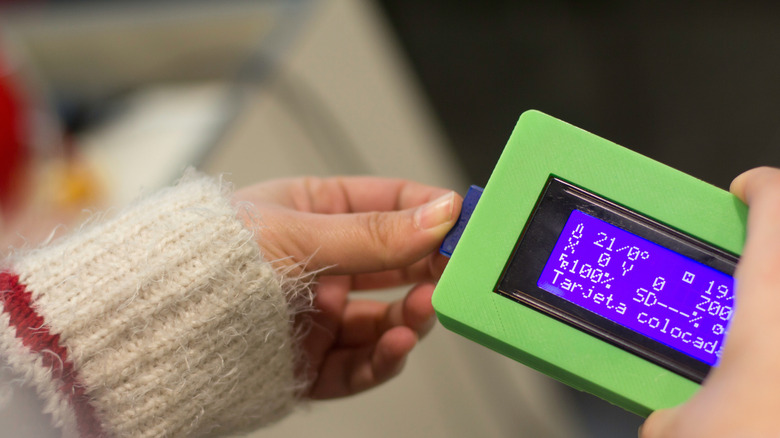
A 3D printer's nozzle movement, printing speed, and temperature settings are determined by the instructions given to it. Many 3D printers use an SD card to store those instructions and then a G-code file to read and execute them. If the SD card or the G-code file is corrupted, it becomes practically impossible for the 3D printer to carry on, as it needs instructions to perform the task.
Such problems can occur because of improper removal, incomplete file transfers, or damaged storage media. While a corrupted SD or G-code file does contribute to the unexpected stoppage of the 3D printer, do note that it won't always cause the stoppage in the middle of printing. Some printers can detect corrupted files or SD cards before the printing begins and display a warning, asking whether you want to continue. In order for this error to be prevented, ensure that you are using a compatible SD card. If you suspect the file is corrupted, it is better to export it again.
Clogged nozzle or filament extrusion problem
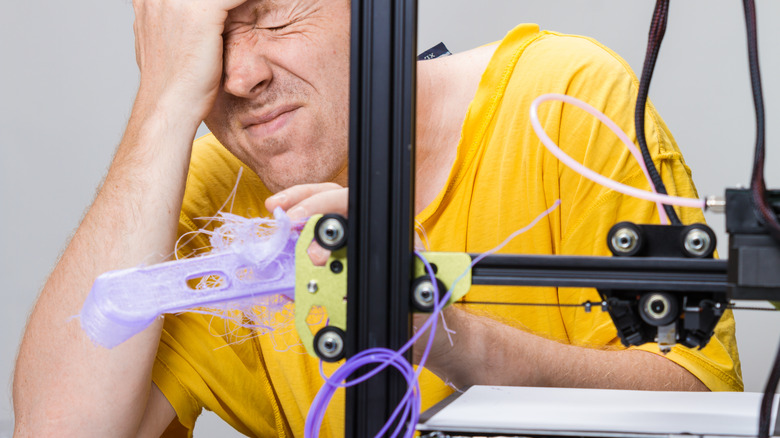
A 3D printer builds an object layer by layer, and to do that, it needs a continuous supply of melted filament. The printer's nozzle has a small opening through which the melted filament passes, and then the visible 3D printing process starts. That said, if the nozzle becomes clogged, filament may not pass through at all, and even if it does, it will do so in smaller amounts.
A blockage in the nozzle can develop because of dust, debris, leftover filament, and sometimes due to unsuitable printing temperatures. Other than that, heat creep can also contribute to the blockage, which occurs when heat travels too far up the hotend, causing the filament to soften too early and get stuck before even reaching the nozzle. To fix this issue, you simply have to clean the nozzle regularly, use proper filament temperature settings, and ensure the hotend cooling is working properly.
Overheating and temperature-related errors
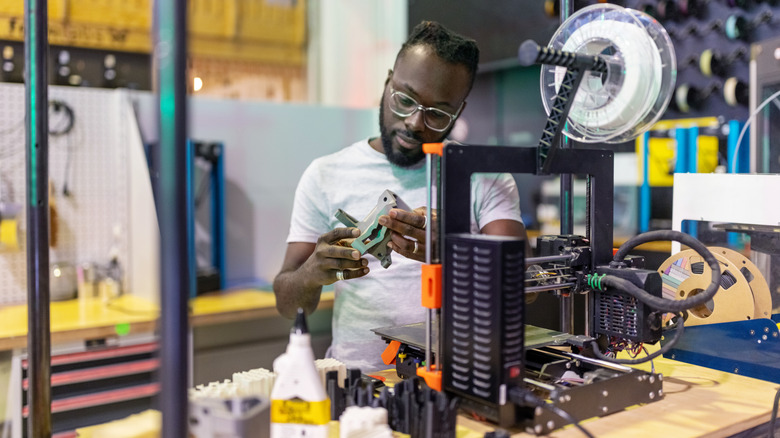
Overheating is a common issue in electronic devices that generate considerable heat during operation, and 3D printers are no exception. The hotend of a 3D printer must maintain the right temperature to melt the filament, while the heated bed may also need to remain at a consistent temperature to support proper adhesion. For example, printing with PLA filament requires the hotend to be anywhere from 190 to 220 degrees Celsius and the heated bed should be around 50 to 60 degrees Celsius.
Another cause of overheating could be a faulty thermistor, which is responsible for measuring the temperature of the hotend and heated bed. Furthermore, damaged wiring or loose sensor connections can also cause inaccurate temperature readings or prevent the 3D printer from maintaining its target temperature, which can lead to stoppage mid-printing. That said, modern printer firmware includes thermal protection features that can notify you about any abnormal temperature behavior. The firmware may trigger errors such as Heating Failed or Thermal Runaway and stop the printer.
Unexpected power Interruptions
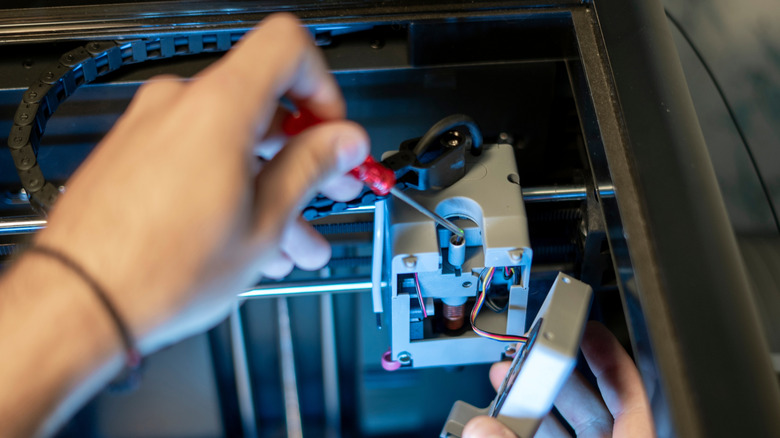
A 3D printer needs a continuous electricity supply to operate. If the power supply is interrupted during printing, the machine may stop immediately, leaving the object unfinished. The most obvious cause for this can be a power outage, but that's not the only cause. Unstable electricity or voltage fluctuations, loose power connections, or possibly faults in the printer's power supply can stop the print.
Some 3D printers have a feature called Power Panic or Power-Loss Recovery, which allows them to save the information about the printing progress and resume the print as soon as power returns. However, this feature may not guarantee a successful recovery, especially in cases where the object loses adhesion to the print bed while the machine is off. The best way to prevent this from happening is to use a suitable UPS so the printer doesn't shut down in case of unstable electricity. You should also double-check the printer's electrical connection before starting the print to see if there is any loose connection, and ensure the power supply is not faulty.