

Can You Use Alcohol Wipes To Clean Your Apple Watch?
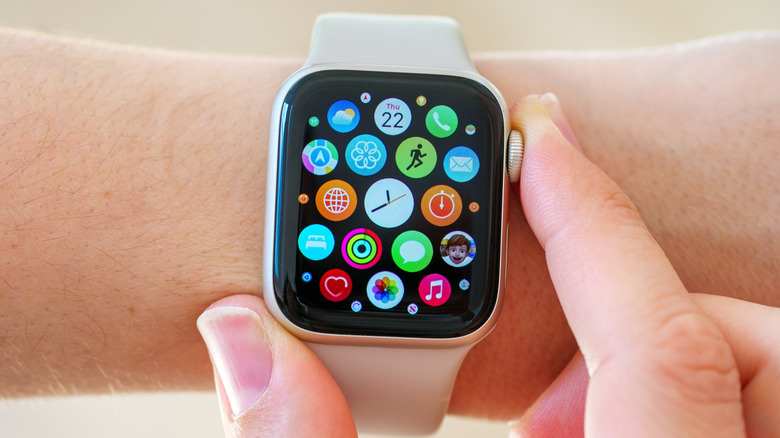
Like many other smart devices, Apple Watches give users easy access to a smorgasbord of settings and features, right on their wrist, with a compact display via touchscreen controls. As much as some users would like to think so, no hand is completely clean, and all touch devices are destined to be obscured by a cloud of fingerprint smudges and invisible grime the more you use them. It's good practice to clean your phone's screen anywhere from once a day to once a week, depending on where and how frequently you're touching it. The same is true for your smartwatch, which you may unknowingly touch just as often, if not more, in a day. Be that as it may, it's important to know which substances are okay to use to both clear up and disinfect your screen without ruining the smartwatch.
Certain alcohol wipes are good to go if they're your only or preferred option to make your Apple Watch squeaky clean. Apple Support suggests using products like 70% isopropyl alcohol wipes, 75% ethyl alcohol wipes, or Clorox Disinfecting Wipes. The aforementioned approved wipes can be used on your watch band, as well, so long as it isn't made of leather or fabric.
In general, Apple advises not to use materials or substances consisting of bleach or hydrogen peroxide. Apple Watch owners should steer clear of products that will ruin their device's finish and protective elements, like soaps and other cleaning products, abrasive materials, and more. Sticking with safer cleaning materials will not only keep your device in pristine condition, but it will also prevent both its performance and your health from potentially dwindling.
How to properly clean an Apple Watch
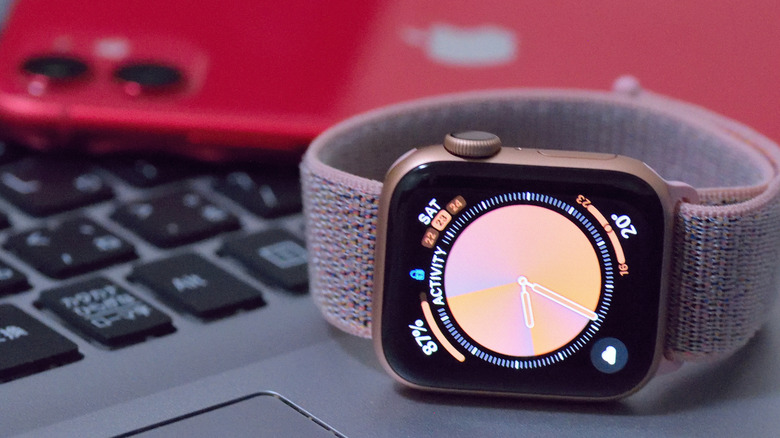
Both for your own safety and to prolong your Apple Watch's lifespan, it's important to keep technology like the Apple Watch clean as often as possible. To clean your smartwatch, first power it down, and remove the band, especially if it's made of leather. Apple Support recommends wiping it down with a smooth lint-free cloth, which may also be lightly dampened. This would also be the appropriate time to rub an approved alcohol wipe over it.
You can also run the watch under warm water to clear out any grime in ports or crevices. It's also important to make sure the Digital Crown — the scrolling button on the watch's side — is cleaned just as thoroughly, by rinsing it with warm water. After all is said and done, make sure to thoroughly dry all possible surfaces. To clear any leftover water out of the Apple Watch's speaker, power the watch back on, turn on Water Lock, and then press and hold the Digital Crown to turn it off, which ejects any water present.
You should also ensure your watch bands are well-tended when cleaning your Apple Watch. Leather straps should be swabbed with a lint-free, slightly moist cloth, and then left to dry. Other common Apple Watch bands, like the Solo Loop, Sport Band, Ocean Band, and more should undergo a similar process, but only need to be dried off with a cloth to be back in business. Some, like FineWoven products, can be cleaned with a cloth dipped in a mix of laundry detergent and water, and then be left to dry for at least one day after initially patting them with a cloth.