

You Can Downgrade One UI On Your Samsung Galaxy Phone - But There's A Catch
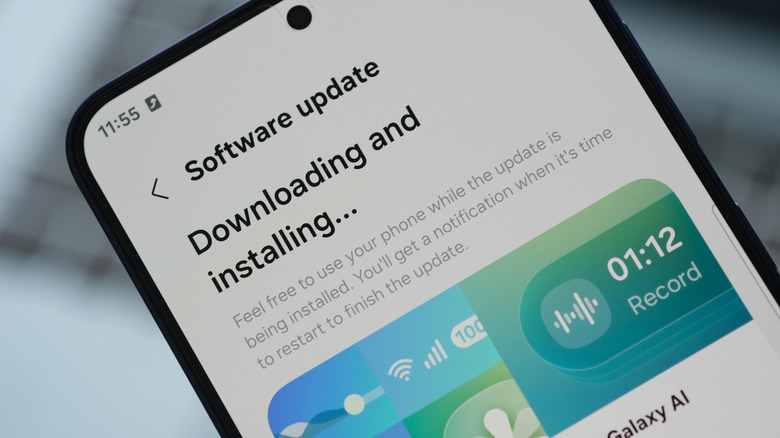
Downgrading your One UI version is possible, but not usually recommended. Still, there are several reasons you might want to anyway: perhaps your device runs like a tortoise (way too slowly) after weeks of using the new update, or an important network feature no longer works, or you simply prefer the older experience. In some cases, a new Android version can cause app incompatibility. So one option is to roll back your One UI to restore your phone's current state and how it behaves with your installed apps.
When you downgrade your Android operating system (OS), you have to use unapproved tools like Odin, which is Samsung's proprietary diagnostic and firmware-flashing app. This process is called flashing a ROM, which means overwriting the current system software. This will erase all your data and, if done incorrectly, it can potentially brick your phone. Flashing your ROM is a risky procedure and not recommended for the average user, since it requires enabling USB debugging in Developer options, then downloading Odin unofficially. You also have to identify your regional settings, or CSC code, to find the right firmware. All of this will likely also void your warranty.
What you should do instead of downgrading
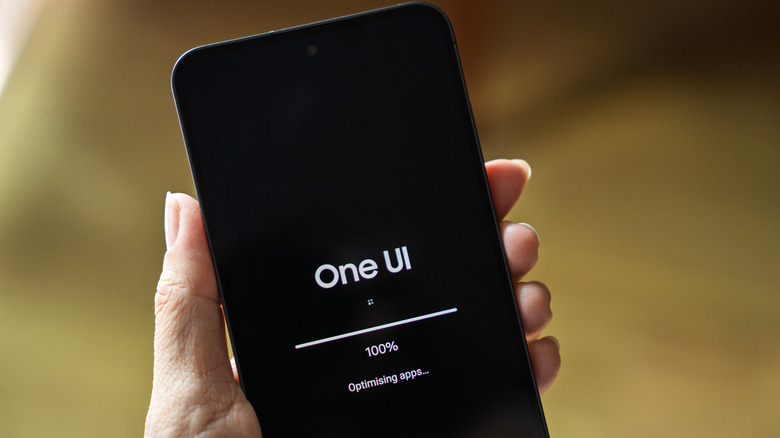
Samsung doesn't make this process easy in part because of the risks involved with rolling back a One UI update. Only technical people should attempt the process. If you make a mistake or you've permanently lost Samsung Knox security protections, Samsung cannot help you.
If you are unhappy with a software update, the best course of action instead of downgrading is to file an official report in the Samsung Members app (if possible) and wait for the company to investigate and fix it. Samsung won't ignore widespread issues, such as the Wi-Fi and cellular connectivity issues some users saw after updating to One UI 9. The company has an incentive to keep its customers happy. So the safest solution is to wait for a bug or stability fix before jumping the gun and removing the One UI update completely.
If performance is what's driving your desire to roll back to an older version of One UI, remember it can take a few days for your phone to recalibrate. Battery drain isn't abnormal and can, in turn, slow your phone through thermal throttling or battery-saving settings. This is because after a fresh update, your device re-indexes files in the background. The process keeps your phone busy, which is why it can feel worse after an update has applied. It's best to wait it out, either a few hours to a few days, or maybe up to a week. Ideally, your Samsung phone should be in good working order after a month of use — which also gives the company time to roll out necessary optimizations and fixes with its monthly security patch.