

The 4 Most Common Reasons Your Samsung Galaxy Phone Runs Slowly

Every day, you can see notifications pile up on your Samsung Galaxy phone. You might go to check them out, but as soon as you open an app, it may feel like an eternity before it fully loads the interface, images or text. You could be inclined to blame the app for running slow, but then you open your other apps and notice it's a general problem with everything your phone. The turtle speed is likely due to the combination of hardware and software that's acting up.
While Samsung is one of the best smartphone manufacturers, its phones can still be plagued with performance issues, just like any other device. Sometimes it is a hardware constraint, like not having enough RAM or internal storage; other times, it's an optimization issue with One UI. That's why you may want to understand the common causes of your Galaxy phone slowdowns — because if you figure out the cause, there are some problems you can control, manage or fix.
Your Samsung phone relies too much on virtual RAM
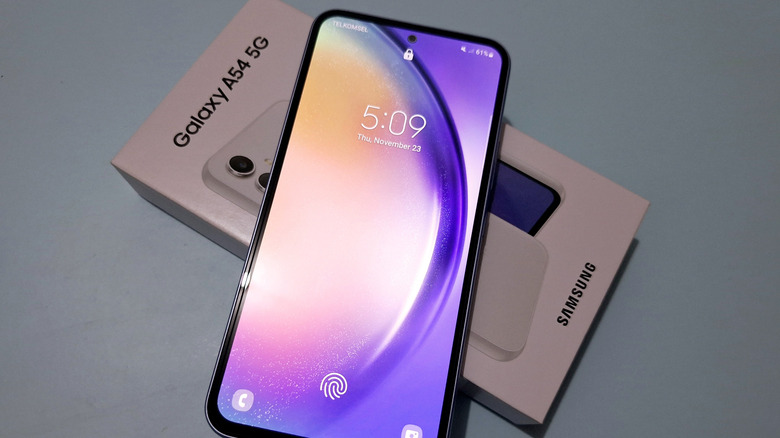
RAM – Random-Access Memory — is important for general operations. Similar to other electronics, the higher the RAM, the better, provided you can afford it. For smartphones, generally, you want to aim for at least 8GB of RAM, but 12GB is a sweet spot. Sadly, not all phones have high RAM options, and Samsung does offer budget phones with low amounts of RAM. For example, the Samsung Galaxy A17 5G was announced at the end of 2025 and released a month later. It was fantastic for $200, but 4GB of RAM was a bit small.
However, Samsung compensates for low RAM with RAM Plus. That converts part of your device's internal storage into more RAM, so the 4GB can feel closer to between 6GB and 8GB, depending on the option you choose. Samsung does RAM differently than other tech that has this — it allocates a small part of the available RAM to zRAM instead (so your 4GB of RAM can have more zRAM assigned to it). zRAM helps because it compresses data so that you can store more in that allocated space. This helps apps stay open longer. The problem lies with the swap operations, which can slow things down because of CPU overhead.
Essentially, swap operations require real-time compression, which means your CPU is put to work when zRAM needs to be used. Budget devices often don't have the most efficient chipsets, so they can throttle the battery. That's why some experts advise turning off this setting, especially if you already have plenty of RAM. Otherwise, you might want to consider upgrading your phone if you find the RAM is just too low for your needs.
Your Samsung phone needs updating
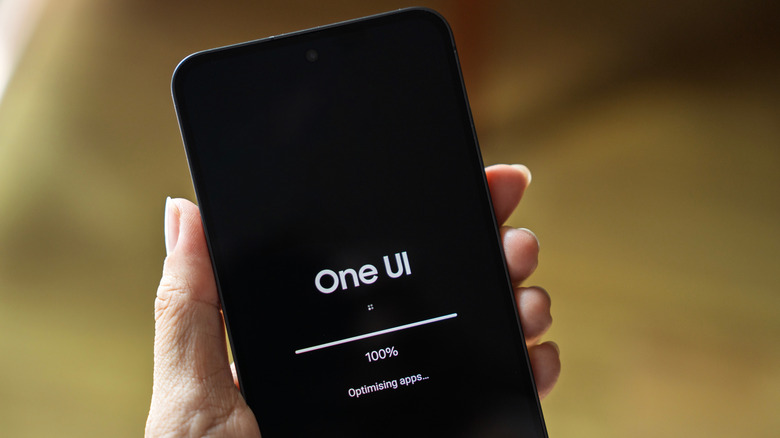
It's important to note that updating your phone doesn't always magically fix slowdowns. Some phones can even feel even slower after a fresh update. That's because of optimizations: when you apply an update, your apps, settings, and operating system need to re-index background files. However, it usually shouldn't take too long. On the other hand, not updating your Samsung phone can have negative effects, as you may miss security patches that address vulnerabilities, bug fixes, and upgraded software that improves app compatibility (it's also recommended to update your older or outdated apps).
When you use outdated software, apps with new versions that require upgraded operating systems must run through a compatibility layer or API to work properly — this can sometimes cause lag due to CPU overhead. The easiest fix is to update your device if you can, then wait a few weeks for everything to properly optimize itself.
You are running out of storage
Being low on storage is a tale as old as time. This mainly becomes a problem if you don't plan for additional storage when your Samsung phone nears its internal space limit. Not every device has physical expandable storage options, but if you own a Galaxy device from the flagship lineup since the Galaxy S21, it won't have an SD slot. That means managing storage space becomes a priority. Otherwise, you may start noticing slowdowns.
Essentially, for your phone to run properly, it needs breathing room in internal storage to handle temporary files, app caches, and virtual memory. This is more prominent with mobile flash storage. When it is almost full, the controller has less room to write new data, so it spends time identifying blocks to reclaim, copying still-valid pages elsewhere, and erasing the old blocks. The phone slows because this process can delay app read and write requests as it now has to follow this "garbage collection" system. That's why it is recommended to keep 10 to 15% of internal space free, so you don't hit these performance bottlenecks — a quick fix is to clear the cache, but it isn't always the best long-term option if you're trying to reclaim storage space.
Your Samsung phone faces thermal issues
Battery drain and thermal problems are sometimes correlated (though not always). So if you experience both, consider that as an early warning sign. Normally, heat is a byproduct of the electrochemical reaction that occurs during charging and discharging. But that's not the only reason your Samsung device could be overheating; it's usually due to processor constraints or other power-intensive tasks.
While your hardware can handle a bit of heat, if it constantly produces it or can't cool down, you might be facing thermal throttling, which affects app performance. These devices rely on cooling mechanisms that keep the temperatures down, such as vapor chambers, graphite layers, and thermal interface materials. If you push your device into heavy workloads, heat builds up and needs to be dissipated. Still, sometimes it isn't successful — that's why your Galaxy phone will thermally throttle to reduce CPU and GPU performance and avoid hardware damage. It's for safety, but that means it trades general performance to do it. As a result, some devices may even show a warning message. In those cases, you either need to reduce the power if you can or find another way to cool it down without shutting it down.