

Are 4K Blu-Rays Region-Locked? Here's What You Need To Know
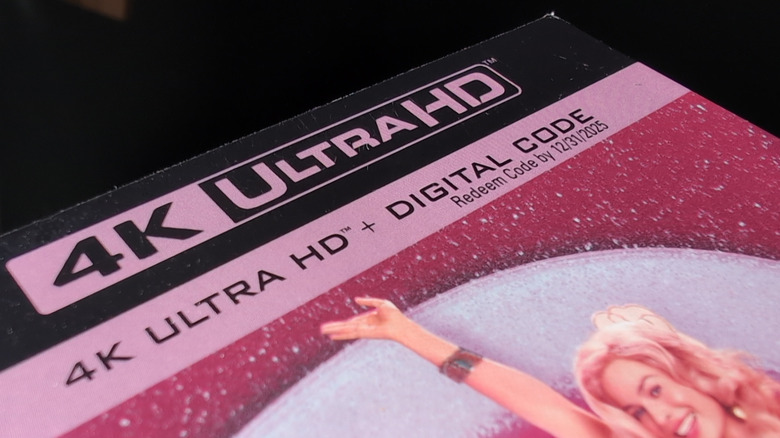
One of the biggest frustrations in the physical media collecting community is the region-locking that's applied to DVDs and Blu-ray discs, stopping you from watching movies and TV shows not intended for your location. If you have a Blu-ray player able to play 4K video, though, you should be aware that 4K "UHD" Blu-ray discs differ from other formats in that respect. The vast majority of 4K Blu-rays are region-free, even if an earlier DVD or Blu-ray release of the same movie or show was region-locked.
Why's that? You first have to understand why disc region codes exist in the first place. While you might guess that it's related to alternate cuts sometimes being made for different regions, it's actually all about release schedules. When DVDs and Blu-ray discs came to popularity in the 2000s and early 2010s, theatrical movie releases were often staggered across regional markets.
A movie that premiered in Europe one week might not premiere in the U.S. until several weeks or even months later, which meant the U.S. physical release also had to be pushed back. To keep profits across regions maximized, it was necessary to lock discs to specific markets. When 4K home video came on the scene, the age of streaming had arrived and made staggered theatrical releases no longer the norm. The primary motivation for region codes simply doesn't exist in the 2020s.
How to confirm your 4K UHD Blu-ray is region-free
While studios aren't obligated to region-lock 4K Blu-ray discs, that doesn't mean they can't, and a small percentage of UHD discs do in fact get region codes applied. This happens on account of studios attempting to exert control over local markets, or just honest mistakes in the manufacturing process. If you're considering purchasing a UHD Blu-ray and want to make absolutely sure you don't end up with a disc you can't watch, check the thread listing all the known region-locked UHD discs on the Blu-ray.com forums. The list is maintained by enthusiasts who pay close attention to the technical aspects of their physical media collections. If a release is known to go against conventions, it's probably listed there.
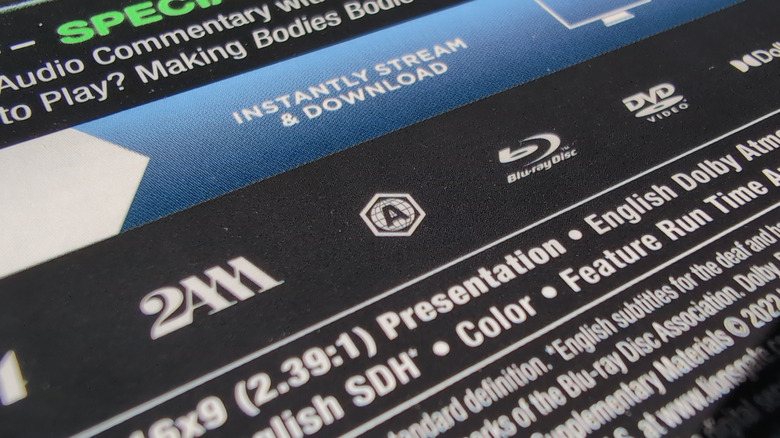
If you already have a 4K Blu-ray disc in hand and want to find out if it's region-free or not, you can first check the case. If you see a hexagon with a globe and the letter A, B, or C (like the one pictured above), then that means it's region-locked. The letter A is the region code for North America and surrounding continents, while B and C indicate European/African and Asian countries, respectively. If you see all three letters or the word "Free," then it's not region-locked.
However, designers don't consistently put an indicator on UHD cases and, again, region codes are sometimes set by accident. The only sure way to confirm it's not locked, at least in your region, is to try playing it. If your player refuses to read the disc, then you know it's locked to a different region.