

5 Non-Negotiable Features When Buying A Blu-Ray Player In 2026
We may receive a commission on purchases made from links.
Physical media is undergoing quite a bit of a revival, and we don't just mean vinyl records. Physical movie sales are also on the rise, in part because consumers are realizing that access to digital content on streaming services isn't necessarily reliable in the long term. Apart from barring access to movies and shows you love (and sometimes own outright), streaming services also fall short in terms of image and audio quality compared to disc-based movies due to compression.
If problems like these are pushing you toward building a physical media collection, then you'll likely want a Blu-ray player that can stand the test of time. It does seem inevitable that DVD and Blu-ray production will someday end, but there's no reason why your personal film collection can't last you for years to come.
There's nothing wrong with using a Blu-ray player or gaming console you already own to watch Blu-ray content, but if you're dishing out any cash at all on a new Blu-ray player in 2026, you'll want to make sure it can go the distance by supporting as many key features as possible, especially if you want an optimal experience with your new tech.
4K Ultra HD Blu-ray playback
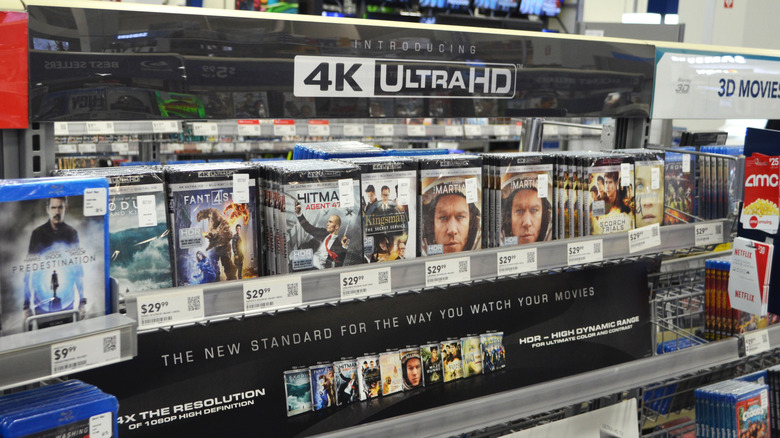
There's a separate type of Blu-ray that came out after the original Blu-ray format did: Ultra HD (UHD) Blu-ray. One might think these are one and the same, but standard Blu-ray players can't play Ultra HD Blu-ray discs at all. UHD discs use 66GB dual-layer or 100GB triple-layer media and can only be played on an Ultra HD Blu-ray player.
It's generally not hard to identify a UHD Blu-ray player, but there's one potential point of confusion. Some standard Blu-ray players out there, like the Sony BDP-S6700, have "4K UHD" listed on their packaging and marketing material, but next to the word "upscale." That detail makes all the difference. Players like the BDP-S6700 can upscale DVDs and HD Blu-rays to 4K, but they can't actually play UHD discs. Instead, players like those apply an algorithm to make lower-resolution sources look better on 4K displays.
If you're buying a new Blu-ray player and want access to the widest range of discs, aim for a native UHD player. There's nothing wrong with buying a standard Blu-ray player if UHD doesn't interest you, but many modern films are released in this latest (and potentially final) optical format. Even older films are known to get UHD remasters. That makes 4K Blu-ray players the right choice for cinephiles, or really anyone who cares about getting the best movie experience at home.
Dolby Vision and HDR10+ support, at minimum
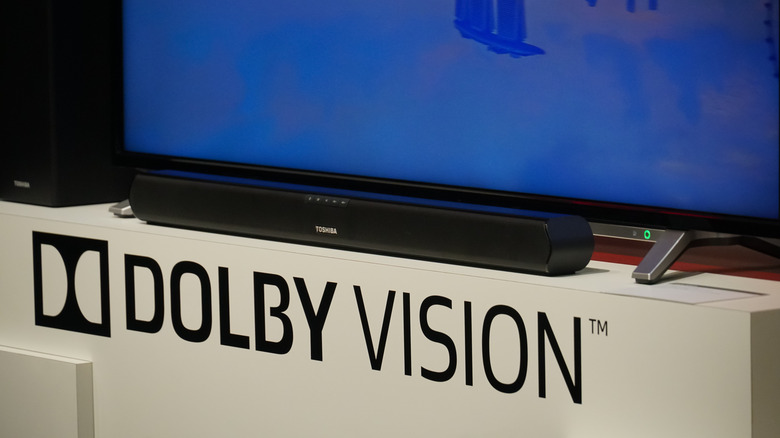
If you're buying a UHD Blu-ray player, then one of the biggest advantages you get to enjoy is High Dynamic Range (HDR). HDR allows the format to carry additional brightness and color data to achieve brighter highlights and thus higher image contrast. Think of scenes like an adventurer holding a bright torch in a dark cave, or bright neon laser beams firing from a spaceship in a sci-fi flick. Those are the types of scenes where HDR's improved color contrast really makes a difference.
The caveat is that there are multiple HDR standards, including HDR10, Dolby Vision (DV), HLG, and more. The TV you have right now may support some, but not all, of these formats. Basic HDR10 support is universal; you can think of it as "vanilla" HDR. However, Samsung's advanced HDR10+ TVs don't support DV, although DV is the most popular standard among other TV brands. It's not that either HDR10+ or Dolby Vision is better than the other from a quality standpoint, but the HDR formats your TV supports are pre-determined. To keep your options open down the line, it's worth getting a Blu-ray player that supports both HDR10+ and DV, with support for other types of HDR being a bonus.
Two HDMI outputs, if you love your current receiver
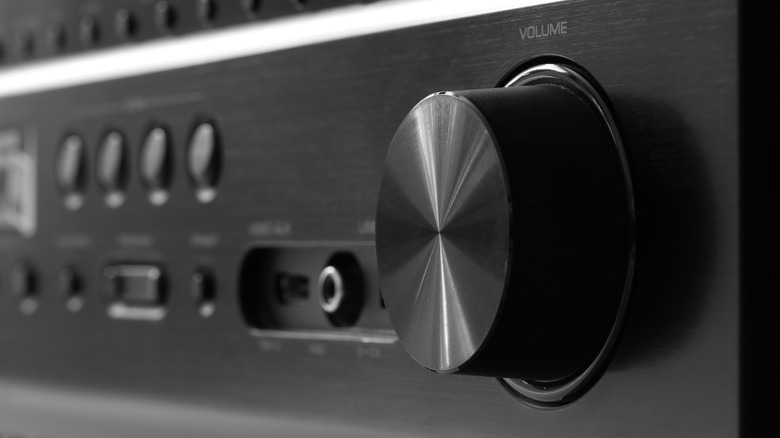
While we're all quite used to technology becoming obsolete in short order, there's still some tech we can expect to last for a while. In the world of audio gear in particular, there's no reason to get rid of a great amp or speaker system just because you upgrade one component, which isn't uncommon when upgrading from, say, a 1080p SDR setup to a 4K UHD setup with HDR.
Let's say your standard 1080p Blu-ray player connects to your old receiver via HDMI. The receiver can pass both the video and audio data over to your TV — no problem. However, switch out that old Blu-ray player for a modern 4K UHD unit, and you might run into an issue with your receiver: If its HDMI inputs and outputs don't support 4K HDR signals, it won't be able to pass the picture through to your TV properly (or at all), even if it can technically support the audio.
That's where you'd want a UHD Blu-ray player with dual HDMI outputs; with that functionality, you could connect one output directly to your 4K TV to enable the best possible picture quality, then connect the other to your receiver to process the audio stream separately. That might sound less like a "non-negotiable" and more like something only people with old receivers need to worry about, but the feature can give you some much-needed flexibility should you have an old receiver (or ever opt for one down the line).
Proper DVD and HD Blu-ray upscaling

When it comes to movies and TV shows, most discs out there are DVDs and standard Blu-ray discs. A comparatively limited number of films have received UHD 4K releases, and many HD Blu-ray films are unlikely to be re-released in 4K, either because a UHD release wouldn't technically be feasible or because producing one wouldn't be profitable. So, if you do opt for a UHD Blu-ray player, it should also be able to make SD DVDs and HD Blu-rays look as good as they can.
Players and even smart TVs use upscaling to transform a lower-resolution digital image to a higher output resolution that looks good on a screen with greater pixel density. Sounds simple enough, right? Well, consider that an NTSC DVD in 480p has 345,600 pixels per frame (720 x 480), while a UHD 4K TV has 8,294,400 pixels per frame (3840 x 2160). That means an upscaling solution has to output values for nearly eight million pixels that weren't in the original picture!
An integer upscale like that is relatively easy with 1080p Blu-rays because each 1080p pixel can simply be mapped to a set of four (2 x 2) pixels to produce a 4K output. That said, a quality upscaling algorithm on a Blu-ray player can make the picture on 1080p features look even sharper and more detailed than on the screens they were designed for.
A quiet, well-built disc mechanism
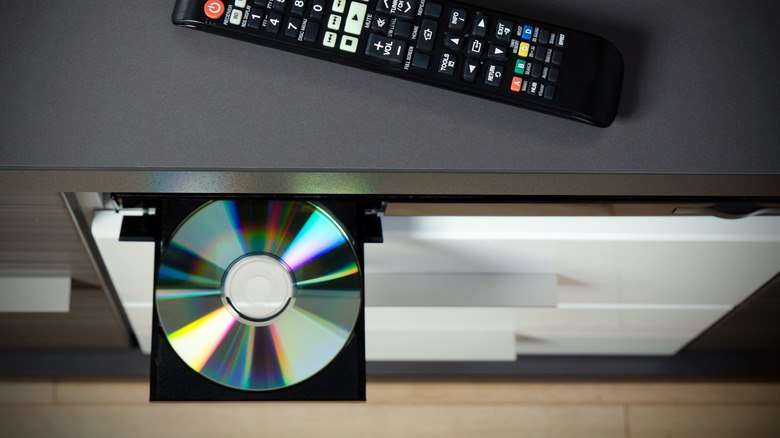
One of the best popular Blu-ray players of the 2000s was not just a Blu-ray player: it was a Sony Playstation 3. For many, getting a gaming console and a Blu-ray player in one package was an excellent deal, especially given how expensive Blu-ray players were (and still are)! The only problem is that, during quiet scenes in movies and shows, you could hear the system's noisy fan and Blu-ray drive. If you're buying a new Blu-ray player in 2026, though, the noise of the drive mechanism is still an important consideration.
Your new player's drive doesn't have to be completely silent, of course, but if you've turned your basement into a home theater setup with fancy acoustic treatment, a noisy player can take you out of those key quiet moments in movies and shows. Some high-end players have been specifically engineered to combat vibration and other drive noise, though, such as the Magnetar MKII series Blu-ray players.
Drive noise is an oft-overlooked feature that you might regret ignoring. It's not like you can easily make a noisy player quieter, so researching drive loudness is very much a case of measure twice, cut once. That said, you'll have to rely on reviews or in-person demos to know exactly how quiet any given player is. If a Blu-ray player review you're reading makes no mention of excessive drive noise, it's probably safe to say the player's drive is quiet enough.
These Blu-ray players check every box
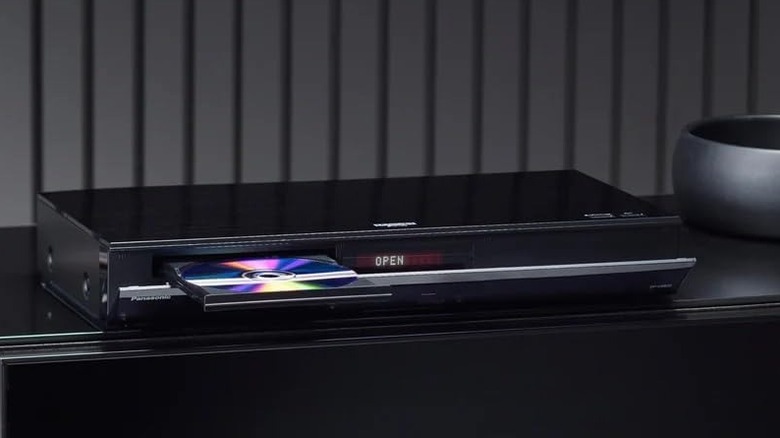
Can you really have it all? With the right budget, yes. Some Blu-ray players out there tick off each of these boxes, and then some. The first player we can recommend is the Panasonic DP-UB820-K, with a 4.3-star average rating on Amazon and glowing reviews from professionals. At $539.99, it's a fair deal for a midrange UHD player that benefits from the latest image processing tech, has a dedicated audio-out HDMI port, and supports both DV and HDR10+.
If you have some more money to spare, the Panasonic DP-UB9000P1K (which also happens to have 4.3 stars on Amazon) will run you between $1,500 and $1,700, but it offers truly high-end image processing, top-quality analog audio circuits, and is highly regarded by AV experts.
Finally, if you'd like to make a real investment in the future of your entertainment setup, consider looking into the Oppo UDP-203. Since it's unfortunately been discontinued, new models on Amazon now go for a hefty price of $3,299.99. You might be able to find used units online or at specialty retailers for much cheaper, but pricing aside, this player is considered by some experts to be the last word in Blu-ray players — with its durability, premium picture quality, and rich feature set, it's one of those "holy grail" devices designed to be the last Blu-ray player you'll ever have to buy.