

Your Roku Can Play Music Without The TV Screen On - Here's How
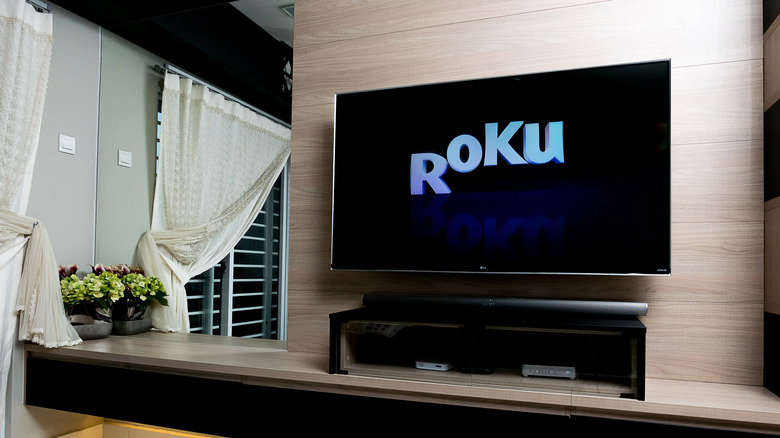
Viewers might associate the streaming hardware brand Roku and its range of smart products with visual media-focused capabilities, like the ability to play movies the way they were filmed and binge watch TV shows across thousands of streaming services at the click of the button. Roku is also just as proficient when it comes to listening media, especially music, via entertainment options offered on the Roku Channel Store like the Spotify, Pandora, Apple Music, and Amazon Music apps, among others. Some users may not be aware, however, that you don't need your TV screen powered on to be able to access and jive to your favorite tunes.
Roku devices such as Roku TVs are each equipped with a setting some owners and prospective buyers might think makes them still worth using despite their recent price hikes – Fast TV Start. The feature, which has been around since Roku launched its Roku OS 8 update in October 2017, lets devices go into a sort of sleep mode when idle, thus absolving owners from manually shutting off their TVs when they're done. That way, they can more easily return to their entertainment by quickly booting up their Roku TVs, and waking it with voice commands. The feature is also capable of broadcasting listening media like music while the screen isn't on, thereby removing unnecessary distractions or the effort of fully turning on the TV when simple audio is what you want.
How can music be played with Fast TV Start?
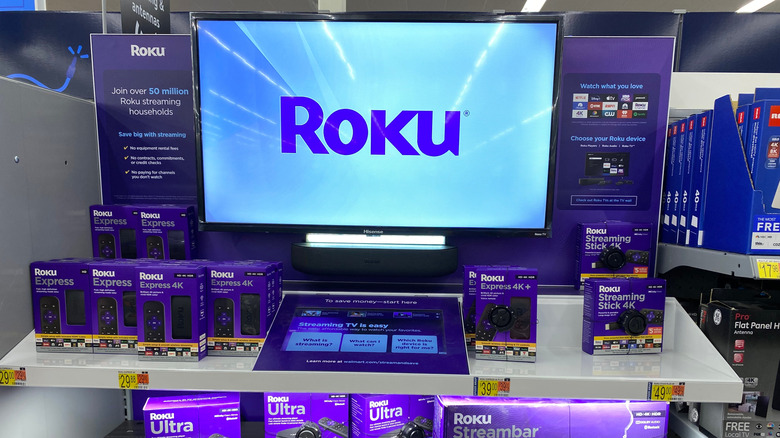
To listen to your favorite tunes on Roku without having the TV's display on, you can enable the Fast TV Start feature by first accessing their device's settings from the Home menu. After navigating past the Settings, System, and Power sub-menus, scroll over to Fast TV Start and click on the enable option. This will allow the TV to go into standby mode, but maintain its connection with internal or external audio devices. Users may then use it to launch music apps, play specific songs or genres, and even control volume and playback controls without visuals needed.
It should be noted, however, that Fast TV Start necessitates either a Roku Voice Remote or the Roku mobile app in order to directly deliver voice commands and start up music apps without waking and using the visual display. Bluetooth devices connected to your Roku TV, such as smartphones, can also be used to to queue up and cast titles from a music service's accompanying mobile app. If you're a Spotify mobile user, for example, you can tap on the TV and speaker-shaped icon in the bottom lefthand corner of your screen, and then select your Roku TV as the device a currently-playing song will stream on. Regardless which option you've direct access to, so long as you have the means to connect to your device and start up your music either vocally or manually, yet indirectly, your Roku TV can transform from a visual entertainment streaming platform into more of a simple speaker.