

4 Unexpected Ways GTA 6 Changes How You Control The Game
You've bought the game, done everything you need to do before installing "Grand Theft Auto 6" on your console, and can finally experience what's already the highest-rated game of all time. However, if you're a fan of the franchise, there are certain key differences in how you play "GTA 6" compared to what you're used to in "GTA 5."
The biggest change is that players can now sprint and dash by holding down the left analog stick, which means you're no longer required to spam the A (if you're playing "GTA 6" on Xbox One or Xbox Series X/S) or X (on PlayStation 5) buttons to run. This is certainly an ergonomic improvement, but many fans may take a while to get used to it. This has freed up other long-overdue changes, including mapping crouch to B/Circle. Melee commands now live on X/Square.
Beyond controller inputs, another big change is how you store weapons. In "GTA 5," you could carry an infinite number of weapons on your person and switch between them with ease. This is no longer the case in "GTA 6." There's a strict limit to what you can take with you, similar to the carry limit imposed on players in "Red Dead Redemption 2." You'll also now get the option to quick swap between weapons with Y/Triangle while aiming.
The game gives players no way to increase this carrying capacity, but if you do find yourself running out of inventory space in "GTA 6," the game borrows another feature from "RDR2": storing equipment on your ride. While it's not a horse, you can store extra equipment in your vehicle's trunk.
How to change controls in GTA 6
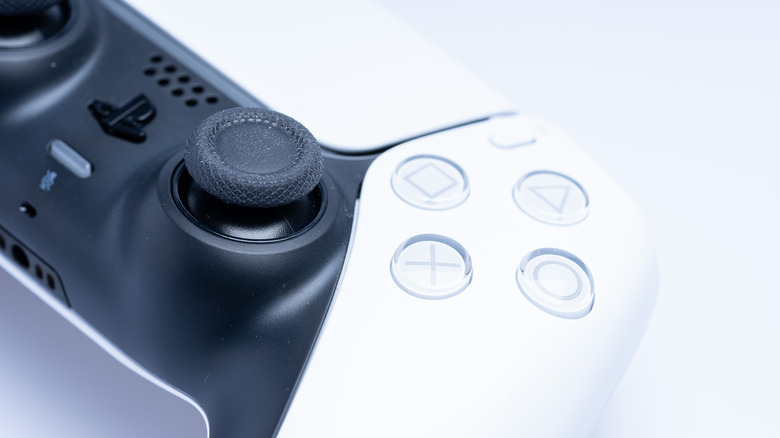
Driving controls were also overhauled, most notably with the Handbrake moving from RB/R1 to A/X. The new controls, while different, are still simple enough that you get used to them fairly easily. However, for long-time fans of the "GTA" franchise wanting the same feeling as the game's predecessor, Rockstar Games still offers players the option to switch back to the same controls found in "GTA 5."
You can change from the new control scheme to classic settings in "GTA 6" by pressing the Menu button on Xbox or the Options button on PlayStation, going to Settings, and then switching the Control Scheme to "Classic." Doing this will revert the controls to what you're used to: you can run using A or X, melee by pressing B or Circle, use X or Square to jump and climb, and use L3 to crouch. The Y or Triangle button wasn't changed, so it's still used to interact with the world, to exit or enter vehicles, and to quick-swap weapons.