

Can You Game Share GTA 6 On PlayStation Or Xbox?
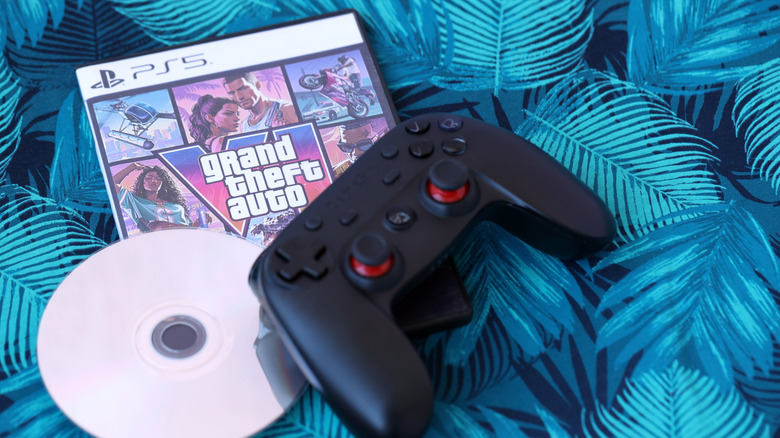
After years of waiting, "Grand Theft Auto 6" is finally out on PlayStation 5 and Xbox Series X|S. With a score of 99 on Metacritic, "GTA 6" is already the highest-rated game of all time. Which means a lot of people are going to want to play it. However, at $79.99 for the Standard Edition, the game isn't cheap. Thankfully, consoles like the PlayStation 5 and Xbox Series X|S allow gamers to share their titles with others, but does "GTA 6" allow you to take advantage of this functionality?
It sure seems like it. According to reports, Rockstar hasn't put any kind of restrictions on how game sharing works for "GTA 6" on either of the consoles. And, since Rockstar has done away completely with physical discs for "GTA 6," there really isn't any other way to share the game with your friends. So, if you have a friend who can't pick up the game just yet, here's what you need to do to be able to share it with them.
How to game share GTA 6 on Xbox
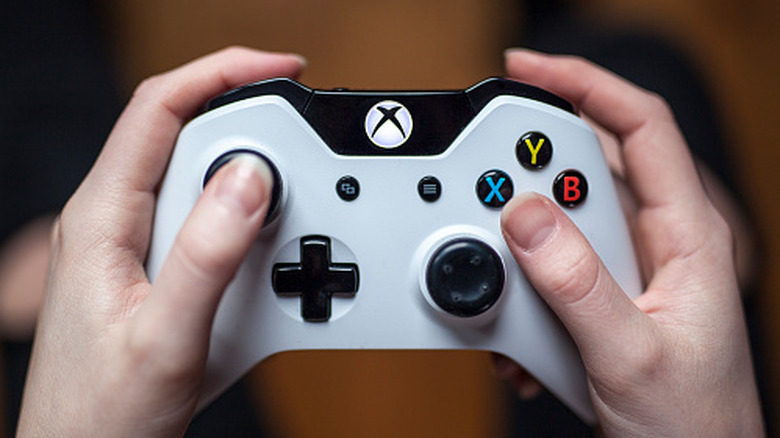
Of course, the first step to game sharing is ensuring that you and your friend are both on the same console platform. That means if you have an Xbox Series X|S, then your friend will also need an Xbox. This is one of those quality of life features that users wish they knew about before buying an Xbox Series X. And, it's super easy to turn on. First, you will need to sign into your account on your friend's console. Then navigate into your Profile & System menu, then over to Settings > General > Personalization > My home Xbox.
Once in the My home Xbox section, select the "Make this my home Xbox" option. This will connect the console to your account and allow your friend to download "GTA 6" onto the console from your library. Once that is done, your friend will then be able to log in to their own profile and play "GTA 6" as and when they please.
The important thing to note here is that you can only designate one home Xbox at a time. When a console is set as the home console for an account, it will unlock game share capable games with the other profiles even when the user account is not logged in. If you ever want to cut off access to your games, then you can set your own console as the home Xbox again in your profile settings.
How to game share GTA 6 on PS5
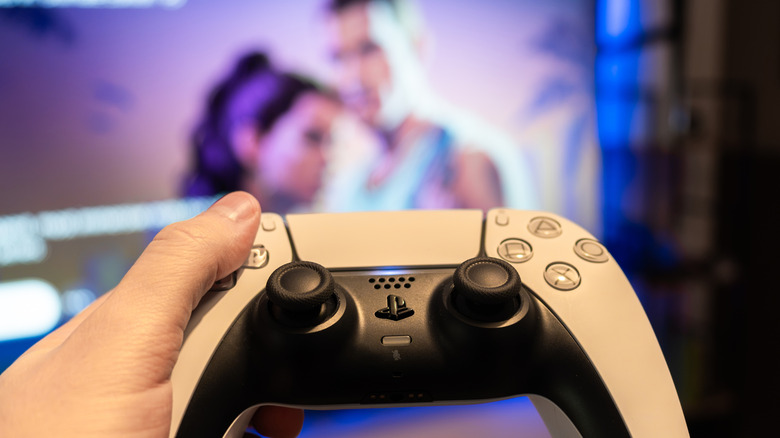
Much like on Xbox, PlayStation 5 players can also set up game share using a similar setting called Console Sharing and Offline Play. To activate this you'll need to log into your friend's PS5 using your PlayStation account. Then, navigate to Settings > Users and Accounts > Other > Console Sharing and Offline Play, and then enable the setting.
Once the setting is turned on, you can open your Game Library, locate the game under Your Collection, and then download "GTA 6." Once the title is downloaded, simply have your friend launch it from their own PlayStation profile, that way you can continue to play it on your own console.
It is important to note that Sony only allows for Console Sharing and Offline Play to be active on a single PlayStation 5 at a time per account. Since this is one of those hidden PlayStation 5 features you should be using, you might not even know it exists yet. But, if you do, and it is already turned on for another console, you will need to disable it first.