

How Long Does A Home Security Camera Last?
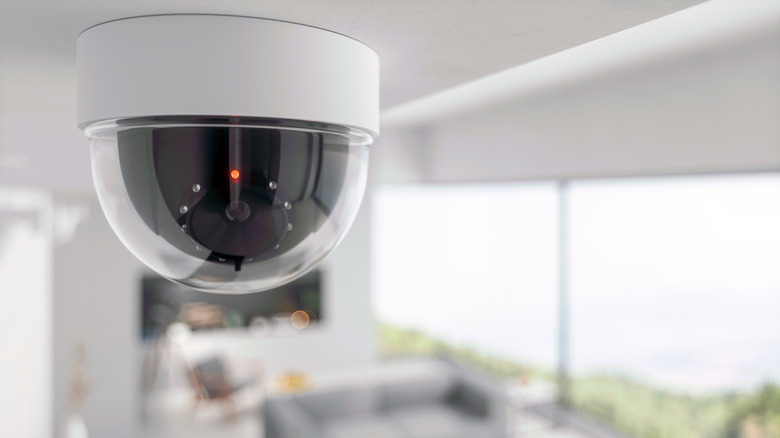
Investing in a modern home security camera system allows you to check on your home no matter where you are. Home security cameras come with advanced technology that provides a sense of privacy and protection: You can view the camera through your smartphone, get alerts sent to you, and check in on things 24/7. They also may be quite long-lasting, meaning you won't have to upgrade year after year just for added security.
There are a few things you should know before buying a security camera, and one of them is how long they tend to last. On average, a home security camera can last anywhere from three to five years. Many may be able to last up to 10 years if taken care of, regularly updated, and managed properly. Knowing what to do to ensure your security camera lasts several years is important and can save you money on future fixes, new cameras, and replacement parts.
There are several factors that can play a role in reducing the lifespan of a security camera as well. Leaving them outdoors in severe weather, connecting them to a poor power source, and not following recommended maintenance steps can all cause damage to a home security camera. However, there are tricks you can use to better protect your security camera so it lasts as long as you need it to and longer.
How long can you expect a home security camera to last?
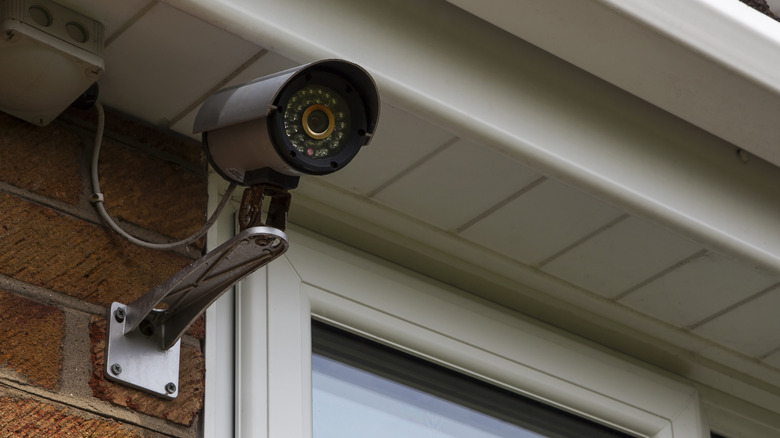
You can reasonably expect a home security camera to last anywhere between three and five years, with about 10 years being the upper bound realistically — but it all depends on how you take care of the device. Leaving it installed, whether that's outside or inside, without ever checking on it is never a good idea. Extensively using certain features on the camera can also wear it down. Then there are external sources of degradation, such as weather, humidity, and faulty power supplies, that all impact the health of a home security camera as well.
As it's a piece of technology, using a home security camera will gradually cause it to break down — that's just a fact of owning any smart device. However, using more advanced features, such as recording all day every day or leaving infrared mode (IR) on constantly, can also reduce the lifespan of a home security camera and system.
Where your camera is installed can also impact its health. This can be true for wireless and wired security cameras, as both function in similar ways. Wiring for a camera should be carefully run where it can't be damaged by outside forces. Make sure the mounting system is strong as well so the camera doesn't move or blow down in a storm. Weather can also impact the health of a home security system by exposing it to moisture, humidity, and drastic changes in temperature. It's also smart to protect your cameras from power surges and make sure they are plugged into the correct outlets.
Ways to make your home security camera last longer
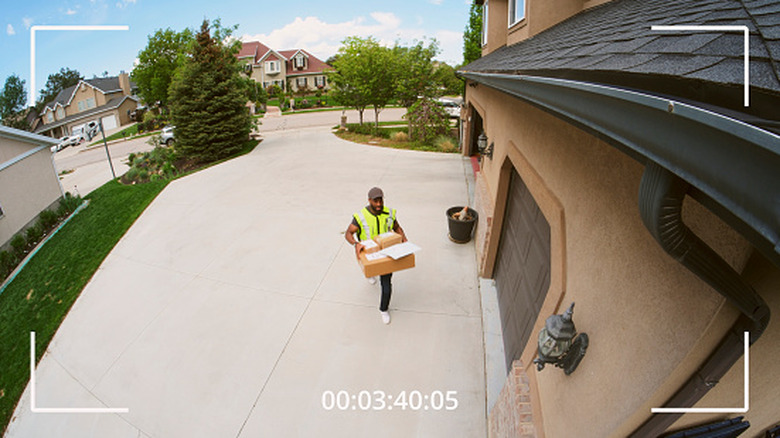
If you want to make sure your home security camera lasts as long as it is able to, there are a few things you can do to take special care of it. These can include performing routine manual inspections on it, cleaning it, checking its mountings, replacing its batteries, turning off any unused or unneeded features, and updating it with new software when it is released.
To extend your camera's life, consider checking on it every now and then to make sure it's clean and not damaged. This can be done routinely each week or monthly. Wipe down the lens with a microfiber cloth to prevent smudges, then check cables and inspect mountings and brackets to see if they are loose. Plus, you can use this time to replace or recharge the batteries if they are getting low.
If you constantly record with the camera, you may want to reduce how often you do so. Recording for long periods of time can wear down camera components, plus it can take up valuable storage space on either an SD card, external drive, or the cloud — you can find a few home security cameras with local storage, too. The same goes for turning off any features that you may not need to have enabled during the day, such as IR, which you may be able to configure to turn on only at certain times.