

These Are The 5 Most Annoying Things About iOS 27
We may receive a commission on purchases made from links.
iOS 27 debuted in September 2026, with Apple's latest take on the iPhone's operating system having two main focuses: fixing bugs and presenting the all-new Siri AI. While the company somewhat succeeded with Siri, it's hard to say that Siri AI is flawless. When the personal assistant works, it's great, but most of the time, it's just guessing information, getting data wrong, and just being largely unreliable. Among the most annoying things about iOS 27, in addition to Siri AI, are the iPhone always indexing (which leads to battery drain), iMessage being terrible while syncing data, and generalized iPhone Duo bugs if you've bought into Apple's new foldable smartphone.
These are some of the most annoying issues I've found on iOS 27 so far, and other users on social media, Reddit, and other outlets seem to be reporting similar experiences. While Apple might be able to fix some of those with the upcoming iOS 27.3 update, the truth is that iOS 27 is far from being the Mac OS X Snow Leopard or macOS High Sierra that we were all waiting for.
In fact, while this new operating system lacks many new features, it also has not addressed old bugs and introduced a whole host of new ones, among other nuisances. To help you understand what you're getting into, here are some of the most annoying things about iOS 27, based on my experiences and those of other users.
Siri AI
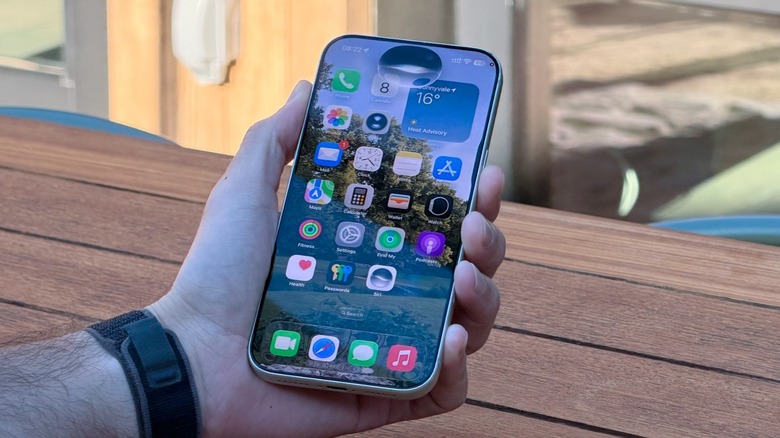
Beginning with the star of iOS 27, Siri AI is far from being flawless. Even though Apple can say that the personal assistant is still in beta, there's a lot at stake with Siri. After all, the company's personal assistant has been flawed and lagging behind the competition for years. Worse than that, Apple promised a new experience with iOS 18 a couple of years ago, and it was incapable of introducing it until iOS 27. Now that the new Siri AI is finally available and can tap into personal information, we have been discovering its limits and issues.
For me, Siri AI struggles to find information on its own stock apps, including iMessage, Notes, and Calendar. For example, when I asked Siri to remember a conversation I had with a friend about books, it suggested completely random titles, even though it had been a fairly recent conversation on iMessage. Another thing is Visual Intelligence, as it tends to get addresses completely wrong. In general, while I don't expect any AI to be omniscient, I would love it if the new Siri AI could just admit when it doesn't know something. After all, I know how to search for information online or on my phone, but if Apple says Siri can do that for me, I'd love to use it as well — I want to be able to trust the output, though.
Lastly, there have been a number of times where Siri AI was simply unavailable, whether Apple's server was down or the personal assistant would just keep thinking, thinking, thinking, and not return a response ever. Again, some indication (or admission) of failure would help me know when I should move on to another option.
Indexing issues
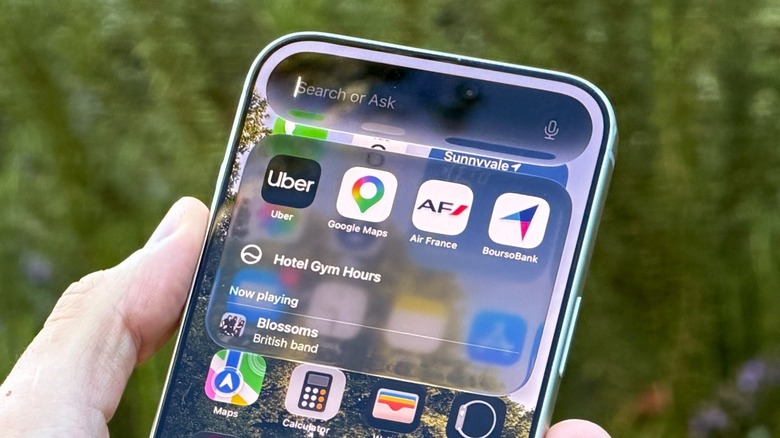
Before iOS 27 was released, Apple launched one more iOS 26 update that offered a very important feature: indexing your data for the upcoming Siri AI and iOS 27 system. The selling point was that, once you downloaded the new operating system, you wouldn't have to wait for days to have everything working properly, nor experience a huge battery drop on your first experience with the new system. On paper, this feature felt like everything an iPhone user would hope for. In practice, it never worked as intended. With my previous iPhone, whenever I was running the iOS 27 beta, it would index Siri after every update. It continued to work like that until I downloaded the official build. However, by iOS 27.0.1, I saw that my phone was continually indexing.
When I upgraded to the iPhone 18 Pro Max, the same thing happened. While I do understand that indexing happens on-device and it's OK to wait once, the same happened when I downloaded iOS 27.2 for the first time. Even though the iPhone properly indexes after a couple of days, it takes a long while until everything goes back to normal, which means excessive battery drain for at least a week.
I opted out of the iOS 27.3 beta, but my friends report that the new version continues to index Siri every other week. It's always tricky to know how long that process will take to finish, which often leaves users keeping their iPhones charging for hours at a time just waiting for it to be fully usable again.
iMessage syncing problems
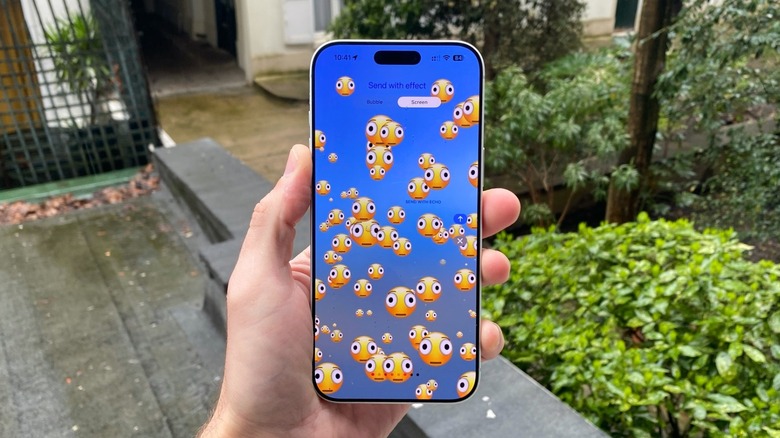
This is personally one of my favorite iOS bugs: iMessage syncing problems. It didn't start with iOS 27, and I'm sure it won't end there, either. If you're a heavy iMessage user, I'm sure you've been kicked out of a long-time group after someone switched devices, changed the name or photo of the group, and so on. Other common issues include a message arriving on the iPhone but not on the iPad, a photo taking ages to download thanks to the new iOS 27 feature that prioritizes text over images, and people's contacts completely disappearing.
To be fair, iMessage can be a great experience since it allows you to access your messages on your wrist, on a HomePod, or on your Mac while you work. But it can also be a horrible experience that leaves you with an entire chat history that never really syncs, older messages that never load, and unrecoverable voice messages that tend to disappear after the initial listening. Unfortunately, for all these issues, we might have to wait until a new software update for a fix. In the meantime, maybe the best tip is to use iMessage less, as other famous messaging apps such as WhatsApp or Telegram don't seem to suffer from these issues.
Ever-learning keyboard
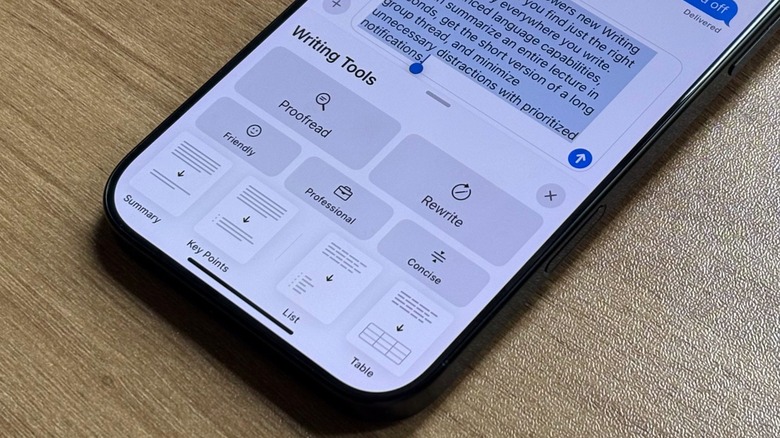
Whenever I install a major iOS update, like iOS 27, it seems like my iPhone keyboard completely forgets how I type. And then, there are two issues: The most obvious one is that all the slang, my own words, and preferred structures are forgotten. The second one is that bilingual keyboards on iOS are just horrible. For example, if you come from a Latin language full of various types of accents and character combinations, but you also happen to write in English most of the time, you'll see the keyboard trying to discover what you're typing and always getting it wrong. For instance, you might want to write the word "so," but iOS 27 automatically corrects to "só" (alone) in Portuguese.
When Apple first introduced the bilingual keyboard, I thought it was a step in the right direction of finally offering a more multilingual approach for people who speak in more than one language. But, as it turned out, the best option is often to keep multiple keyboards, but also force your Portuguese keyboard to understand English, or vice versa. Eventually, after an upgrade, the keyboard does seem to somewhat understand you again, but it's a long process. That problem can be mitigated by turning off auto-correction, but it's an ongoing struggle since each update may turn the feature back on and undo the learning you've set into motion.
Generalized iPhone Duo bugs
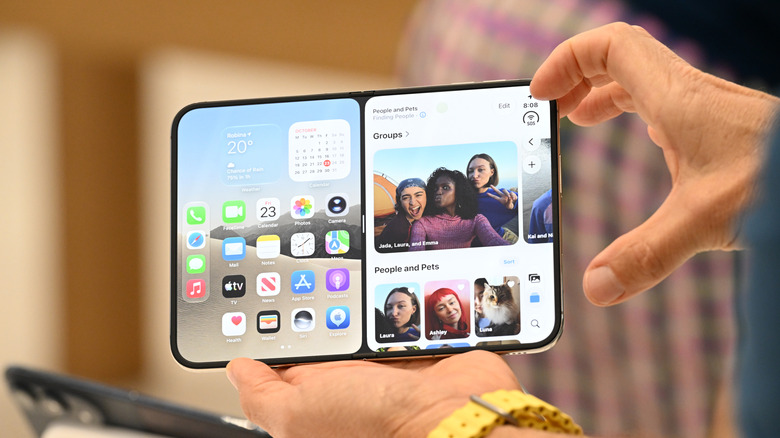
Last but not least, it's impossible to talk about the most annoying iOS 27 bugs without mentioning the current state of the operating system on Apple's most expensive iPhone to date, the iPhone Duo. While the foldable arrived with iOS 27.1 and immediately got an upgrade to iOS 27.2, the consensus is that the upcoming iOS 27.3 is the one to watch. That version will hopefully fix the unreliable unlock with Apple Watch feature, overlapping menus, the system pointing to the wrong location for the Touch ID button, and so on.
Still, iOS 27.3 is a beta release, which isn't all that encouraging for anyone hoping to avoid possible compatibility issues, the battery draining quickly, and other issues with their brand new super phone. For now, some of the bugs iPhone Duo users suffer from include difficulty reaching certain areas of the display, a front screen keyboard that feels broken or awkward, and an annoying Touch ID unlock feature.
While bugs on a new operating system are normal, we're talking about a phone that starts at $1,999 and, on top of these software issues, has left buyers with a sour taste for other reasons. Some customers, for example, have complained that their iPhone Duo's inner hinge breaks without warning, sometimes in the first few hours after the person picked up the phone, and others a few days later. Even though Apple calls these isolated cases, we're still keeping an eye on whether the issue becomes more widespread.