

Is Your Fitbit Air Health Data Secure? Here's What You Should Know
We may receive a commission on purchases made from links.
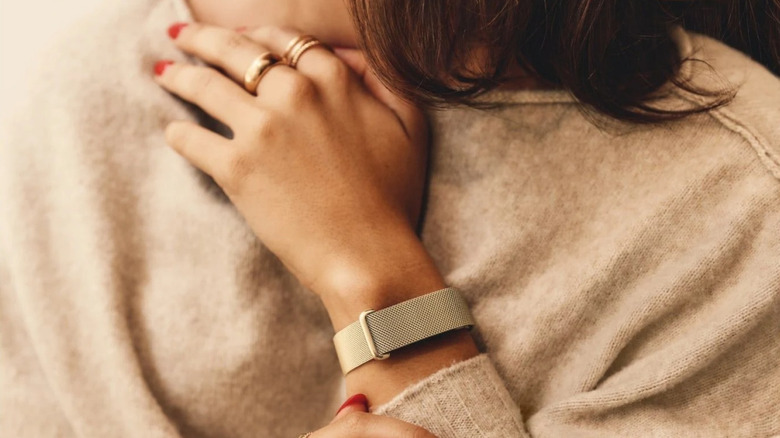
The Google Fitbit Air is popular with folks who want round-the-clock health tracking without another glowing screen in their life. Paired with the Google Health app, it can track biometric data, like heart rate and blood oxygen levels, alongside info like when you go to bed and wake up, menstrual cycles, your age and weight, and some new Fitbit Air features. But despite not having a display, this gadget is collecting all kinds of personal health data and Google needs to be keeping it secure.
The big thing to note here is that none of this data is protected by HIPAA; federal medical privacy rules only cover doctors, hospitals, and insurers, not consumer wearables. Google and other fitness tracker or smartwatch makers are legally allowed to sell or share your data. And although Google says it encrypts Fitbit Air data and offers two-step verification for its accounts, it's understandable to wonder if that alone is enough to keep your health data safe.
Google states plainly that it doesn't sell user data, and though some health metrics can be shared with outside entities for research, this is only done if you explicitly allow it. In some cases, users might not know this or if any third parties are actually receiving their data. And if you're wanting to link to a third-party app on your end, knowing where Google's safeguards stop and personal responsibility starts is as important as it gets.
How to protect your health data from third parties
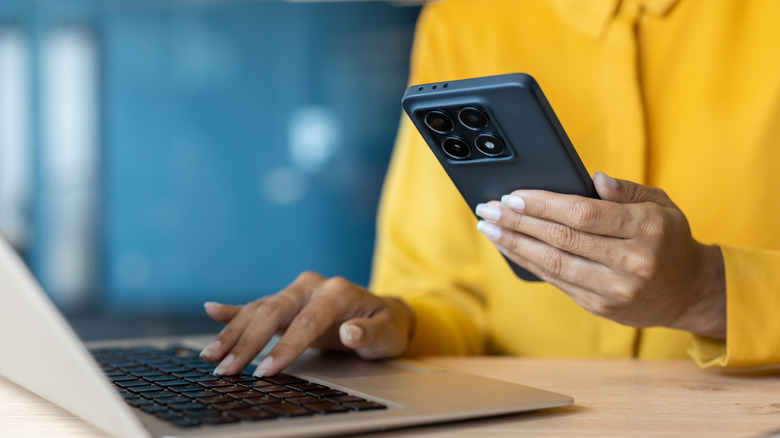
It's up to you to trust Google's privacy policy and what it'll do to protect your information, but you should also consider staying vigilant when it comes to third parties. Linking your Google Health account to third-party apps for nutrition, sleep games, workout platforms, or even employer wellness portals can in some cases authorize them to create and keep a separate copy of your data. Once that data leaves Google's servers (and its privacy measures), it falls under the receiving app's privacy policy — not Google's. Your data could be safe and sound there, but it also could be shared or sold to advertisers or data brokers.
Similar issues happen with social features and workplace perks, for example. While Google removed community groups and public feeds when it moved Fitbit into the Google Health app, weekly friend leaderboards remain active. Joining these can share data from your Google account, such as your name, email, and profile photo, and doing so can also share step counts and cardio load with connected friends. Likewise, corporate wellness programs can potentially get regular activity summaries if they're trying to lower healthcare costs.
Locking down your Fitbit Air takes only a few minutes of tinkering in your settings. Open the Google Health app, tap Connections, and select Partner apps (or Manage Health Connect) to disconnect services you no longer use or trust. Next, limit phone location access for GPS to only run during workouts, and if you prefer, turn off any research sharing you may have opted into. Also take a moment to look at the policies and permissions of any connected third-party apps, too — it's the best way to protect your health data whether you use the Fitbit Air or one of its alternatives.