

How To Tell If Your AMD CPU Is Actually Slowing Down Your Computer
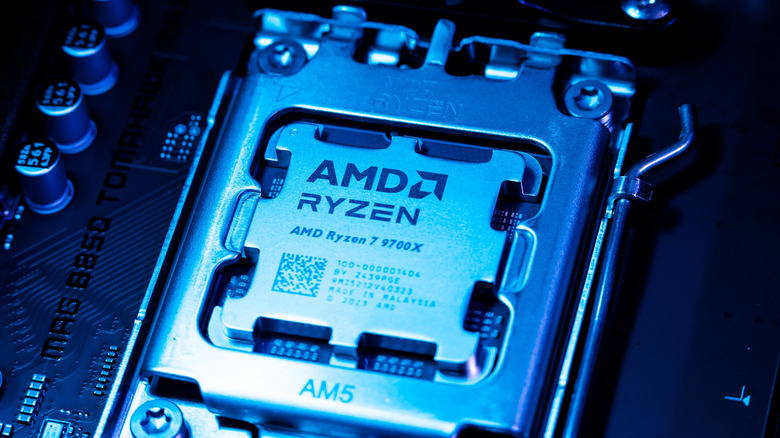
Mainstream AMD CPUs like the Ryzen 5 5600X and Ryzen 5 7600X are some of the most popular in the world today among both PC gamers and those looking to complete productivity tasks on their systems. More capable CPUs like the Ryzen 7 7800X3D also serve as viable choices for higher-end performance — but what if your CPU isn't exactly performing like you had hoped and you're experiencing worse-than-expected gaming performance or hitches during everyday use when trying to push your processor to its limits?
Pairing the wrong CPU with a high-end GPU, for example, can hold your system back and slow it down when playing the latest AAA titles. Similarly, a poorly maintained CPU can quickly run into thermal management issues, preventing it from reaching its intended boost clocks. Such instances highlight when your computer is held back by your CPU, whether it be due to a CPU bottleneck, thermal throttling, or even a malfunctioning CPU.
How to check if your AMD CPU is causing a bottleneck
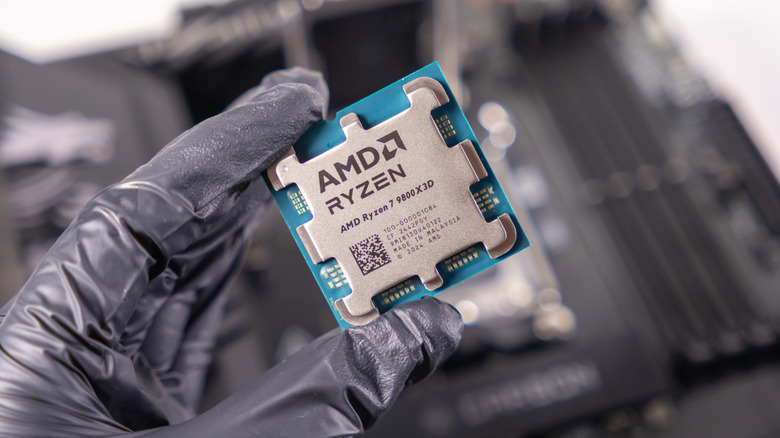
A CPU bottleneck is very relevant when using a PC mainly for gaming. In the instance that a weaker CPU is paired with a stronger GPU, the latter is effectively left to wait for the CPU to catch up. This can become particularly problematic when playing CPU-intensive games like "Cyberpunk 2077" or "Warhammer 40K: Space Marine 2" at lower resolutions.
In gaming results, this can lead to the GPU being underutilized. To test if you have a CPU bottleneck, install monitoring and overlay tools like MSI Afterburner and RivaTuner Statistics Server (RTSS) and check metrics like CPU usage, GPU usage, 1% lows, 0.1% lows, and so on. If your CPU usage is high and GPU usage stays at or below 90%, this is a clear sign of a CPU bottleneck. Moreover, if you notice small stutters during gameplay that show up as poor 1% and 0.1% lows and find that lowering resolution and graphics settings in games yields little to no results, this is further evidence that a CPU bottleneck is limiting your performance, since CPU usage becomes more relevant as the resolution decreases.
For example, testing shows that a Ryzen 5 7600X can bottleneck a GPU like the RX 9070 XT in a CPU-intensive game like "Battlefield 6." In such a case, consider upgrading your AMD CPU. You can also try overclocking the CPU or increasing the gameplay resolution. The latter should help shift the load to the GPU, potentially reducing the impact of the CPU bottleneck to a degree.
How to check if your AMD CPU is throttling under load
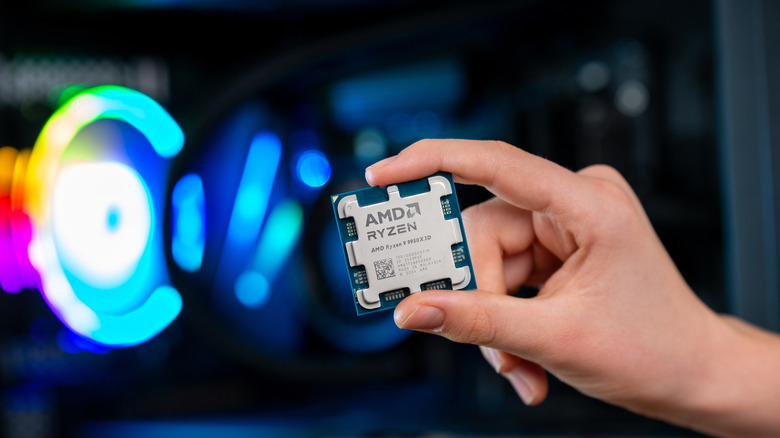
One reason your CPU may be performing worse than expected could be potential throttling under load. CPUs generally tend to run hot when under a lot of stress and load, such as when running applications like Blender or playing demanding games. This is normal, but each CPU has a maximum temperature, after which it begins thermal throttling to prevent damage. For example, AMD lists 203 degrees Fahrenheit as the maximum operating temperature for the Ryzen 5 7600X. If the CPU reaches this threshold, it is no longer able to maintain its maximum boost clocks of up to 5.3 GHz.
To check for thermal throttling, you can once again rely on a tool like HWiNFO64 to monitor CPU Core Speed and CPU Package Temperature. Running a game or stress test should show up as consistently high temperatures and rapidly dropping CPU clock speeds in HWiNFO64 if thermal throttling is the culprit behind your underperforming CPU.
Addressing the problem requires ensuring your CPU is adequately cooled and equipped to handle excess heat. Therefore, you should replace the thermal paste if it is dried out, then thoroughly clean your entire PC, including the CPU cooler fan. It may also be a good idea to upgrade to a stronger CPU cooler if you're using a higher-end CPU like the Ryzen 7 7800X3D.