

Here's When Upgrading Your CPU Might Be Worth It
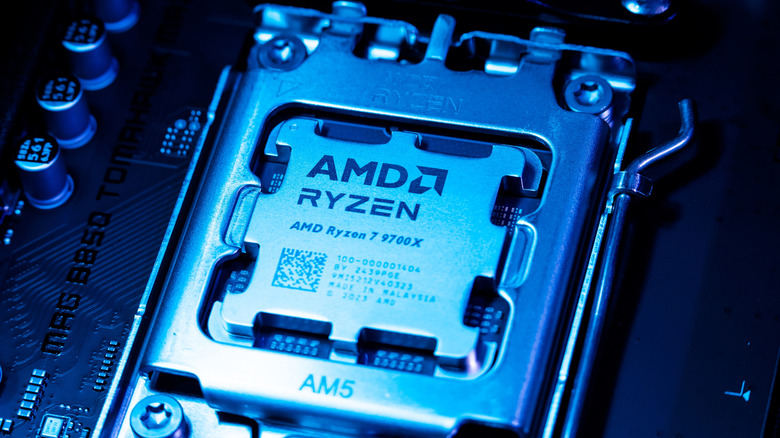
PC gamers enjoy the flexibility of upgrading their systems, and that is perhaps one of the best perks of owning a PC. If you choose your components wisely from the start, there won't necessarily be a need to replace everything when performance needs change. Instead, you can identify which component is holding the PC back and upgrade it according to your needs.
The CPU is one of the most important components in a PC, but knowing when to upgrade it can be tricky. With more attention often placed on the GPU and other components, it can be easy to overlook the CPU. However, when your CPU is consistently near the 100% mark, the games you play are CPU-limited, video editing and exporting take time, 3D rendering takes too much time, and you regularly run a few CPU-heavy applications at the same time; if your PC slows down during any of these processes, that is when you need a CPU upgrade. Heavy usage can slow down PC performance when the CPU becomes the main bottleneck on your PC.
What to consider when upgrading a CPU
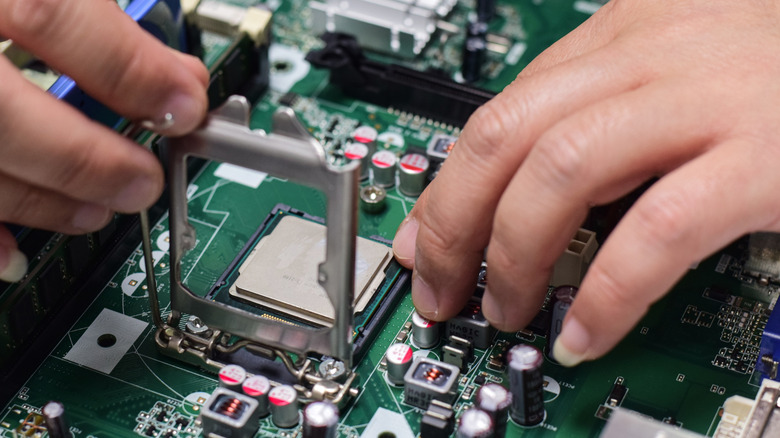
CPU upgrade makes sense when you play CPU-intensive games and do not get enough frames per second. Some of the games that are CPU-intensive are "Counter-Strike 2" (when targeting very high frame rates) and "Civilization VII" (at higher performance). Also, if you are gaming at lower resolutions like 1080p, the GPU has fewer pixels to render, which allows higher frame rates. This shifts the bottleneck toward the CPU, which makes CPU performance more important in high-FPS gaming. So, if the CPU is the limiting factor here, it is important to upgrade it.
Now, gaming isn't going to be the main reason: Video editing, 3D rendering, and heavy multitasking are equally important. So, if CPU-heavy video-editing tasks are taking way too long, then upgrading the CPU would make sense. This would not only improve performance, but also reduce export times. Other than that, 3D rendering is heavily related to the CPU, so the faster the CPU is, the faster the render will be.
In the case of multitasking, the CPU isn't necessarily the only important thing, as RAM also contributes a lot to performance. However, multitasking typically involves several CPU-heavy workloads like Premiere Pro, Blender, Google Chrome or any other browser, and compiling code; these will often push your CPU close to 100% consistently. Performance will likely be affected, meaning in that case, a CPU upgrade may be necessary if your PC is slowing down. Ultimately, the main thing you need to look for is whether the CPU is becoming the main limiting factor in your system.
Do I need to do anything after upgrading my CPU?
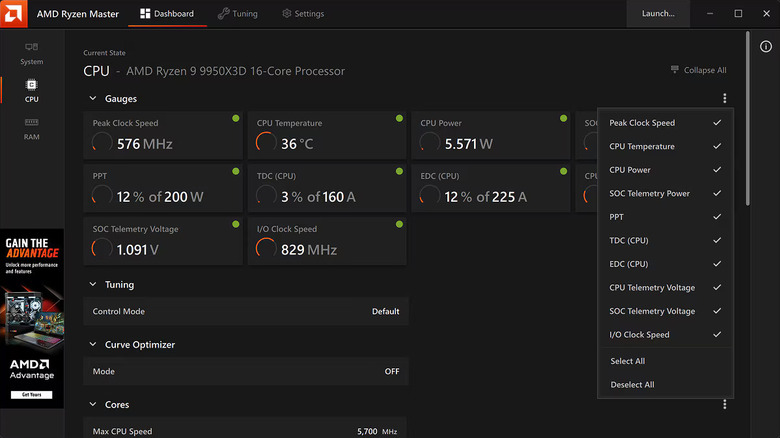
Generally, after upgrading to a newer CPU, there isn't much to do. Simply boot the PC and enter the BIOS/UEFI to make sure the newly installed processor is being detected correctly. Similarly, if your BIOS reset during the upgrade, you would need to check if the RAM's XMP/EXPO profile is enabled. Then, once you are in Windows, simply monitor the CPU temperatures for the first few days to check if anything is out of the ordinary.
However, if you do see a sudden rise in temperatures, especially close to or over 80°C, then maybe the thermal paste wasn't applied correctly. There may also be an issue with the cooler, either air or liquid. So, make sure to check if it is seated properly. That said, this is more alarming when your CPU reaches 80°C during normal usage. If it reaches that temperature during any demanding task, that is normal, but for a newly installed CPU, it is worth investigating.