

You Should Upgrade Your Old HDMI Cables - Here's Why
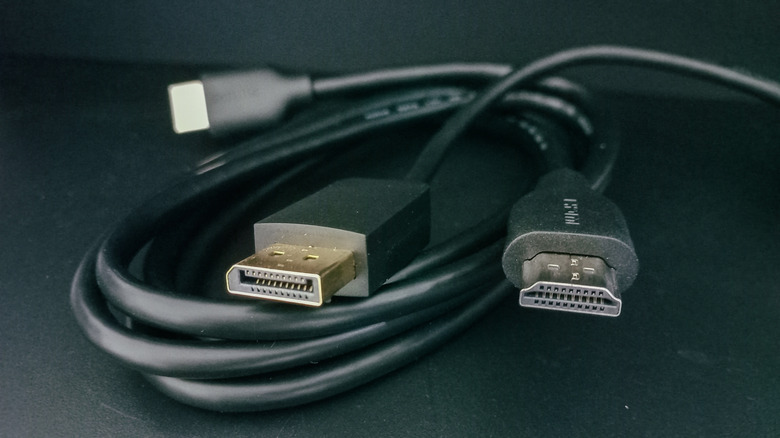
We may receive a commission on purchases made from links.
HDMI technology has made it so much easier to consolidate the audio-video connections between our TVs, projectors, soundbars, and many other AV devices. Since its inception over 20 years ago, HDMI has also seen a number of upgrades, which is why there are multiple HDMI standards. Starting with HDMI 1.0, several generational leaps have landed us at HDMI 2.1 in the present day, a protocol that introduced features like 4K/120Hz, universal lip-sync correction, and Quick Media Switching.
But even if you run out and buy a brand-new 4K TV to take advantage of 2.1 capabilities, you won't be getting the best picture and sound quality if you don't have the proper HDMI 2.1-rated cables to hook up all your gear. That's especially true for owners of next-gen consoles like the PlayStation 5 and Xbox Series X, which both use HDMI 2.1 to output 4K at up to 120fps — the golden standard for gaming enthusiasts.
While HDMI 2.1 was introduced in 2017, it's not uncommon to have older-gen cables hanging around the house — especially since HDMI 2.0 is only four years older than the 2.1 protocol. Fortunately, most HDMI cables are backward-compatible, so you won't have to worry about which HDMI port to use on your TV.
Finding the right cable is easier than you think
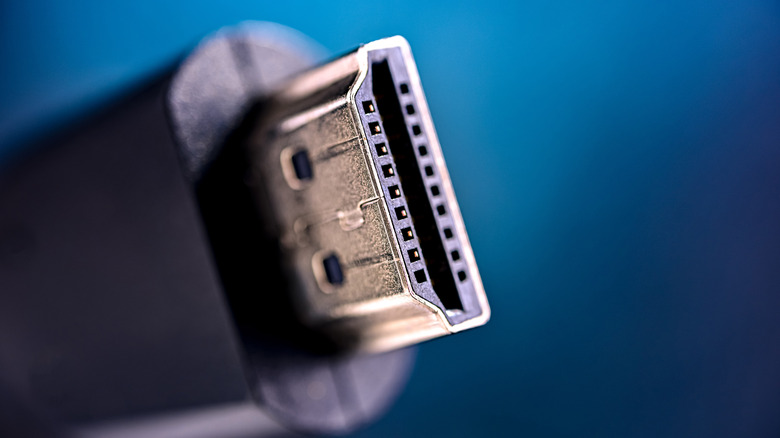
Luckily, it won't cost you an arm and a leg to get your hands on an HDMI 2.1-rated cable. Amazon Basics — Amazon's budget-friendly house label — sells a 6-foot HDMI 2.1 wire for less than $10 (as well as a 10-foot version for $12). We can also recommend this slightly fancier 6.6-foot Highwings model, and we have a couple of shopping tips for you, too.
If the online product page or in-store packaging for an HDMI cable doesn't explicitly mention HDMI 2.1, look for "48Gbps." That's the maximum data throughput supported by the standard, and a reliable shorthand for a 2.1-rated cable. You can also check for the "Ultra High Speed HDMI" label, a designation introduced by the HDMI Licensing Administrator to clearly identify cables that meet the full 2.1 spec.
It also pays to know how many HDMI 2.1 ports your TV, soundbar, or AV receiver has, and which inputs they are. Some TVs relegate HDMI 2.1 to the HDMI ARC or eARC connection — which you'll want to be aware of if you plan on hooking up an HDMI-ready soundbar or home theater system. Fortunately, most audio devices can still connect to your smart TV without using an HDMI cable.