

Blinking Red Light On Your Hisense TV? Here's What It Means
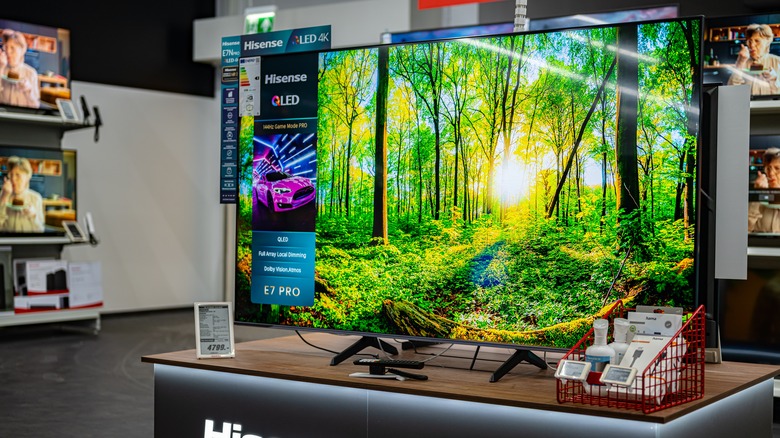
There's no shortage of budget-friendly TVs on the market these days. That said, if you're looking for the best cheap TV brand according to customer satisfaction, you should be shopping for a Hisense set. The China-based manufacturer produces TVs that deliver great picture quality and reliable performance. If you were wondering why Hisense TVs are so cheap, it mostly comes down to vertical integration, reduced profit margins, and less premium tech on entry-level models.
But what do you do if you went out and bought yourself a 65-inch model for your living room, only to find a blinking red light on it a couple of months later? Fear not — because, most of the time, a blinking LED indicator is actually quite normal. Hisense TVs will blink when you turn the TV on, and they'll usually do the same when you power it down. Of course, it should be pretty obvious if your Hisense TV is working correctly. It's when you see a blinking red light and your set isn't working that there should be cause for concern.
When to worry about a blinking red light
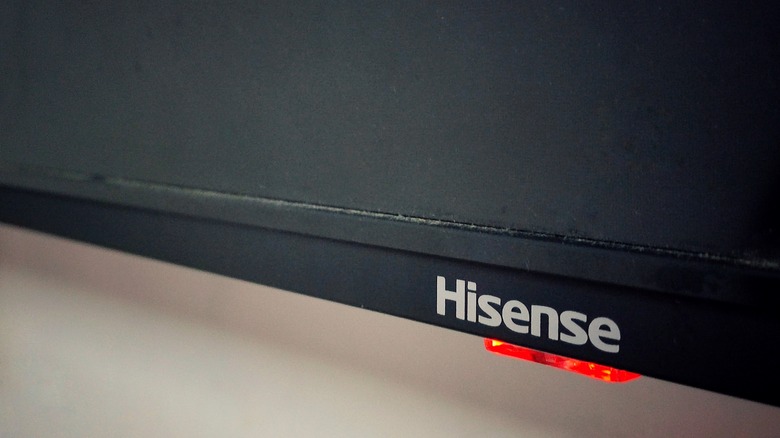
Even though we ranked Hisense as one of the six most reliable smart TV brands out there, they can still encounter problems. If your Hisense TV has stopped displaying a picture or sound, that red blinking light more than likely means there's a hardware issue.
Before you go ripping apart your TV, however, we recommend a couple of troubleshooting tips first. Start by checking all of the connections leading into and out of your Hisense TV. If you see any bends or breaks in an HDMI cable or another AV wire, this could be the culprit. If everything seems okay, you may want to try soft resetting your TV. To do this, unplug all connections from the TV — including the power — then press and hold the TV's power button (not the one on the remote control) for about 60 seconds. Then, wait about 10 to 15 minutes before plugging the TV back in. This allows the set to dispel any remaining charge. Reconnect everything, then plug your TV back in and power it back on.
If you're still experiencing blink codes and issues after a soft reboot, your next best move is to contact Hisense. If your TV is still under its manufacturer's warranty, you may be eligible for a repair or even a full replacement.