

Do Different Ethernet Cables Really Matter? How You're Slowing Down Your Internet

Generally, wired internet speeds are faster than Wi-Fi connections, which means hardwired devices plugged in including MacBooks, game consoles, and PCs will deliver much better performance and reliability for things like online gaming, media streaming, and file sharing. But what some may not realize is wired Ethernet cables, like wireless networks, have their limits. Not every cable is created equal, and in fact, some cables can actually throttle bandwidth or internet speeds.
Ethernet cables are classified by a "Cat" rating, which stands for category. The Cat rating of the cable actually denotes the generation, with older generation cables only capable of slower speeds. For example, Cat5 cables max out at 100 Mbps. Compare that to Cat5e or Cat6 with a maximum of 1Gbps, or Cat6a with up to 10Gbps speeds, and there's a huge difference. Notably, there are also Cat7 and Cat8 cables, but those are for massive operations like data centers or digitally-focused businesses with lots of traffic.
Here's the tricky part, though. The lowest cable denominator determines the maximum speed for an entire connection. If you use a network switch to bridge two cables, using a Cat6 and a Cat5; even with the higher bandwidth cable, you'll only get the lower 100Mbps speeds. The oldest and slowest cable will create a bottleneck. A common symptom of slow internet, over a wired connection, is using an older, slower cable. The good news is its easy to check. Most cables specifically say on the shell, or jacket, which type of Cat rating they have. Cat5 will be labeled as such, versus Cat5e, Cat6, and so on.
How different Ethernet cables affect connection speeds
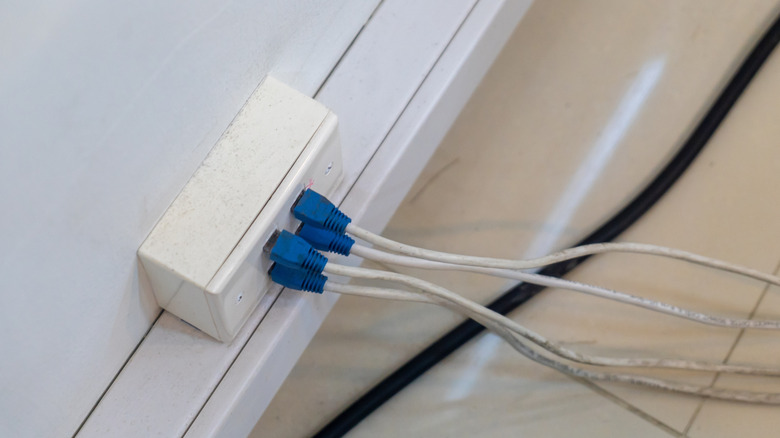
If you're running the cables yourself through your home or property, then chances are you'll know the Cat rating of what you're using. If you've routed your own Ethernet cables in the past, you may have just relied on what was available without checking, which could mean there are older cables in the mix. But beyond you being the culprit: Sometimes, when builders wire a home, they include Ethernet cables and ports. Depending on how old the home is, it's entirely possible they may have used older Cat5 cables.
A home built in 2006, for example, might not include the latest Cat model cables in the home wiring. Cat6a wasn't ratified until 2009, with Cat7 and beyond coming much later. In addition, just because they launched in a particular year, doesn't mean they were commonly available or widely used immediately in consumer Ethernet cables. Despite being available as early as 2001, Cat5e didn't become widely used until 2002-2006.
It's also possible when you purchased Ethernet cables at the store, you may not have been paying attention to their category. Either that, or you acquired unlabeled Ethernet cables. Internet Service Provider technicians, for example, sometimes provide extra unlabeled or random cables when they install a new modem or router in your home. It's also totally possible to set up a wired Ethernet connection without installing cables all over the house — you use a MoCA adapter instead — but that, too, has a limitation on speeds, around 2.5Gbps depending on the adapter.