

You Can Get Over 500 Free Live Channels With A Roku Streaming Stick - Here's How
We may receive a commission on purchases made from links.
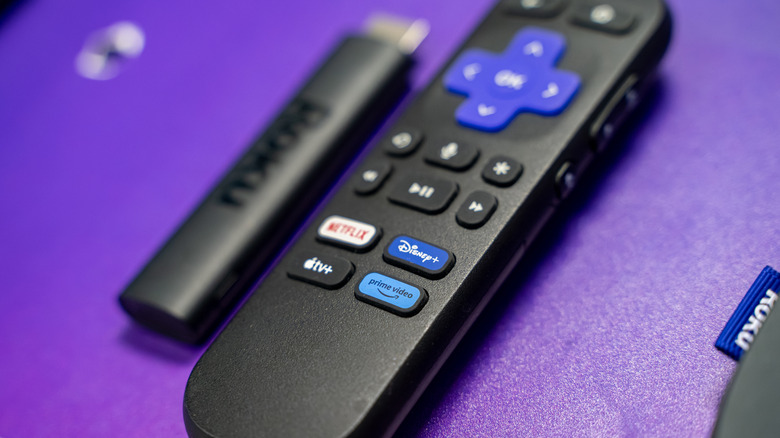
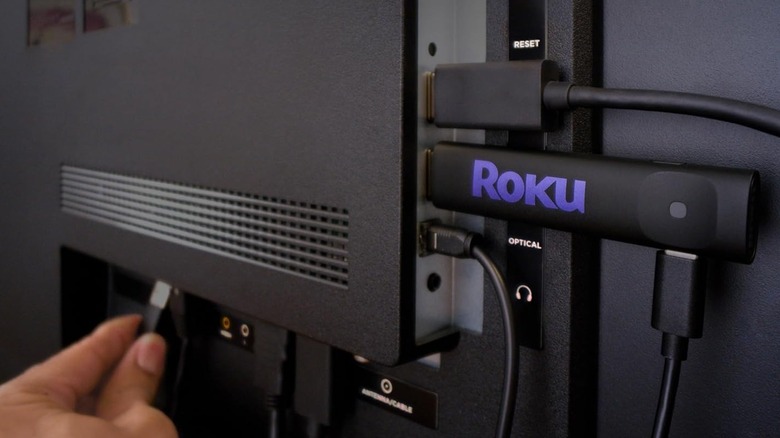
The Roku Streaming Stick lineup is one of the most cost-effective on the market. For as little as $30, a Roku Streaming Stick lets you run thousands of entertainment apps on your TV, including popular platforms like Netflix, Hulu, and HBO Max — on top of extra applications like Apple AirPlay and Google Home.
Roku is also a good choice for cord-cutters, since the device has numerous apps (referred to as Streaming Channels) that offer massive libraries of movies and TV shows for free. But what if you're looking for a way to stream your favorite local channels for free? While you can always hook up one of the best indoor TV antennas to pick up broadcasts in and around your zip code, you can try the Roku Channel, which is home to over 500 free live channels. It's also free to download, and you can easily find it by using the Search option on your Roku home screen. If you select Streaming Channels, it should be listed as a featured app.
When you launch the Roku Channel, you'll be on the Home tab. Use your remote to navigate to the left column of options and select Live TV. You'll then be taken to the Live TV menu, where you'll be able to scroll through categories like Featured, Trending Now, and Recommended For You. The Live TV page can also be sorted by genre and content type (such as news, sports, and holiday specials).
A great streaming option hiding in plain sight
Not only does the Roku Channel offer a trove of free live TV channels, but it also lets you link certain paid subscriptions — including MGM+ and Discovery+ — to your Roku account for even more movie and TV show options. But even if you just want to use the Roku Channel to watch local news, keep in mind that the platform is ad-supported. Commercials typically run anywhere from 15-30 seconds long, and can occur at the start of, at the end, or right in the middle of a show. This is similar to other ad-supported streaming services like Pluto TV and Hulu with ads, which means you should expect a viewing experience that feels a bit closer to traditional cable than to premium, ad-free streaming.
Still, the trade-off is getting access to a massive library of on-demand movies, classic TV shows, and themed live channels without paying a monthly fee. Watching such occasional ad breaks is how you indirectly pay for the service, and it's what lets the Roku Channel stay as a free alternative on top of your other premium streaming apps.
Other tips on how to take full advantage of your Roku Streaming Stick can further improve your experience, and utilizing the Roku Channel is a brilliant way to make the most of your plug-and-play Roku streamer or Roku-powered smart TV.