

4 Clever Uses For Your Old Apple Watch
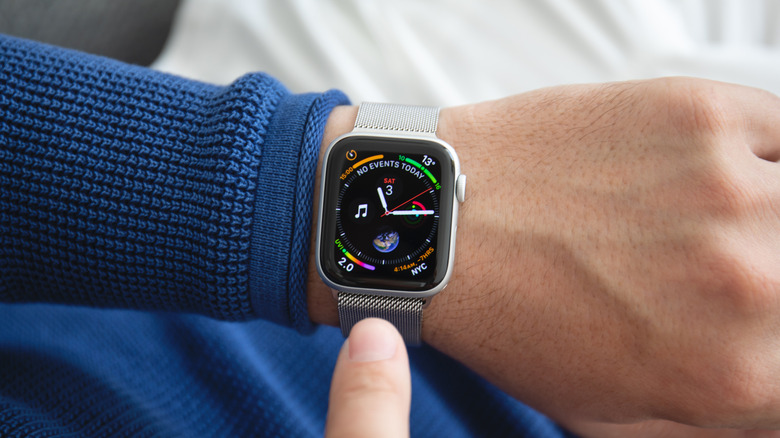
Having the opportunity to upgrade a device is pretty exciting — especially when you're cracking the cellophane on a new Apple product. Getting ahold of something like the Apple Watch Series 11 can be a fun experience, but then the challenge of finding a use for your old device arises. You can properly recycle or sell it, of course, but it's worth knowing that there's some other options available.
Taking a look at the list below, your old Apple Watch can be fantastic for a grandparent, help you sleep at night, act as a backup for certain activities, or even be transformed into a retro-looking Apple product. Most of these ideas will simply require having the Apple Watch, but at least one idea does involve purchasing an extra accessory. We also did our best to let you know when certain ideas may require additional research regarding the specific model of your Apple Watch.
From Apple Watch features that might fly under people's radars, to watchOS 26 providing plenty of reasons to upgrade, getting a new one certainly isn't a bad decision — but there's still plenty of experiences to be had with your old one. Check out the ideas below to see if any of them can spark a bit of creativity for your old device, as an Apple Watch wasting away in a sock drawer somewhere isn't ideal.
Make your old Apple Watch into a dedicated sleep tracker
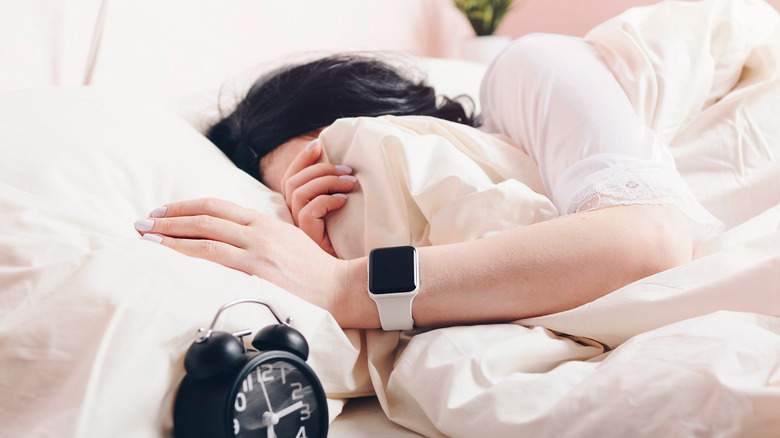
Using an iPhone, iPad, or Apple Watch to track your sleep is pretty easy to set up, and if you have an older version of a Watch, using it solely to track your sleep, and act as a secondary alarm, can be a great way to get some extra use out of it. So long as the device supports watchOS 8 or later, you can use your old Apple Watch to track your sleep, allowing your new device to charge or rest alongside you.
An Apple Watch is capable of tracking how long you spend within each stage of sleep, including REM, Core, and Deep sleep (if you're using watchOS 9), and it can also determine if you're waking up in the middle of the night. Getting started is as simple as navigating to the Sleep app from your Apple Watch and following the instructions.
Once you dive fully into the Apple Watch's sleep monitoring functions, you'll be able to set a sleep goal, limit notification distractions with Sleep Focus, and more. You can easily view your metrics within the Sleep app, or you can also view them through the Health app on your iPhone by opening the app, tapping the magnifying glass icon, and selecting Sleep. Lastly, you can also set alarms from your old Apple Watch, and it can simply buzz to wake you when you activate Silent Mode from Control Center — which may be ideal for a partner that's still trying to get some shut-eye.
Turn your old Apple Watch into a modern iPod
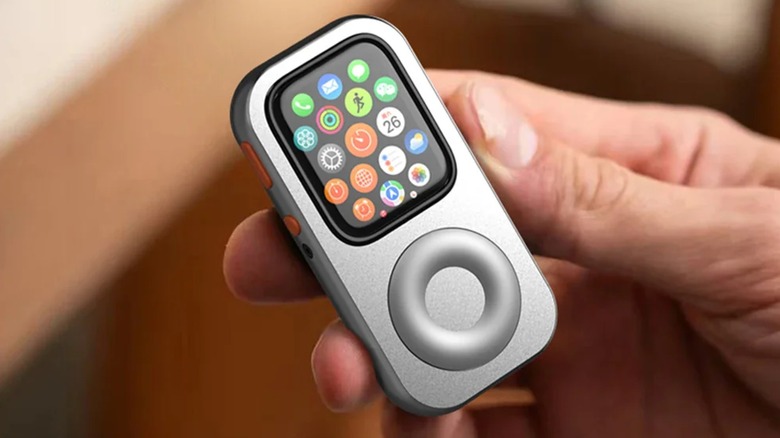
A solid protective case can be a wise investment, but one that provides cool secondary functions can offer so much more. For the iPhone, there's the GameBaby case that also serves as a retro gaming controller. For the Apple Watch, the RePod C1 from Beaverlab is a $49.90 accessory that gives it the style and functionality of a classic iPod while retaining everything great about your old smartwatch.
The RePod C1 supports a wide-variety of Apple Watch models, including the Apple Watch Series 4 through 9, and the SE first, second, and third generation — so long as they're 44mm or 45mm in size. The body of the RePod not only features that classic iPod look (with controllable click wheel), but also acts as a protective case. What's even cooler is that the case supports any features that the Apple Watch does, meaning you can use Apple Pay, or transfer music to your Watch and use it as an MP3 player.
For those that like options, there's also the tinyPod for $79, which supports 41/40mm, 45/44mm, and 49mm models. They also offer a soft case that has no scroll wheel for $29, which can be good for anyone that just wants the look but can do without the wheel functionality. For anyone that misses their old iPod and has an Apple Watch laying around, this can be a great way to bring new life to your old smart wearable.
Use your old Apple Watch for extreme activities
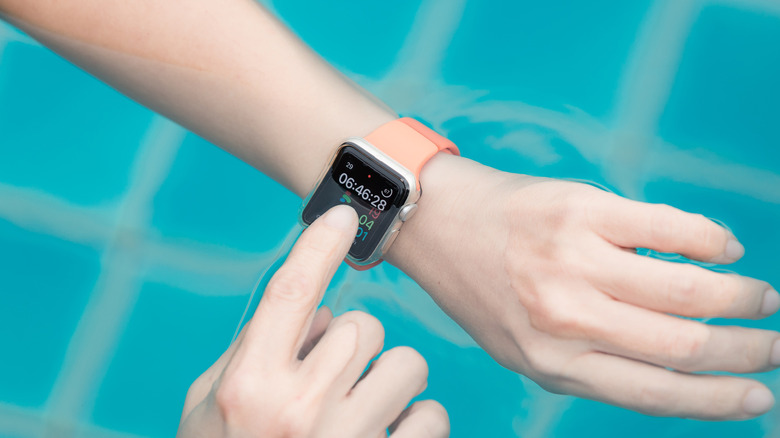
Having a new Apple Watch is great, but there may be some activities or adventures where taking your new device can be risky — and you just can't swing the $800 price tag of the Apple Watch Ultra. While other models of the Apple Watch can handle a variety of activities — the product lineup offers some of the best fitness apps, after all — if you know you're going to be doing something that can put your Watch in jeopardy, maybe bringing an older model along is a wise decision.
There's more than a few situations where doing so may come in handy. For example, when it comes to an Apple Watch and it being water-resistant, there's more than a couple of things you should know, so taking an older device to the pool can be a great way to ensure your new one stays safe. Since an Apple Watch can track a ton of different workouts – including Functional Strength Training, Indoor/Outdoor Running and Walking, Surfing, and more –- you can use the older Watch for tracking activities while keeping your new Watch pristine.
For those that love closing their Activity Rings every day, so long as both Watches are still connected to your iPhone, you'll be able to close your Rings on one Watch without worrying about closing them on the other, as the data is sent to your iPhone. So if you know you have a big day of rock climbing or jetskiing ahead of you, leaving your new Apple Watch at home and taking your old one may be the smart move.
Give your old Apple Watch to a grandparent
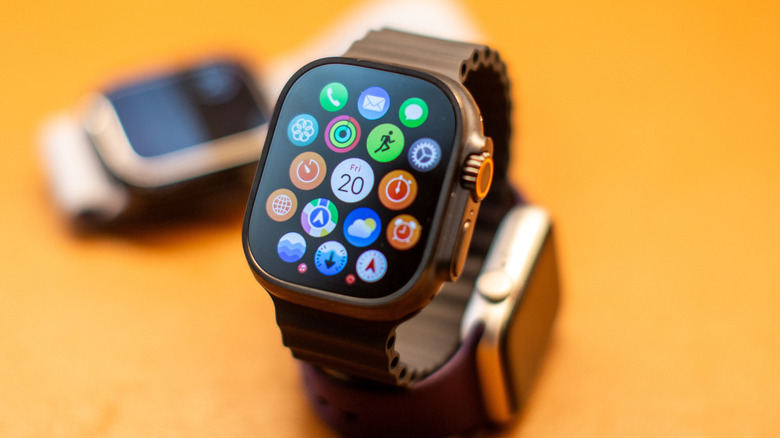
There's plenty of reasons to get an Apple Watch yourself; between hidden features you should use everyday to some of the most essential apps you need to install, there's a lot to like about the product. Something really nice about these devices, however, is that they also have a rather impressive amount of health features that can be beneficial for loved ones who happen to be older.
For starters, there's more than one story out there about Apple Watch's Fall Detection features saving someone's life, and in January 2025, the SOS Alert feature saved a skier after a 1,000 foot fall. These standout examples come in addition to other health tracking features provided by the Apple Watch, including Sleep Tracking, a heart rate monitor, and more. You'll need to do some research for the specific features your Watch has, but there's a good chance you'll find something useful for the senior in your life.
While things are easier if the grandparent in question has their own iPhone to connect with the Apple Watch, there's still some options if they don't. So long as you have an iPhone, you can set the Apple Watch up for a relative with Apple Watch For Your Kids, meaning they can use many of the Apple Watch's features without the need for their own iPhone. However, they will miss out on some big health features by employing this method, such as Blood Oxygen and Sleep tracking, so having their own iPhone is more ideal. The Watch will still have heart rate notifications and Fall Detection, however, so it can still make a great accessory for an older individual.