

12 Common Windows Apps You Should Uninstall Immediately, According To Experts
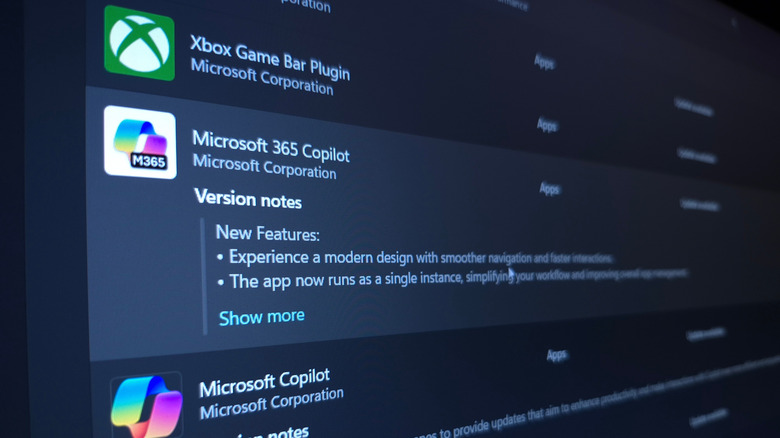
Windows gets a lot of flak from users for having more bloat than macOS or Linux, and rightfully so. The term "bloatware" is synonymous with a fresh Windows install, to the point that there are custom user-created PowerShell scripts, such as Win11Debloat, for removing pre-installed apps. For people setting up a new PC, whether it runs Windows 11 Home or Pro, the amount of preloaded software is a legitimate concern.
These unwanted programs go beyond being generally useless for many people. Many of these apps run quietly in the background, consume system resources, and slow down startup times. All of these issues negatively impact performance, especially if you're using older or less powerful hardware. Moreover, many bundled applications send telemetry data back to Microsoft. While a lot of the data is used for debugging and improving the software experience, some privacy-minded users have expressed concerns regarding this telemetry. Finally, many of these apps are redundant (offering functionality already present elsewhere), riddled with ads, or simply outdated when compared to modern alternatives.
Since some Windows apps have hidden and useful features, we'll be leaving those alone. Our ultimate goal is to help you optimize your Windows experience and lower resource allocation, so the list below will only focus on apps that experts widely agree are safe to uninstall.
Microsoft Solitaire Collection

Microsoft Solitaire Collection is a sort of gaming hub that includes games such as Mahjong, Sudoku, Minesweeper, and, of course, Solitaire. This app comes pre-installed on many Windows devices, and despite the dated design, it still offers a fun collection of games to pass the time. Unfortunately, the app is heavily monetized. On the current version of Windows 11, whenever you launch a game inside the Solitaire collection, you're greeted by an ad below and to the side of the game window.
Furthermore, games are limited to a windowed resolution. If you try to click the full-screen button in the top-right corner, the app hits you with a "Get Premium" button. Yes, to go into full-screen mode, you have to pay for a subscription that costs about $20 per year (depending on the region). This monetization model is a shame, especially when classic games like "3D Pinball" and "Purble Place" were completely free on older versions of Windows.
ZDNet's Ed Bott admitted that he enjoys the games, but he also confirmed that the ads are too intrusive. The ads that are on the side or at the bottom of the screen are tolerable, but the fact that users are bombarded with a full-screen ad in the middle of a game is quite bad. There are many free games out there that are less intrusive, such as "2048."
Microsoft News and Weather
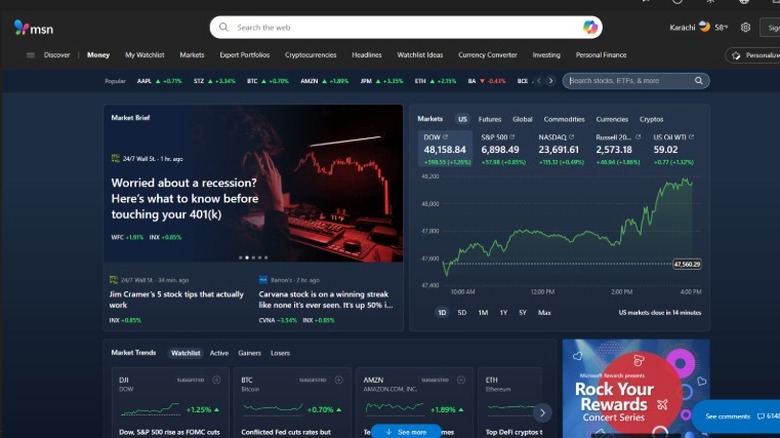
Microsoft News and Weather are two separate pre-installed Windows apps, but we're bundling them together here because they have the same issues. First off, News and Weather are now directly integrated into the Windows 11 taskbar and Start menu, which already makes both apps a bit redundant.
To make matters worse, both apps are slow to launch, and I found them to be surprisingly sluggish when checking them before writing this article. The weather widget is much quicker, as it always displays the current temperature in the taskbar, and clicking it provides a more detailed breakdown of both the weather and news.
Both Microsoft News and Weather serve very little functionality as separate apps, and they're actually simple web wrappers for the MSN/Microsoft Start service. This means they run a browser engine in the background to pull data, which consumes unnecessary resources. Tom's Hardware reported that after an update back in 2024, Microsoft added more ads to the Weather app. All the more reason to uninstall it.
Outlook
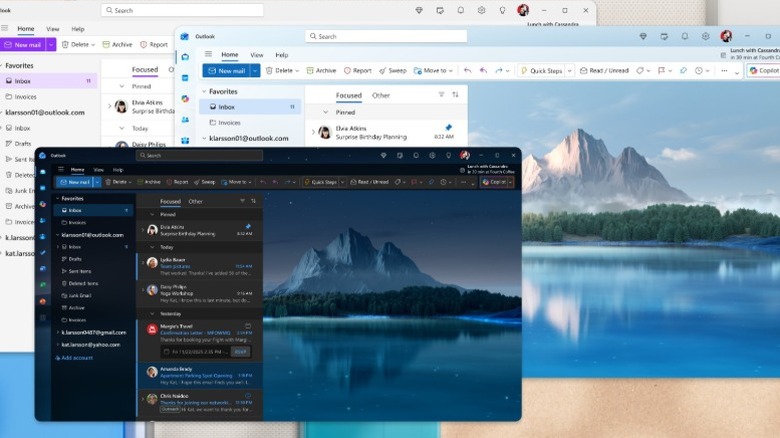
Rather than being a native Windows application, the new Outlook app is effectively a web wrapper for the Outlook website. This new app replaces the classic Mail and Calendar apps, and Microsoft heavily pushed this change on users. Unfortunately, most people don't find it a very welcome change. Since the new Outlook is built on web technology (WebView2 Runtime), it consumes much more memory than the older, native Mail app, as confirmed by Windows Central.
This indirectly leads to performance issues, including delays I noticed when clicking between menus. Beyond performance, the app has sneaky, difficult-to-spot ads that look like legitimate emails. How-To Geek highlighted this action in its analysis of the app. Of course, the only way to get rid of these apps is to pay for a Microsoft 365 subscription, which starts at $9.99/month for the Personal plan.
Finally, the fundamental design choices here make it functionally inferior to the old Mail app. The modern Outlook lacks a proper unified inbox; push notifications are often unreliable; and the Settings menu is strangely hidden away. The Outlook app also exists on Mac and is free to use, but the reviews on the App Store aren't favorable there either.
Microsoft 365 Copilot
We have said in the past that Microsoft 365 is a great value for Windows users, and that is still true. Unfortunately, if you don't use Microsoft's 365 services (Copilot, Word, Excel, Outlook) and don't pay for the subscription, the Copilot app itself is a mess. For the purpose of writing this post, I used this app for a couple of days to test it out. Since then, Microsoft decided that I must really like the app and now forcefully launches it during startup every time.
The name itself is also very confusing. It's not just the Copilot app; It's a rebranded version of the Microsoft Office app, which has nothing to do with the separate Copilot app (which is also pre-installed). As a standalone program, there's very little functionality due to it being a basic web wrapper that requires an internet connection. Clicking on the built-in shortcuts, such as Word or Excel, takes you to their respective websites. You can just bookmark those sites or use Google Workspace instead.
ZDNet's scathing write-up detailed even more flaws: increased subscription prices, unreliable Copilot AI functionality, and unnecessary RAM usage. Microsoft's strategy of pushing the Copilot brand everywhere is poorly executed and creates unnecessary confusion in the process.
Xbox App and Game Bar
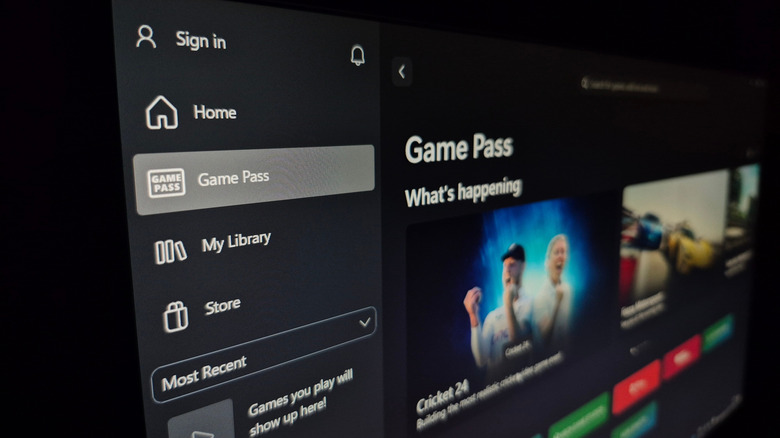
For anyone who is not an active PC gamer, the entire suite of Xbox-related programs is unnecessary system bloat. This includes the main Xbox App and the Game Bar. The former is actually a decent game launcher for those who use Xbox Game Pass, but it's a redundant pre-installed app for everyone else. If you're one of the many who cancelled their Game Pass subscription after the price hike, you're better off uninstalling it.
The bigger offender here is the Xbox Game Bar. Now, this isn't necessarily an app that you can uninstall but a feature you have to disable within Windows settings. Game Bar offers real-time FPS monitoring, game recording, and social features, which are, once again, useless features for anyone who's not a gamer. The pain here is if you accidentally launch it with the Win+G shortcut, Xbox Game Bar will start running useless background processes.
Even if you are a gamer who uses Game Bar, XDA's findings showed how far behind it is in terms of functionality. It doesn't hold a candle to apps such as OBS Studio, MSI Afterburner, and the Nvidia GeForce app in terms of features and customization.
Media Player
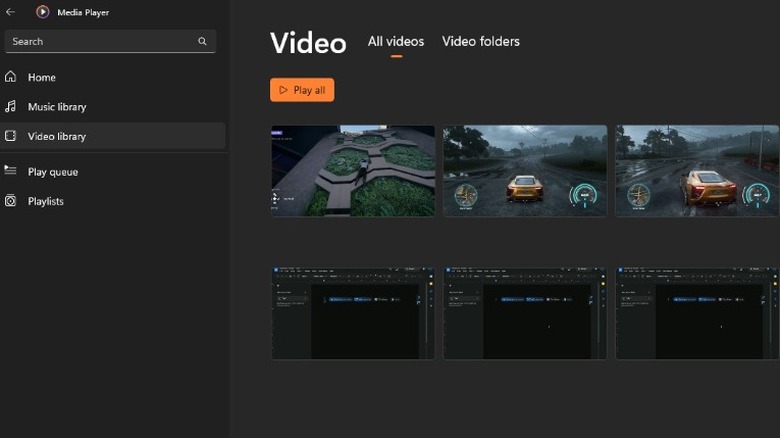
On the surface, there's nothing functionally wrong with the built-in Media Player; It plays your songs or videos, organizes your library, and supports basic playlist creation. However, compared to free, modern alternatives, Media Player is severely lacking in terms of features. The app's most critical flaw is its limited codec and file format support. XDA compared the Media Player and VLC and highlighted how Windows' built-in player doesn't support the AV1 codec. For those who don't know, AV1 is a modern file format that enables higher video quality at smaller file sizes.
VLC is a much better open-source alternative with newer features that are always under active development. The program will soon incorporate on-device AI for offline subtitles and translation, which is a feature you won't find on Media Player. Media Monkey is another strong alternative that offers advantages such as auto-tagging, CD ripping, and file conversion. So, while the Media Player is not an egregious or intrusive app, its lack of modern features makes it incomplete for power users. You're better off replacing it now than waiting until you run into an unsupported file format.
Third-party Antivirus Software
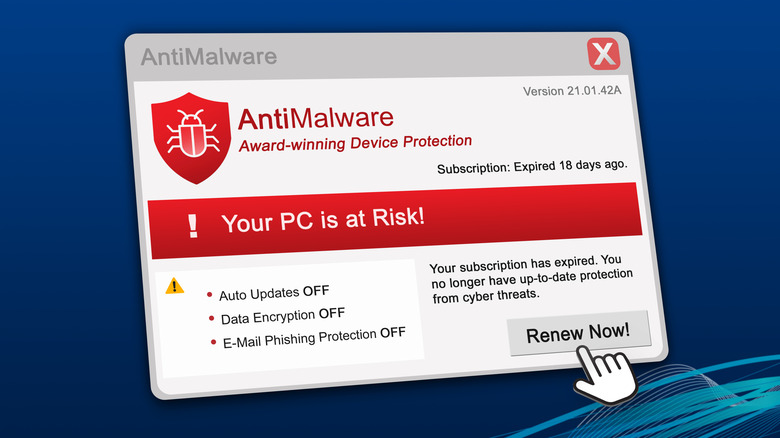
Third-party antivirus programs such Norton and McAfee still come pre-installed on many Windows machines, and they are less useful than you think. PCWorld unveiled McAfee's deceptive marketing tricks to lure you into paying more, touching on the intrusive ads and pop-ups. Protecting your PC is important, but you don't need to pay upwards of $100 per year to do so.
According to CNET, the Windows Security suite included with Windows 11 is highly reliable on its own. Microsoft Defender, included in Windows Security, is free, customizable, and robust. You get real-time protection, ransomware defense with Controlled Folder Access, and a negligible impact on system performance.
In stark contrast, third-party antivirus software can often prove intrusive and hog unnecessary system memory. As long as you keep your PC updated, don't disable Windows security, and incorporate good practices (use 2FA, avoid sketchy emails, update OS regularly), you don't need to drown yourself in antivirus subscription fees.
Microsoft Clipchamp
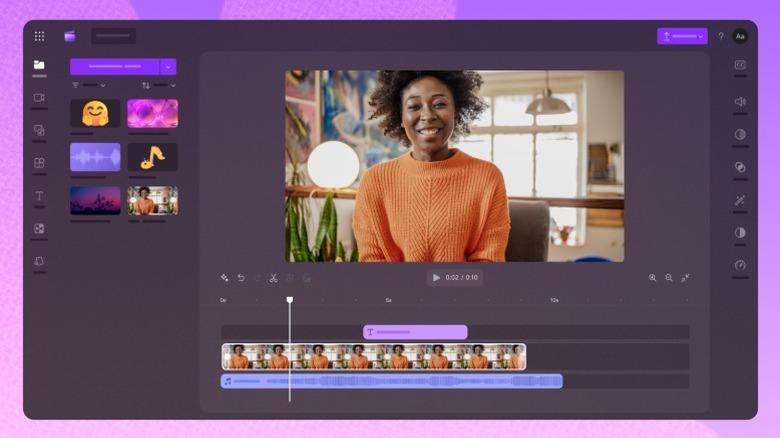
Microsoft Clipchamp is admittedly a decent app for editing short clips and getting started with video editing. It's included with Windows, comes with plenty of templates, and offers a good number of usable filters. However, Clipchamp is closer to Apple's iMovie than it is to a full-fledged editor like Premiere Pro or DaVinci Resolve.
While Clipchamp is free to use, the free version limits export resolution to 1080p, lacks any support for cloud backups, and forces ads on you to buy the premium version or Microsoft 365. PCMag's review of Clipchamp highlighted the slow export speeds and lack of advanced features like keyframe effect editing. Again, the app is perfectly serviceable as a basic video editor, but not one you should pay for when the free version of DaVinci Resolve is much more powerful.
Then there's also the fact that a lot of people just don't edit videos as a part of their daily workflow. If that includes you, Clipchamp is perfectly safe to uninstall.
Microsoft To Do
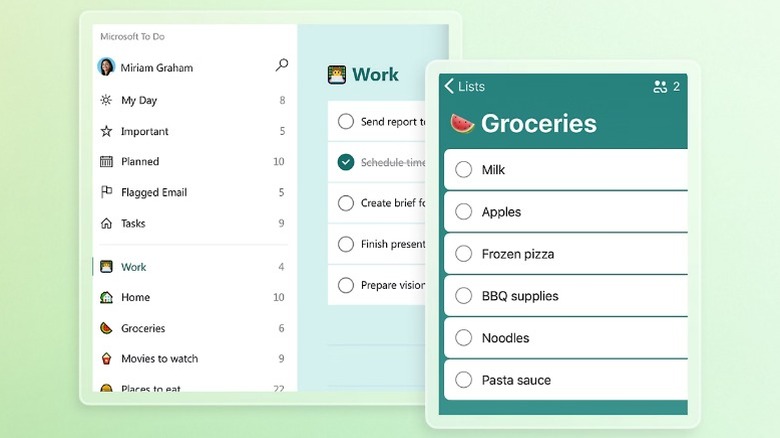
A lot of people use Microsoft To Do for work, simply because their workplaces rely on it. The app integrates nicely with Outlook and Microsoft Teams, and it lets you flag emails and messages automatically as tasks. Microsoft To Do comes pre-installed on Windows 11 and offers a clean interface, but it's less robust than alternatives such as Todoist or TickTick.
PCMag criticized To Do's lack of advanced search capabilities, natural language input, and the fact that you can't add details to subtasks. In an app like TickTick, you can just type "Meeting with John on Wednesday at 5 p.m.," and the app will automatically set the date and time for the task. Microsoft To Do lacks this functionality, so you have to do it manually. Search results aren't great either, since you can't perform an advanced search like "tasks due next week." Microsoft To Do is simply missing essential features that competitors offer by default, and unless your company uses Microsoft To Do, you should go with a better alternative like Todoist, TickTick, or Asana.
Movies & TV
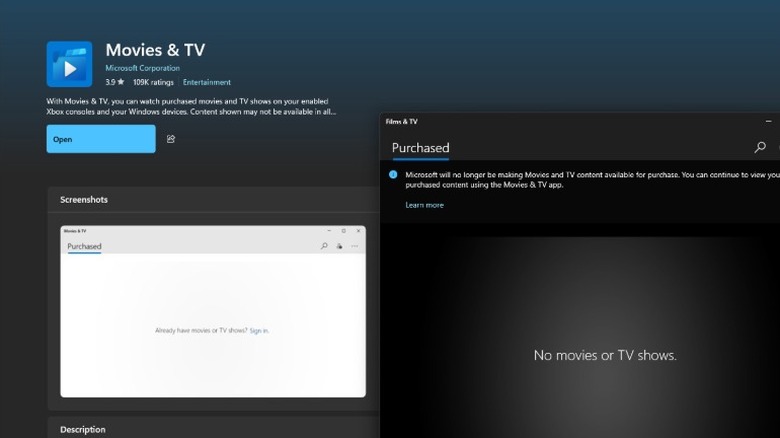
Movies & TV is one of those pre-installed Windows apps that exist while offering little to no functionality. Originally, the app served as a digital storefront and media player where you could buy content to watch. Back in July 2025, Microsoft disabled this service, meaning you can't actually buy or rent any new movies or shows. The program now only exists so you can watch the stuff you already own on the platform.
Now, if you have content that you purchased through the Movies & TV app, you'll likely want to keep the app installed. According to Microsoft, movies and TV shows are ineligible for refunds, which is a shame for people who made recent purchases expecting the service to stick around. You now essentially have to move to a different service to expand your library of content. As for those of you who don't have any pre-existing stakes in this platform, you can safely uninstall the app.
Maps

Many people never bothered with Microsoft Maps, and a large portion of users likely never even launched it. Even if you do want to use it today for some reason, launching the Maps app will just tell you that the service has reached the end of support. That's right, this is yet another pre-installed Windows app that serves no real purpose. Even launching the app gives you an uninstall button then and there.
If you have a Windows PC that was originally updated to version 24H2, you won't find this app. However, anyone who bought a Windows desktop or laptop before October 2024 likely still has this relic sitting around for no reason. Fun fact: The Maps app dates back to the Windows Phone era, and it never quite managed to compete with its major alternative, Google Maps. Shutting down Microsoft Maps also causes an unintentional issue: The default Windows Photos app can no longer render functional, interactive maps of where photos were taken.
Sound Recorder
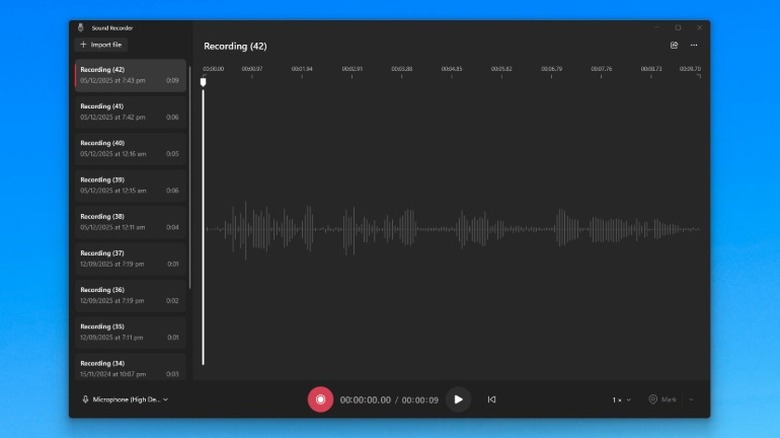
Sound Recorder isn't a particularly bad Windows app; it's just very basic and offers limited functionality. As the name suggests, you can use Sound Recorder to record voice notes, but that's pretty much it. There are no speech-to-text transcription or translation features, which you'll find in the Recorder app on Google Pixel phones or the Voice Memos app on iPhone.
The Sound Recorder app (formerly known as Voice Recorder) does let you share recordings with other apps, such as WhatsApp, Outlook, or directly to your phone through Nearby Share. However, it's much easier to just directly record a voice note with WhatsApp or Outlook and send it using the app. It's also easier to use your phone for such tasks in the first place. Admittedly, I occasionally use this app to check if my mic is working, but even that doesn't matter much when dedicated apps and websites exist for that exact purpose.