

Never Plug These Five Devices Into Your Phone's USB Port
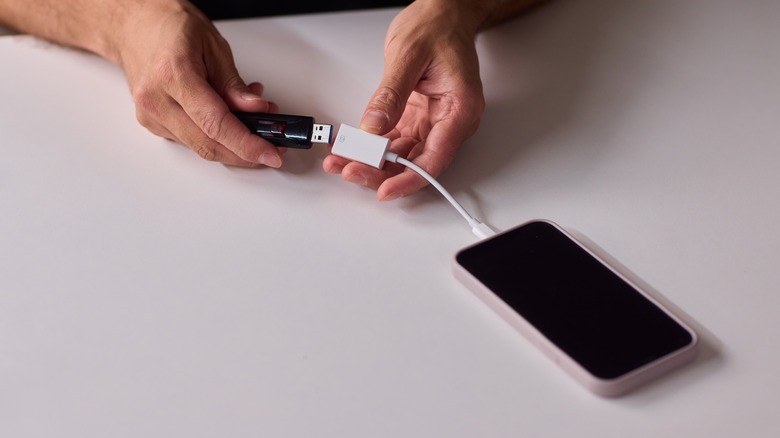
Your smartphone's USB port is not only used for charging the device, but also supports data transfer, OTG flash drives, external hard drives, and some third-party accessories. But using an untrusted or uncertified accessory can affect your device's battery health and even compromise your personal data. Smartphones these days feature large batteries that brands claim can last all day, yet they often drain in a few hours, even if you use the phone for basic tasks like browsing the web and using some everyday apps. For those who rely on their phones to make payments, check flight boarding details, or send important work emails, it's challenging when the battery is really low while commuting to work or travelling. In such cases, it's often tempting to use a public charging station to power up the phone or use cheap cables with fast-charging power banks to get the phone's battery levels up quickly.
Some people even plug in trendy accessories like mini fans, LED lights, or an endoscope camera into their phones via the USB port. Connecting an external device via the USB port can put your personal data and your device at serious risk. For tasks like transferring data or turning your phone into an endoscope camera, such devices may seem handy, but plugging them into your phone can have serious consequences. Here are some devices that you should never plug into your phone's USB port.
Uncertified fast chargers
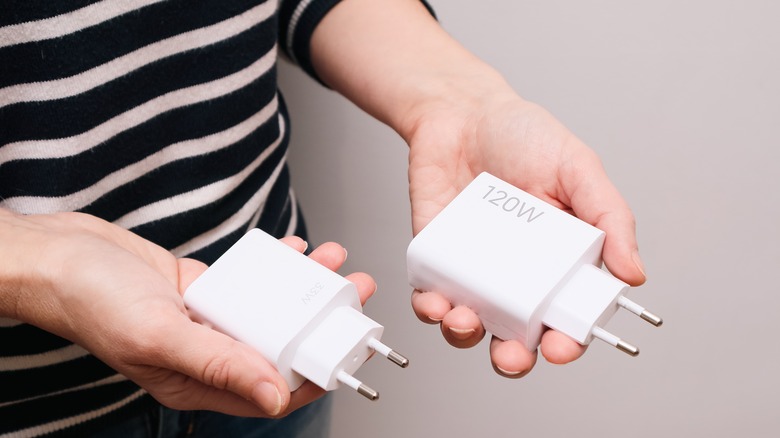
Most smartphones these days feature large batteries that last long on a single charge but take their own sweet time to charge fully. Some Android and Apple flagships typically support 30–45W fast charging, while some phones from brands like Xiaomi and OnePlus even support fast charging at 100W or higher. They use USB Power Delivery (PD), a protocol that lets the phone and charger set safe voltage and current levels for faster charging. These phones take roughly 50-70 minutes to fully charge. But some cheap and uncertified third-party chargers offer 60W to 120W charging, claiming they can charge your phone in a few minutes. While they do charge your phones faster initially, these chargers can do more harm to your phone's battery health. Unlike certified chargers from trusted brands, cheap chargers don't manage heat and current safely. This causes the phone to overheat while charging, which can damage internal hardware as well. Moreover, poor voltage and current regulation can damage the charging port and, in extreme cases, melt the switches or sockets. It's better to invest in certified chargers, even if they take longer to charge your phone.
Chargers from trusted brands like Anker, Belkin, or your phone's manufacturer cost $25-40, but that's far cheaper than the repair cost of a flagship phone. For more charging efficiency, you can also consider GaN (Gallium Nitride) chargers from reputable brands. These chargers handle electricity more efficiently than silicon-based chargers, delivering better, more stable charging.
Cheap charging cables
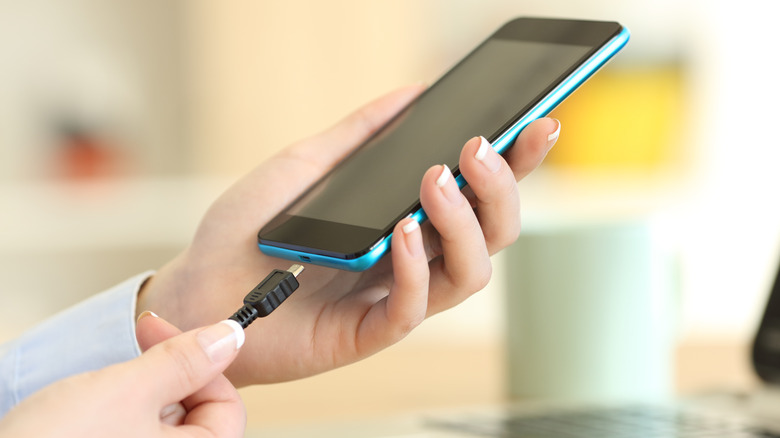
Charging cable is the most-used accessory with a phone, and using a low-quality cable can be a costly mistake. Cheap cables lack proper safety certifications like MFi for iPhones or USB-IF for Android devices, which means, unlike charging cables from trusted brands, they are not tested for stable power delivery and heat management. This is why your phone heats up during charging, which can degrade its battery health over time. Excessive heat can also damage your phone's internal charging circuit, and repairing it can be costly.
Also, local brands offering such cables cut corners on quality as well. For example, they are poorly fitted into the phone's USB slot and can wear out or damage its charging port. Given the risk of using a cheap cable, it's better to invest $15-20 in a quality cable from trusted brands such as Belkin, Apple, Spigen, or Anker to protect your smartphone's delicate, interconnected hardware.
Public charging stations
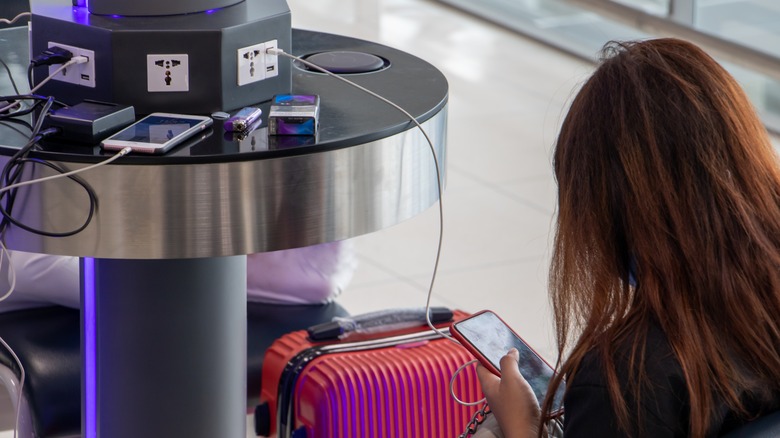
Phone charging stations at cafes, airports, and hotels are a relief, especially when your phone's battery is low and you don't have a portable charger. But be careful when you use them, as it can be a security risk. These charging stations have built-in USB cables or ports to charge your device, but they can be compromised and expose you to "juice jacking," through which hackers can infect your phone with malware and steal your data, such as passwords and banking information. The FBI in April 2023 had warned that USB ports at public charging stations can be compromised.
While modern Android and iOS phones display a pop-up requesting data transfer permission, hackers can bypass these protections in some cases. To avoid the risk, it's best to use a portable charger or your own wall charger and cable. You can also use a USB data blocker, which allows phone charging but prevents data transfer.
Unknown USB drives
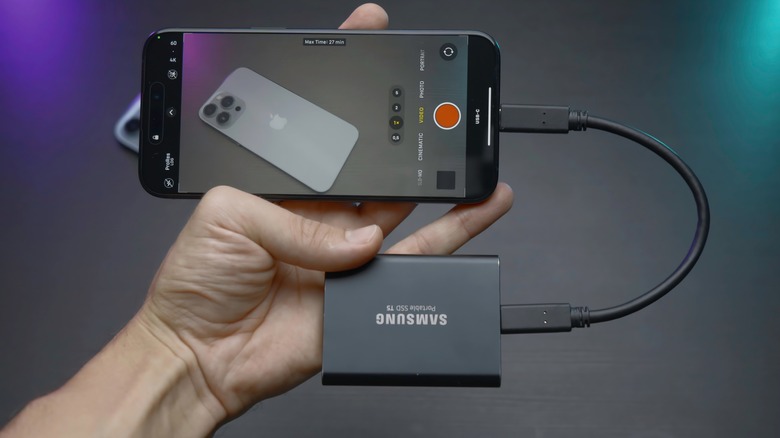
The USB-C slot on your smartphone doesn't just support charging but also file transfer via an OTG flash drive or supported external hard drives. Since smartphones have limited storage, it's convenient to transfer data from the phone to a flash drive or an external hard drive via an adapter. But plugging an untrusted storage device into your phone can be risky. These drives may carry malware that can compromise your personal data, banking information, and even your passwords. Using an OTG flash drive repeatedly can also damage your phone's charging port.
Connecting an external hard drive poses another risk. Your phone may not be able to provide sufficient power supply for an external hard drive to run properly, which can corrupt the drive and wipe out your data. Even if it works, a hard drive will drain your phone's battery and generate a lot of heat, which can mess with the phone's hardware. For safety, if you must use one, scan a USB drive with an antivirus on your computer before plugging it into your phone. Alternatively, use cloud storage or drives designed specifically for smartphones.
Cheap and uncertified accessories
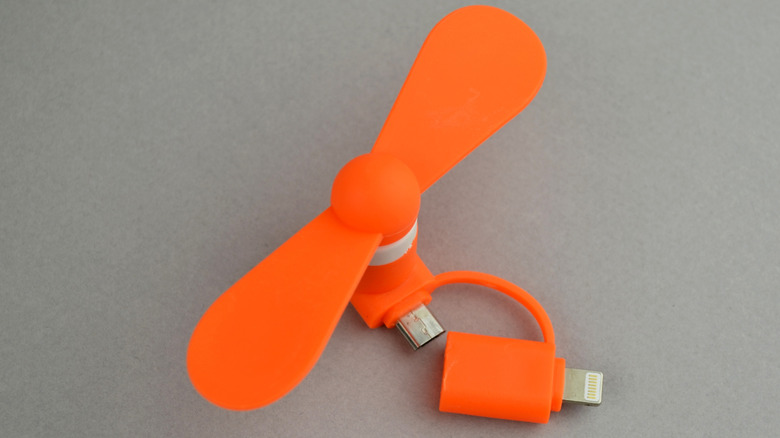
E-commerce websites are flooded with cheap USB accessories you can plug into your phone via its USB slot, such as mini fans, LED lights, endoscope cameras, and toy vacuum cleaners. These gadgets usually cost a few dollars and offer quick solutions to everyday needs. While it's tempting to try them at least once, these gadgets are, in most cases, uncertified and can do more harm than good. Accessories like USB mini fans or toy vacuum cleaners draw more power than your phone's USB port is designed to offer. This causes excessive heating, which can fry your phone's charging circuit and, in worst-case scenarios, damage other components. Even the LED lights, which demand low power, drain your phone's battery faster and can affect its health in the long run. If you regularly plug and unplug these accessories, it can wear out the USB-C port and even damage the internal pins.