

5 Cool New Gadgets That Use Your TV's USB Port
We may receive a commission on purchases made from links.
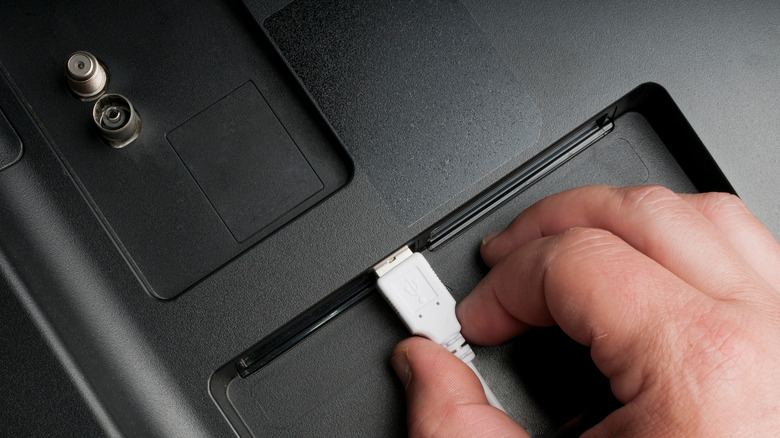
Modern TVs are mini entertainment hubs with a lot of hidden potential. Most smart TVs are equipped with one or more USB ports of different colors, but it's easy to overlook these. You might assume they're there to charge a device or play back a USB stick. You'd be right, but these ports can open the door to a surprising world of gadgets that expand what your TV can do. You can plug in cool USB gadgets to enhance your TV experience with play, productivity, or creativity.
USB ports let you plug in a flash drive and watch your personal videos, vacation photos, or favorite music directly on your TV. But beyond basic media playback, you can use the same USB port to connect gaming controllers, webcams for video calls, LED lights to enhance the ambience, and much more. So here are some cool new gadgets for you to try and explore your TV's USB ports.
Keyboard
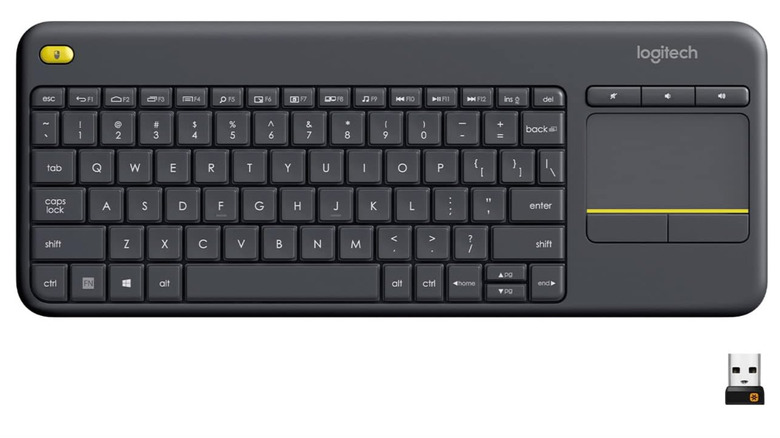
Let's face it: Nobody likes to use the TV remote to type. Typing long search terms, entering passwords, or trying to browse the web with the TV's virtual keyboard using the remote is very slow and tedious. That's why keyboards are one of the most practical TV accessories you can add via the USB port. A wireless keyboard like the Logitech K400 Plus solves all this hassle and comes with a touchpad if you also need to move a pointer on the screen.
The best wireless keyboards for TVs are comfortable to use for searching for your favorite shows rapidly, scrolling through menus, or entering any text just as if you were doing it on a computer. In fact, a wireless keyboard can turn your TV into a versatile device, as some smart TVs include web browsers and apps beyond basic streaming that benefit from keyboards. But first, check your TV's manual to confirm it's compatible with this accessory.
And finally, some keyboards come with multimedia shortcuts, so you can also use them to change volume, fast-forward, rewind, stop, or play your shows. The only downside is that it's not a 100% replacement of your remote, as you'll still need it for certain features to use your TV effectively. The keyboard becomes an extra device you have to take care of and find a place to store.
LED lights for TV
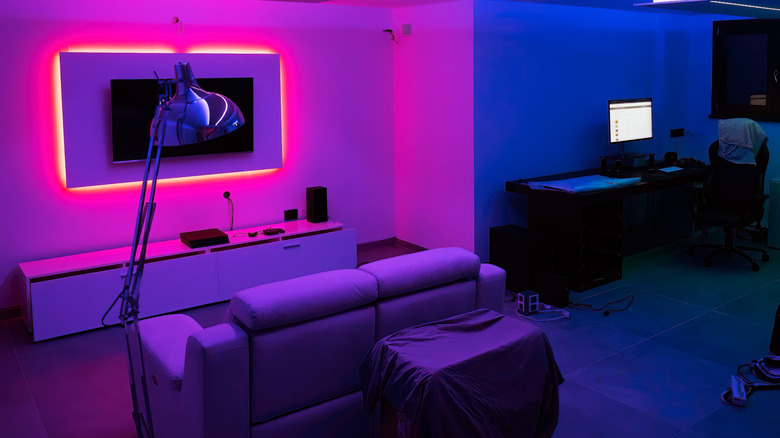
You can use your TV's USB hub to turn your regular viewing into a cinematic experience with LED lights designed specifically for TVs. Instead of just playing movies and shows on your TV, you can make it the centerpiece of your living room to provide ambiance. These essential TV gadgets use the USB port to power the lights without extra adapters, external power sockets, or messy cables.
Installing the LED lights is simple: Clean the back of your TV, peel the adhesive on the light strip, and press it into place. The lighting works best with a TV mounted on a white wall, as the light will bounce off it and provide a halo effect around your screen. However, it may be distracting until you get used to it, and it may cause some eye strain at high brightness levels.
TV LED lights may come with multiple colors, dynamic lighting modes, and a built-in music sync feature. One option with all these features is the Kantutoe LED Lights for TV on Amazon. You can make the lights dance along with your movie's or game's soundtrack. Use these lights not only to set up the ambiance, but also to make your viewing or gaming experience more immersive and to reduce eye strain, as the soft glow from behind the screen helps reduce the effort your eyes have to make when your field of view is constantly changing between dark and bright images.
Presentation clickers
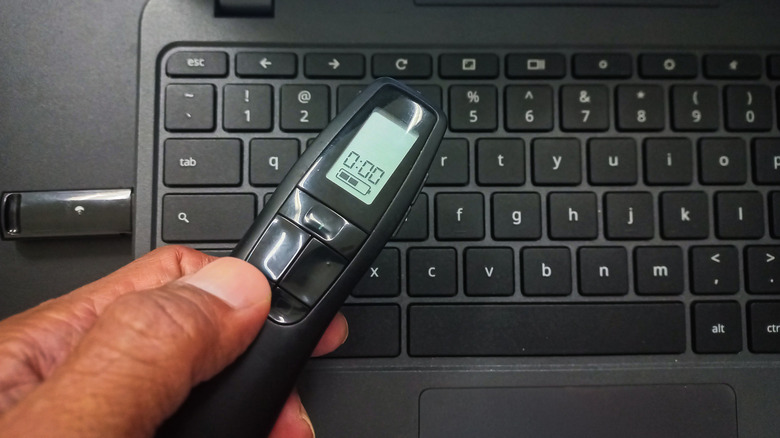
A presentation clicker is a gadget that flies under the radar, but it can transform your television into a presentation setup or a digital classroom. You can use it in your home office, a meeting room, a school classroom, or simply in your living room, as long as there's a smart TV with a USB port. Essentially, this device is a remote control that uses USB to communicate with your TV. You can stand across the room and breeze through the slides or mark the slideshow elements, whether you're showing something work-related or just displaying your vacation photos. Using a laser pointer on a TV is something most people will rarely need to do, but even if you bring it out only on occasion, you can also take it with you for presentations on computers and laptops.
Many digital laser pointers, such as the Heylacoolx Presentation Clicker at Kmart, come with a laser pointer and hyperlink control. You can use it to highlight key points of your presentation, circle the correct test answers, or point out important details. It comes with a digital pointer, which is easier to see on the TV screen, and the standard physical pointer. Since it's a simple plug-and-play device, even kids can use it for creative school projects or interactive storytelling without risking damage to the TV.
Webcam
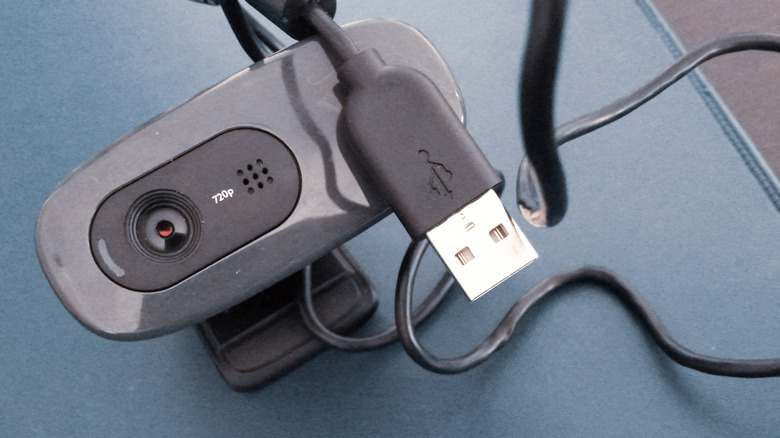
Typically, when we think of webcams, we see them as a gadget for remote workers. But with a little bit of creativity and the right apps, you can connect one to your TV. For example, the Logitech C920x HD Pro webcam is a great choice because it can deliver full HD 1080p video at up to 30 frames per second, and it has an automatic light correction feature. That's exactly what you should be looking for in a webcam to pair with modern smart TVs. It can help you turn your living room into an office for a Zoom meeting, or have a remote fitness class with a private instructor from the comfort of your home. Just keep in mind, you'll have to move closer to the TV or place the webcam in front of your sitting area. Otherwise, you'll be too far away.
That said, older TVs don't natively support webcams as computers do; connecting a webcam is easier if you own one of the modern smart TVs that run Android TV, Samsung Tizen, or LG webOS. Alternatively, you can use a streaming device such as Chromecast or an Android TV box for webcam support. With the help of a video call app such as Zoom or Duo, your TV may automatically recognize a USB webcam once it's plugged in.
Wireless game controller
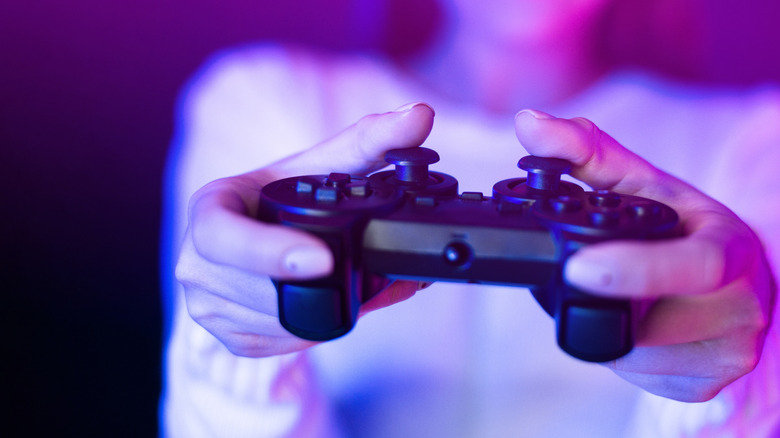
Investing in a wireless controller is a clever way to bring a true gaming experience to your TV without the need for a dedicated gaming console. Smart TVs can now download, store, and stream various games from the Google Play Store or similar app services. You can also use your Amazon Fire TV Stick or Android TV box to play various games directly on your TV. A controller such as 8BitDo Ultimate 2C Wireless allows you to get into the comfy couch gaming mood with modern control precision. It might not replace a gaming console with dedicated controllers, but it can still scratch that gaming itch on occasion.
The Ultimate 2C and similar controllers have versatile connectivity. They support Bluetooth, which you can use to pair them directly with Android-based smart TVs. More importantly, they come with a 2.4 GHz wireless mode via a USB-C dongle you can plug directly into your TV's USB port. That means you can enjoy low-latency wireless play while streaming or running Android or Google Play games on your big screen. There's no need for extra cables or other bridging devices.
How we chose the coolest gadgets for your TV
We selected these gadgets that go into your TV's USB port not just for their practicality, but also for their diversity. Each of these cool devices has a different purpose that goes beyond improving the looks of your entertainment setup. In essence, they extend your TV's features or improve upon existing functionality. So we concentrated on finding products that would be useful in day-to-day life, be it for work or entertainment. To achieve that, we analyzed forum and Reddit discussions to learn what problems TV enjoyers are trying to address by using external devices. We've shortlisted some of the most diverse options and then looked at the reviews left by professional testers and customers alike to find the best gadgets.