

Should You Clean Your TV's HDMI Port?
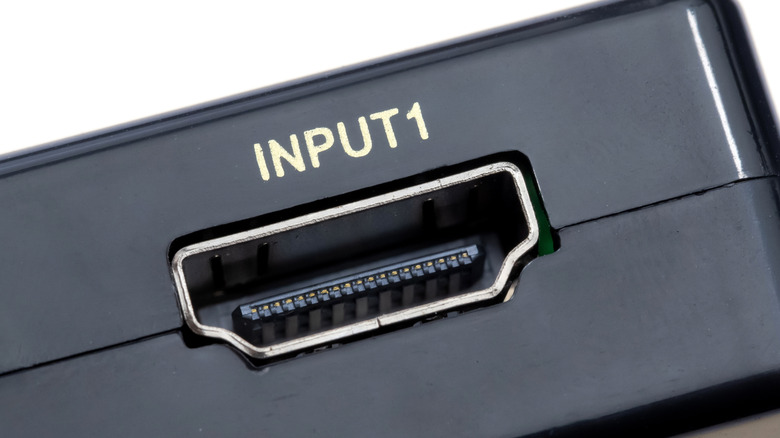
Gone are the days of RCA cables connecting AV components to your living room TV. The modern world is all about HDMI and has been for a couple decades. Combining audio and video in one wire, HDMI cables connect everything from cable boxes and game consoles to streaming devices and soundbars. Most TVs are equipped with at least two HDMI ports, with many new sets offering up to four inputs.But not every household will need to use all these HDMI ports at the same time.
This means your unused inputs may be exposed to all the same dirt and dust that clogs the ports of phones, tablets, and laptops. If an HDMI port becomes inundated with debris, the input may stop working correctly. This might start with the occasional picture flicker or black screen, but can snowball over time into a complete loss of signal. To avoid this, you can (and should) clean your TV's HDMI ports, and you may already have the tools you'll need to get the job done. As a matter of fact, cleaning your TV's HDMI ports isn't any more difficult than cleaning your computer's USB ports.
First, unplug all connections from your TV and disconnect it from power. Then, use a can of compressed air to blow out any loose dirt or dust from inside the HDMI ports. Avoid sticking the can's nozzle directly into the ports and instead use short, gentle bursts of air from a bit further back. You can also use a soft brush or paintbrush to work out lodged particles. Remove any sticky substances on your ports or HDMI cables with a cotton swab and isopropyl alcohol. Make sure the port is dry before reconnecting.
What if your clean HDMI ports still don't work?
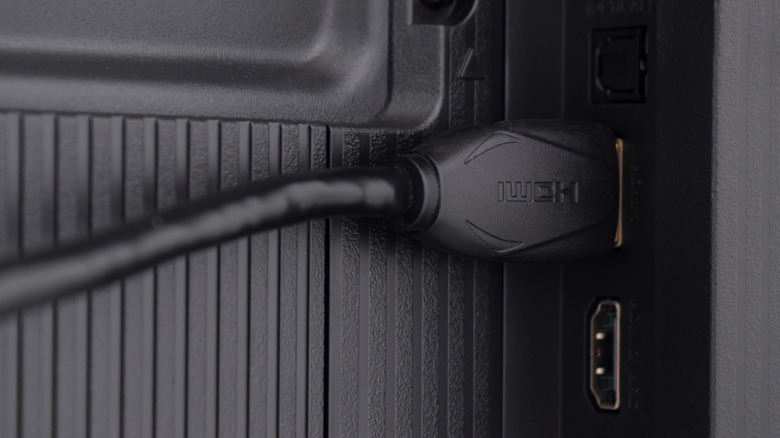
With just a bit of persistence — and all the right deep-clean accessories — your HDMI inputs will be back to their out-of-the-box shape in no time. If the reason you decided to clean your ports in the first place was because of an AV issue, and your HDMI is still misbehaving, you might be dealing with one of several common HDMI input problems.
If you've been using your TV and HDMI cables for a long time and recently purchased a new AV component, you may need to adjust a few TV settings before your latest device can be added to your home cinema (e.g., enabling HDMI Enhanced, enabling HDR, etc.) If your components are connected to an AV receiver — with an HDMI running to your TV for video — you'll want to check your receiver settings, too. One setting we recommend enabling if it's turned off is HDMI-CEC. This is a device control protocol that can sometimes cause handshake issues between TVs and AV components.
There's also a chance that the cables themselves are outdated, meaning it's time to replace your HDMI cables. Many of the latest TVs and home theater devices use HDMI 2.1, a connectivity standard that supports higher bandwidth for enhanced picture and sound quality. That also means you'll need to have 2.1-rated HDMI cables to experience the best picture and sound your new component has to offer.