

Is Apple CarPlay Actually Free? Here's What You Need To Know
We may receive a commission on purchases made from links.
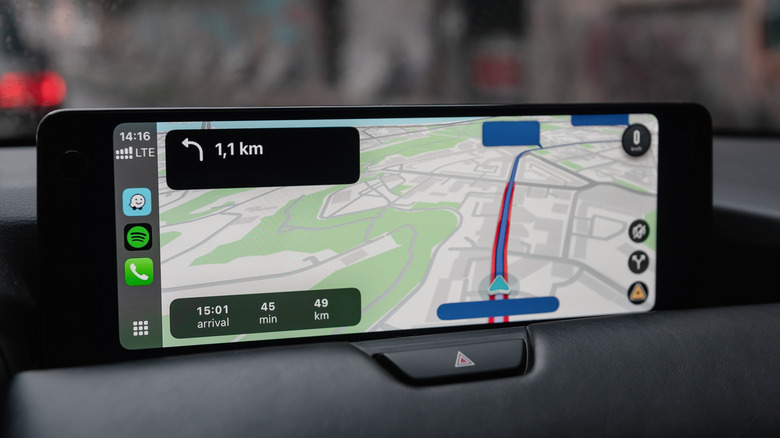
Apple CarPlay is a simple way to manage navigation, communication (text messages and calls), and audio entertainment (music, books, radio, and podcasts) while you're driving. If you're just discovering Apple's infotainment system, or considering enabling it for the first time, you may be wondering whether you have to pay a fee for Apple CarPlay. The simplest answer is that Apple CarPlay is free of charge. There isn't a one-time payment or a subscription for it. But there's a catch. CarPlay is free to use only if you have all the components that make it work. You need an iPhone and a car model that supports CarPlay. On top of that, you may need additional hardware for CarPlay. Finally, while CarPlay is part of the iOS experience on iPhone, some CarPlay apps may require a purchase.
We'll explain all the costs related to Apple CarPlay, but before that, we also have to go over what CarPlay is and how it works, to understand why you may need to spend money for the best experience. CarPlay mirrors the iPhone screen to the car's infotainment system. However, the car display doesn't replicate the full iPhone experience. That would defeat the purpose of CarPlay. The system is designed to keep the driver focused on the road. That's why you can only run a select number of iPhone apps in the car.
CarPlay does not support games and video streaming because that sort of content would increase distractions rather than reduce them. Instead, you use touch, voice (Siri), and buttons to handle navigation, send messages, make calls, and play music. One study found Apple CarPlay was safer than default car infotainment systems as of 2018.
Yes, you'll need a car
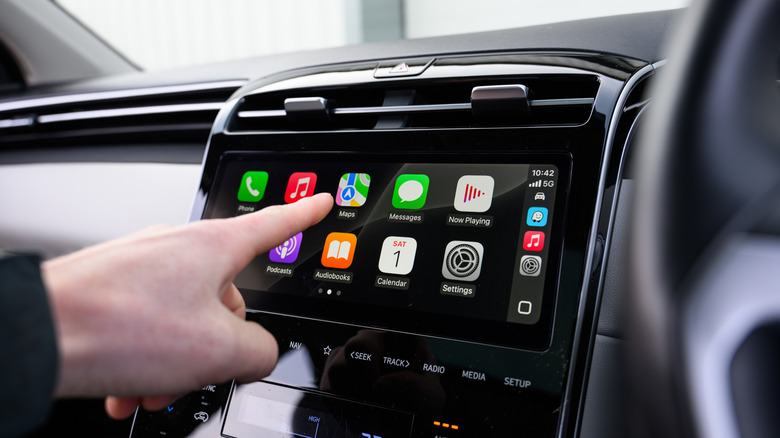
Apple has a list, which it updates regularly, of cars that support CarPlay. Some models may support CarPlay Ultra, a more complex version of CarPlay that gives the system more control over your car's features and parameters. To use CarPlay with your iPhone, you'll need one of those vehicles. Carmakers that support CarPlay right now are likely to release additional models that support CarPlay. But CarPlay support isn't guaranteed. For example, Ford supports CarPlay but not CarPlay Ultra. On the other hand, GM has withdrawn CarPlay support.
If you own an older car or one that doesn't support CarPlay, you can add it yourself. You'll have to buy an aftermarket display unit for CarPlay. Some units cost under $100 on Amazon, but the price doesn't include installation. You may want to hire someone to do a professional install, which can cost extra. As for the CarPlay head units, the newest ones may be more expensive. Pioneer launched the $1,300 Sphera unit at CES 2026, which brings Dolby Atmos support to the car. That's the price to pay if you want spatial audio in the car. Buying new speakers for the car is also something drivers may consider, especially those who spend a lot of time on the road.
Then there's the iPhone-to-car connection you need to consider. CarPlay works with a wired or wireless connection. If your car doesn't support wireless CarPlay, you will need a wireless adapter, which can cost about $40 on Amazon. On the other hand, if your wireless CarPlay connection isn't working properly, you may want to purchase additional cables for a wired CarPlay experience. The cable will double as a charging/data transfer cable, so the investment may be warranted regardless of CarPlay use. A USB-C cable from Apple costs $19.
You'll also need an iPhone
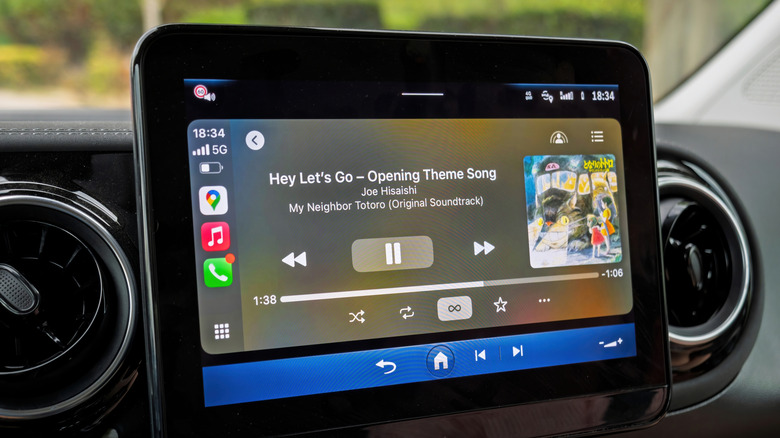
To make CarPlay work, you need an iPhone 5 (or newer) running iOS 7.1 (or newer). CarPlay Ultra requires an iPhone 12 (or newer), running iOS 18.5 (or newer). From time to time, you'll want to upgrade your iPhone to a more recent model. You're not buying a new iPhone exclusively for CarPlay. You're doing it to get a faster computer, better battery life, an improved camera, and new iOS features. But the better the iPhone is, the better the overall smartphone experience, CarPlay included. If you're an Android user, you can't have CarPlay on your Android device. Instead, you'll use Google's equivalent, which is called Android Auto. You'll need an iPhone if you want to get the same CarPlay experience you may have liked in a different vehicle. The iPad and iPod touch do not support CarPlay.
Once you have a compatible iPhone, the operating system (iOS) is available for free, with CarPlay features included. But not all CarPlay apps are free of charge, Apple apps included. You need a subscription to listen to Apple Music content. If you get your music from third-party alternatives that support CarPlay, such as Amazon Music and Spotify, you'll need a subscription or deal with an ad-supported free tier. Similarly, apps like Audiobooks or Audible may require you to purchase books independently or get a subscription.
It's not just CarPlay audio entertainment apps that may require payment for an improved experience. Some navigation apps may also come with a fee. Apple Maps, Google Maps, and Waze are good navigation options that don't cost money. Alternatives like TomTom Go or Navitime may involve extra costs. Then again, you may subscribe to entertainment and navigation apps regardless of CarPlay use.