

How To Tell If Your HDMI Cable Can Output 4K
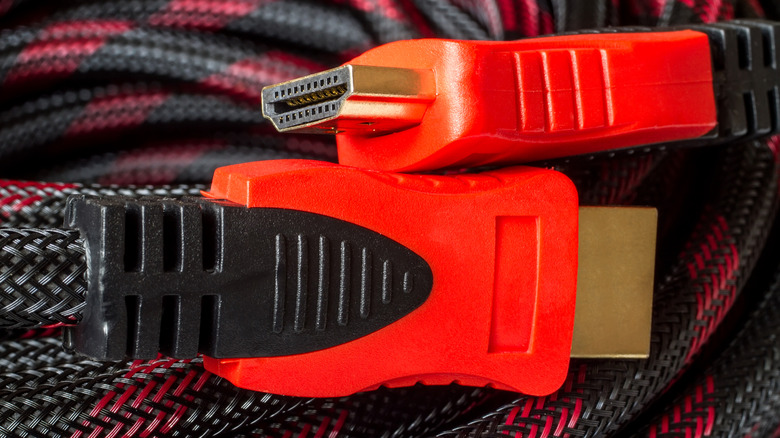
Practically every modern device connects to a screen via HDMI, but not every HDMI cable supports 4K resolution output. If you have a 4K TV or monitor, you'll need a cable with the right HDMI version and sufficient bandwidth. Luckily, you can tell if your HDMI cable can output 4K as long as you know what to look for on the cable or packaging.
Look for printed labels with one of the following HDMI certifications: High Speed HDMI, Premium High Speed HDMI, or Ultra High Speed HDMI. Each of these certifications supports 4K resolution or higher, albeit with different maximum refresh rates. Some manufacturers might also label their cables with terms like 4K @ 60Hz, 18 Gbps, HDMI 2.0, or HDMI 2.1, all of which are surefire signs that the cable can handle 4K output.
You can always double-check that your HDMI cable is putting through 4K video by plugging in a 4K-capable device and testing it that way. This will work with an Apple TV box, a PlayStation 5, or another current video game console. When you navigate to the device's video settings and select resolution configuration, the on-screen menu will list the resolution options available based on the capabilities of the connected display. If your HDMI setup does not support 4K resolution (3840x2160), that option will not be listed. In other words, if you have a 4K TV, and you're still not getting 4K output, it's probably time to upgrade your old HDMI cables.
Why does the type of HDMI cable matter for 4K?
HDMI technology continues to advance every few years. It was only in 2020 that newer HDMI 2.1 cables started to support 8K output. The HDMI 1.4 standard could technically handle 4K output, but only at a 30Hz refresh rate. If you want to enjoy 4K resolution and still get smooth on-screen motion, it's very important to have an HDMI 2.0 cable or better. It is especially important to avoid using the wrong HDMI cable for gaming because refresh rate has a direct relation to input delay.
Resolution isn't necessarily everything; you can still enjoy games and movies even if you have a 1080p TV or an outdated HDMI cable. However, you'll likely miss out on the full experience your tech is capable of delivering. For example, Apple TV has big upgrades coming in terms of features and even streaming content — and it would be a shame not to enjoy it in the intended resolution.
The reason older HDMI cables can't handle 4K output is because of bandwidth. There is a limit to how much data a cable can transmit at a time, and it just so happens that the 10 Gbps bandwidth of an HDMI 1.4 cable simply cannot transmit 4K video at 60Hz. HDMI 2.2 has been the highest standard since its announcement in 2025, but an even better cable is sure to come along before you know it.