

My PlayStation 5 Forced Me To Buy A New TV, And I've Never Been Happier
We may receive a commission on purchases made from links.
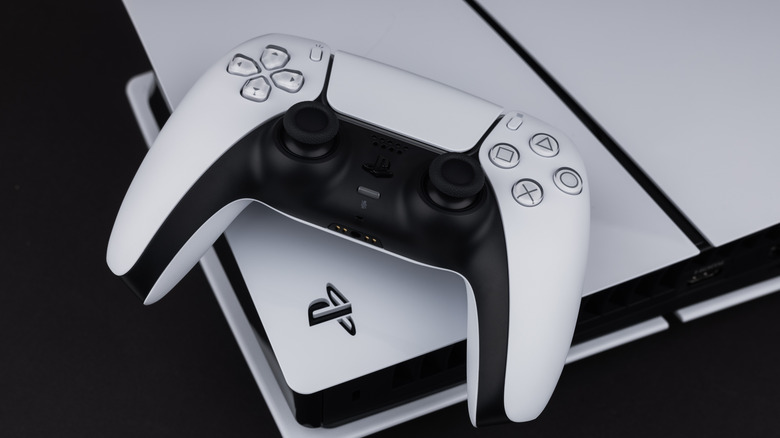
I have a hard time treating myself to big-ticket consumer tech. I can always think of a reason to hold off, and I've mastered the art of convincing myself that I don't actually need something new and nice. That all changed on my last birthday: For the last couple of years, I've on-again-off-again wanted the PlayStation 5, but I could never get past the sticker shock. I must have yammered about it enough, though, because my girlfriend surprised the heck out of me with the console a few weeks back. I was like a kid on Christmas morning, and so familiar with Sony's box art that I instantly recognized the numeral five as I was unwrapping.
After the shock wore off, I quickly got to work hooking up the system to what was — and past tense is key here — our old living room TV. We owned a Samsung 55-inch NU6900, an entry-level 4K LED with two HDMI 2.0 ports. I turned on the PS5, fired up "Astro Bot", and knew immediately that old Samsung needed to be retired. Mind you, the picture didn't look terrible, but it definitely didn't look good. All the colors were washed out, and there was a ridiculous amount of Dirty Screen Effect. I had noticed these dark splotches before, but the eye-popping visuals of "Astro" put the defects on full display.
We've had our new TV for a few weeks now, and I simply can't believe how much picture we were missing out on. It really goes to show that you get what you pay for — at least as far as TVs are concerned — and I learned some other valuable lessons along the way. I broke all my schooling down to three main points that I'd like to share.
Treat yourself to the screen you need, and then some
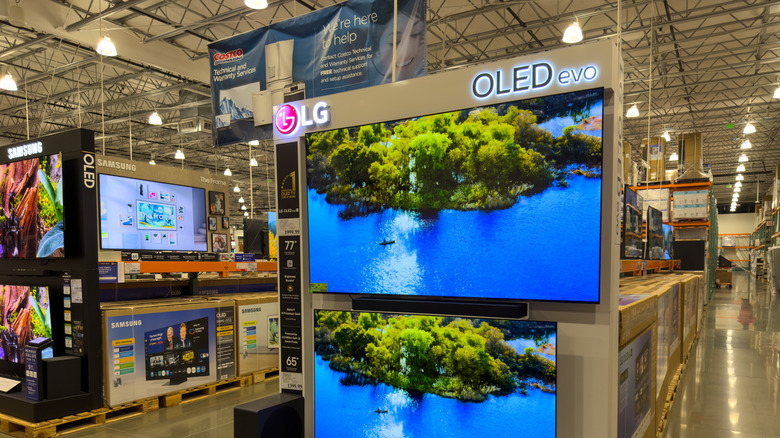
One of the pros of writing about tech for a living is getting to learn about the best of the best. As far as the best smart TV brands go, let's just say I'd been familiar with the LG 55-inch C5 Series 4K OLED for quite some time. This is the set we ended up going with, and I'm still suffering from buyer's remorse. But, day by day, my financial ailment fades, because I've never been happier with a TV's picture quality and overall performance. But I also had some specific needs and wants in mind, which helped inform my research and eventual Best Buy transaction.
For starters, there was no way I was going to go with another LED-LCD. I have nothing personal against LED backlighting, but I've wanted an OLED ever since the panel tech went mainstream several years ago. I also knew the TV needed to have phenomenal gaming features and optimizations, with VRR and ALLM being bare necessities. I even had a rough idea of what I was willing to spend, which actually led me to the LG 55-inch B5 Series.
Still, I knew the C5 delivered better brightness, colors, and upscaling, and it was only $200 more at the time. I don't plan on purchasing another premium TV in the foreseeable future, which helped me justify spending the extra money on a more capable screen. Knowing my "must-haves" beforehand made it easier to check all the necessary boxes, allowing me to focus a bit more on the bells and whistles of the C5.
Make the HDMI ports do all the work for you
Consumer Electronics Control (HDMI-CEC) used to be a feature I would actively avoid. Back in my home theater install days, CEC used to cause handshake issues between TVs, soundbars, and AV receivers, so it was best to leave the Dolby and DTS processing to digital optical. But it's not 2016 anymore, and I wanted to give my brand-new TV the benefit of the doubt. I'm so glad I gave CEC a second chance, because now I can't fathom living without it.
Out of the box, HDMI-CEC was already enabled on my LG C5, as well as my PS5. For those unaware, TV and AV component manufacturers tend to call HDMI-CEC anything but HDMI-CEC. The LG C5 labels the setting as SIMPLINK, and it was actually a bit buried in the user interface (Settings > All Settings > General > Devices > HDMI Settings). The PS5 calls it HDMI Device Link (Settings > System > HDMI). Once I saw how well the feature worked on the PS5, I enabled it on all my other components. And I encourage everyone reading this to do the same.
I relish being able to boot up the PS5 and watch as HDMI-CEC powers on the TV and switches to the correct input. And because I invested in an OLED with modern HDMI features, Auto Low Latency Mode (ALLM) automatically put the C5 in Game Mode while also kicking on HDR. I like these auto-optimized picture and performance settings so much that it took me a few days to bother opening the C5's picture menu, and that's only because I wanted to know what it looked like.
Accessorize accordingly, and at your own pace
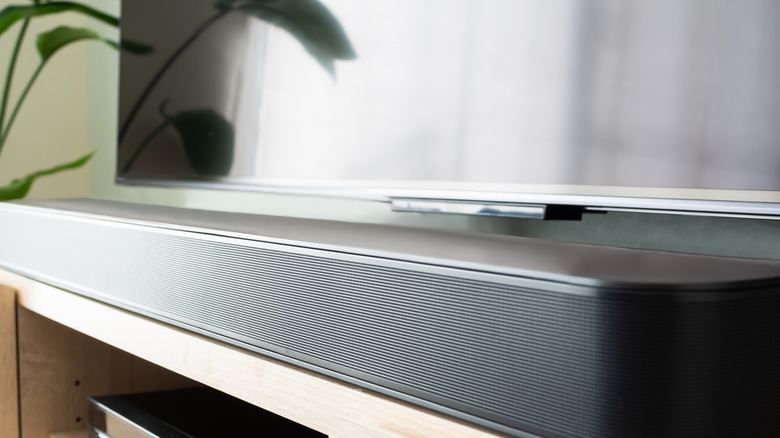
Most TV speakers aren't very good, and unfortunately, the LG C5 is no exception. Believe it or not, the speakers on our old Samsung LCD deliver more bass and a wider soundstage. I even messed with all the C5's audio settings and ended up switching the sound preset from AI Mode to Cinema. This helped a little, but by this point, I already had some ideas for audio enhancements I would try down the line. Investing in a soundbar is a logical next step, but it's a purchase I'm willing to wait on.
It pays to learn how to endure with what you've got, which is why we ended up hanging on to that Samsung NU6900 for as long as we did. I know how much better a soundbar will make my new TV setup, but I've got a pair of Sony headphones I'm connecting to the DualSense controller for the time being, and I'm digging it. I also purchased an optical-to-analog converter a while back, and could use that to tie the LG C5 into a two-speaker stereo system we use for playing vinyl.
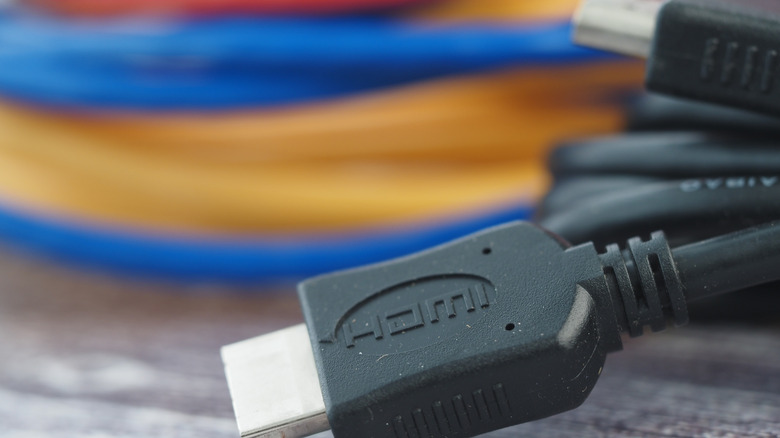
Make a list of the upgrades you'd like to invest in over time, and prioritize them in order of importance. I actually need longer HDMI cables for my C5 setup, as the ones I'm using now just barely make it. And before I go improving audio, I want to ensure the A to B connections between my existing components and TV aren't at risk of bending or tearing. Plus, holding out on a soundbar gives me more time to track sales and promos for the Sonos Arc Ultra that will hopefully live in my apartment someday.