

3 Ways Old HDMI Cables Can Ruin Your New Smart TV
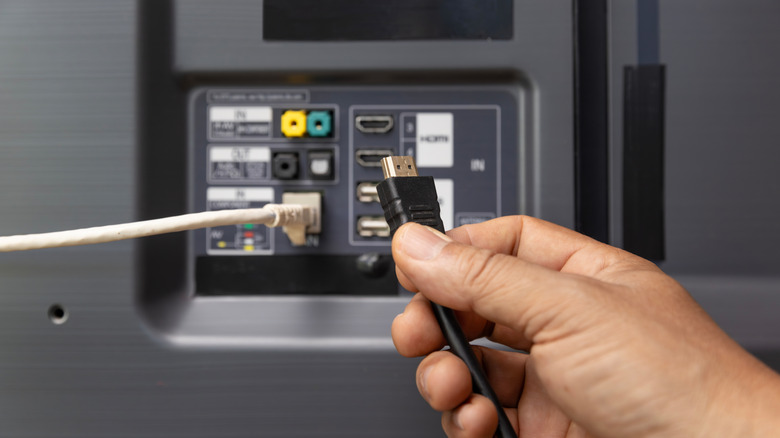
It's a pretty common oversight to keep using the same old HDMI cable that you have lying around when you upgrade to a new smart TV. While using an old cable won't fry your brand-new TV, it has the potential to bottleneck what's being transmitted via the HDMI cable. For example, you may not get the expected visual performance from your connected gaming console or premium streaming device.
Depending on how old the cable is and which generation of HDMI it was made for, the impact on your TV viewing experience can vary. While some connected devices may tell you that the HDMI cable you're using is not up to the task, others may not do so and instead, deliver a subpar experience without you even realizing it. So, let's take a look at some of the ways your old HDMI cable can stop you from getting the most out of your new smart TV, and why it's a good idea to spend a few bucks on some of the best HDMI cables.
Not letting you enjoy your favorite games at higher frame rates
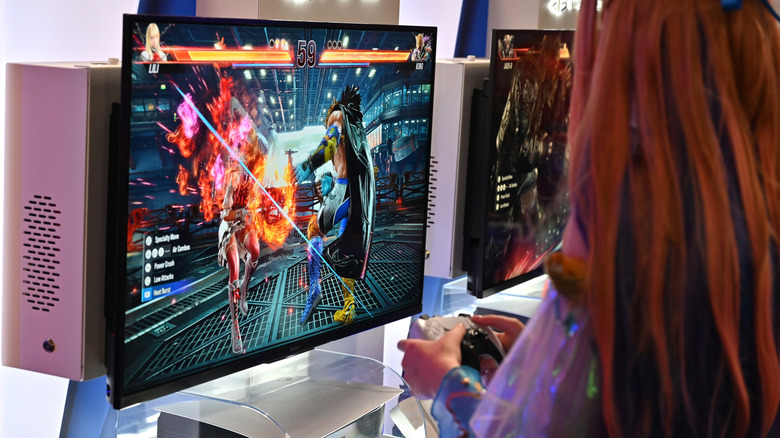
One of the most common issues that you'll encounter while using an older HDMI cable is its inability to carry the high bandwidth loads of modern gaming devices, such as the Sony PlayStation 5, the Xbox Series X, or even a high-end gaming PC. Your new smart TV will almost certainly have 4K resolution, and if you're a gamer, you likely purchased one with at least a 120Hz refresh rate to make use of the latest gaming hardware. However, only the Ultra High Speed (UHS) HDMI cables (or the even newer Ultra96 HDMI cable, which is yet to arrive from any reputable manufacturer) have the required bandwidth to handle a 4K resolution signal with over 60 fps.
Any older cables, regardless of whether they are Premium High Speed HDMI cables or High Speed HDMI cables, will instantly become a bottleneck and force your gaming hardware to send a lower resolution or a lower refresh rate signal because they have limited bandwidth. While the Ultra96 and UHS HDMI cables are capable of handling 96Gbps and 48Gbps of bandwidth, respectively, the Premium High Speed and High Speed HDMI cables top out at 18Gbps and 10.2Gbps, respectively.
Hampering the HDR performance
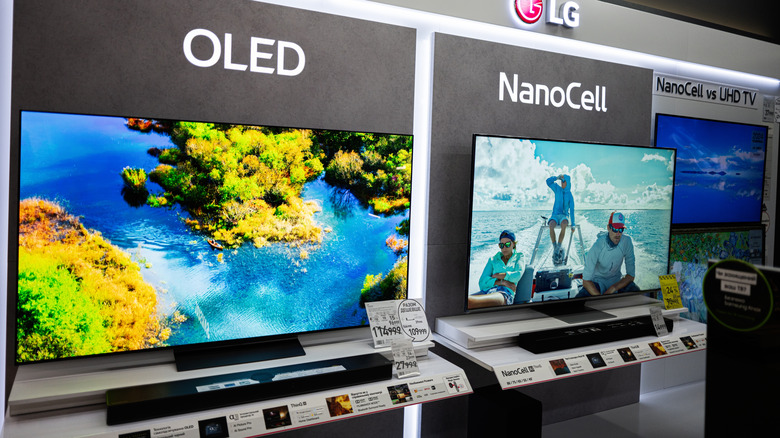
Dynamic HDR formats, such as Dolby Vision and HDR10+, are pretty common for modern TVs, including cheap smart TVs. These formats are important because they allow you to enjoy compatible content in vibrant and lifelike colors. HDR content uses enhanced bit depth used during mastering. For example, Dolby Vision supports up to 12-bit color, whereas HDR10+ uses 10-bit color, which is higher than the 8-bit color used in SDR content. While the difference between 8-bit and 10-bit doesn't sound much, it's actually a lot. 8-bit color supports about 16.7 million colors, whereas 10-bit color has over 1 billion colors.
However, the higher bit-depth color and the metadata needs for dynamic HDR formats require higher bandwidth, particularly at higher resolutions, such as 4K and 8K. This means that Standard HDMI or High Speed HDMI cables, both of which cannot handle 4K videos, are not a good choice for viewing 4K HDR content. But Premium High Speed HDMI or newer cables can handle a 4K HDR signal at 60Hz without trouble. However, if you also want to enjoy 4K 120fps gaming with HDR, you will need at least a UHS HDMI cable, as previously mentioned.
Visual artifacts in content
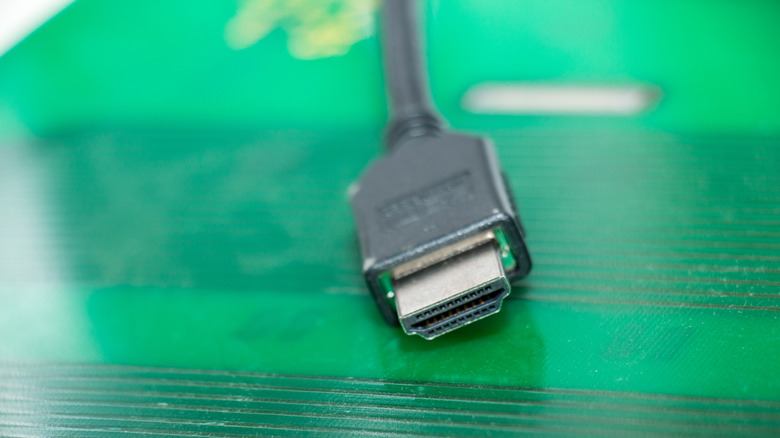
Besides being a bottleneck for high-refresh-rate gaming and HDR content delivery, old HDMI cables can also be a cause of visual artifacts when you are viewing content on your TV. You might see tiny sparkles, flickering, or a black screen because of electromagnetic interference (EMI) from Wi-Fi networks and devices like your phone, soundbar, or streaming media players. Older cables are more prone to interference because they have comparably poor shielding than newer ones, which have to meet stringent shielding requirements to ensure low EMI.
Additionally, the shielding in older cables deteriorates with time as you use them. This deteriorated shielding can exacerbate the interference from surrounding devices and networks. So, if you want to ensure you don't have to deal with visual artifacts on your new smart TV, it's best to upgrade your old HDMI cable. A UHS HDMI cable is a good choice as it'll make your setup futureproof, even if you don't use all of its capabilities right now.