

This Is The Best Ethernet Cable For Your Home Network
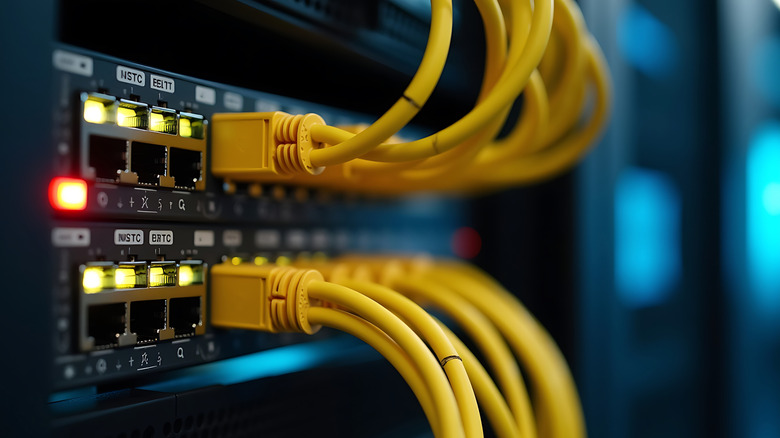
If you've been facing slow internet and lagging issues despite paying for a premium internet plan, the advice you've probably gotten from most people is to switch to using Ethernet. Following this advice, it's natural to wonder if you should be paying for a specific kind of Ethernet cable. Similar to HDMI cables, the actual price of the cable might not matter. However, the type of Ethernet cable you have affects your connection. For Ethernet, the type of technology is labeled as "Cat" — short for "Category" — and comes in Cat5, Cat5e, Cat6, going all the way up to Cat8. A higher number provides better connectivity, but also increases steeply in cost.
You don't want to get a cable that doesn't support the specifications that you need, but you also don't want to pay extra for something that you'll never benefit from. For most people with a small home setup, a Cat5 cable should theoretically be enough for all your needs, providing a decent 100Mbps with a 100MHz bandwidth. You only really need 10Mbps for 1080p streaming, and won't need any more than 50Mbps for 4K (though even 20Mbps is often enough). You can even stream 8K without issue on the Cat5's 100Mbps. The Cat5e cables that you'd find in stores today are an upgrade over those, providing 1,000Mbps — or one Gigabit per second. However, a Cat6 cable is the best Ethernet cable you can get.
Cat6 is probably the only upgrade you need
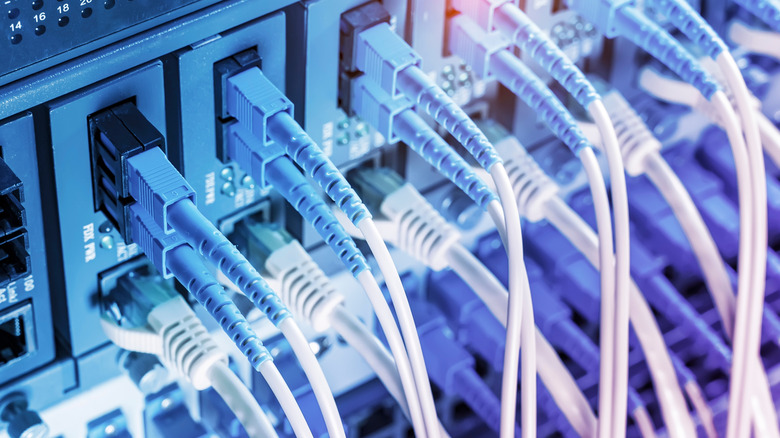
It's normal to want the best for your home, but even if you want the highest-end connection, a Cat6 cable does the job; any further upgrade won't do anything for most home networks. These cables offer 1,000Mbps at distances beyond 164 feet, and an immensely fast 10Gbps (10,000Mbps) at shorter lengths. With the average U.S. home only having WiFi that goes to 242Mbps, a Cat6 Ethernet cable is all that you need for your home or small office setup.
There are some important considerations apart from the type of cable as well. First, the overall connection of your home setup depends on the lowest-rated Ethernet category that it has. If you're using a bunch of cables and one of them is Cat5, the connection itself defaults to that even if you have Cat7 cables. Additionally, the cables can make the most of your connection, but they cannot improve it beyond what you're receiving from the ISP. If you have a 100Mbps plan and want to stream 8K videos on multiple devices, you'll have a slow connection even if you're using Ethernet. The last thing to keep in mind is that if you're looking to use an Ethernet connection primarily for gaming, it doesn't require that much speed at all: You only need about 25-100Mbps download and 5-20Mbps upload speeds for smooth gaming, provided there's no latency.
Who needs Cat7?
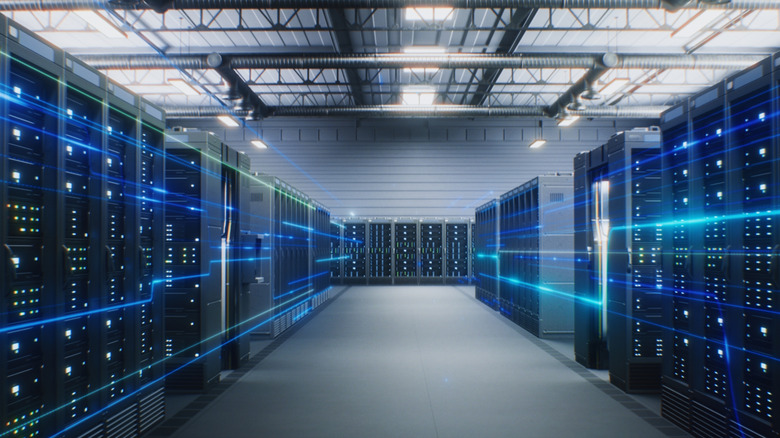
If you're just shopping for your home network, you almost certainly don't have any need for Cat7, or even Cat6a under most circumstances. The main benefit of Cat7 cables is that they have the same 10Gbps as Cat6, just over the entire 328-foot range. Cat7 and higher connections benefit organizations with mid-to-large-scale offices, giant enterprises that need to manage hundreds and thousands of connections, or large-scale data centers, where the Cat7 and Cat8 cables' larger bandwidths of 600MHz and 2000MHz, respectively, can be utilized.
If you want to future-proof your connection or have a large distance between your devices, a Cat6a cable provides the same 10Gbps connection, but throughout the complete 328-foot range. Most people don't need any more than 10Gbps, as even playing multiple 8K videos or managing a number of 4K home security cameras over a long distance won't require more than 100Mbps of bandwidth.