

How Often OLED Displays Need Pixel Cleaning (And What Happens If You Don't)
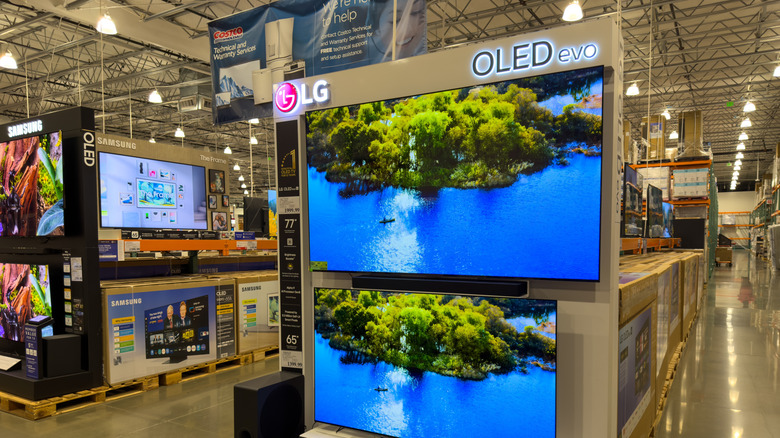
Owning an OLED TV involves a bit more responsibility than a more traditional LED-LCD design. Unlike LCD TVs, there aren't any physical lights positioned behind an OLED panel. Instead, all the pixels are individually self-emissive, meaning each cell can be powered on or off. This is one of the ways an OLED TV is able to achieve perfect blacks, rich colors, and great contrast levels. But if you don't properly utilize the pixel cleaning tools built into your OLED set, the heat generated by the screen can lead to a condition known as burn-in, or image retention.
Static images and logos are most susceptible to burn-in, as these are the on-screen elements that tend to receive the most exposure. Pretty much any TV can suffer from burn-in if screen elements are stationary for too long, but OLED models are the chief offenders. This is why you'll find pixel scrubbing and refresh features built into flagship and budget-friendly OLEDs from companies like LG, Samsung, and Sony.
Fortunately, many of the most reliable TV brands that produce OLEDs use automated pixel cleaning tools that run behind the scenes. For example, LG OLEDs should auto-initiate a soft pixel refresh every four hours or so. After 2,000 viewing hours, an LG OLED should perform a hard refresh, which lasts about an hour.
Performing too many pixel refreshes may shorten the life of your OLED
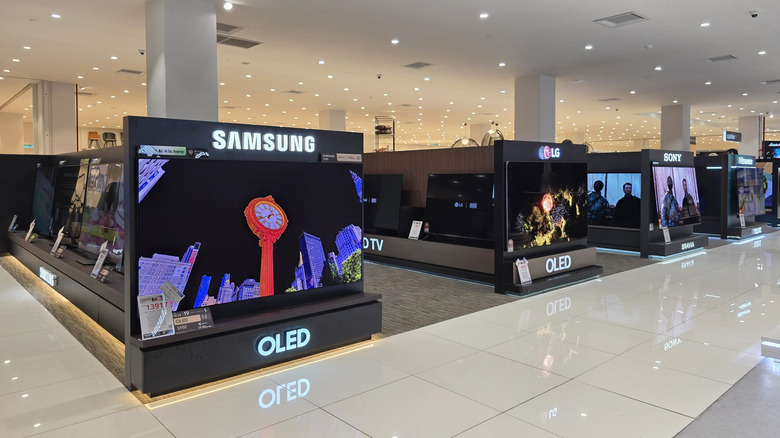
If you're noticing burn-in on your OLED screen, you should also be able to activate pixel cleaning manually. For those with an LG TV, you can find this option by heading to Settings > Picture > OLED Panel Settings > Pixel Refresher. Samsung TV owners can find manual scrubbing by going to Settings > General & Privacy > Panel Care. For Sony OLEDs, go to Settings > Display & Sound (or Picture & Display) > Expert Panel Settings > Panel Refresh. For other OLED brands, it's best to follow similar steps to dig into your TV's picture settings.
According to Sony, you shouldn't perform more than one major pixel refresh per year on an OLED TV, as additional scrubs may negatively impact the longevity of the screen. If it's starting to sound like OLED technology just isn't reliable, rest assured that modern OLED TVs (produced after 2022) are better at mitigating image retention than legacy OLEDs. Of course, there are plenty of variables at play, including total hours a TV's been used, brightness settings, and the types of static content displayed.
TVs can fail in surprising ways, as the author of this post can attest to. A family member who spent a lot of time playing video games on their Hisense U8H QLED set to Vivid (the brightest picture preset) literally burned through the protective coating on the TV's LEDs, resulting in a blue-tinged image that couldn't be fixed. That said, panel defects like burn-in at least have a root cause, so you can actively take steps to protect against the screen ailment while continuing to enjoy your TV.