

5 Of The Worst Places To Put A TV In Your Home
We may receive a commission on purchases made from links.
Everyone should treat themselves to a brand-new TV at least once in their lives. If you've been using an older set for many years, then a modern 4K OLED, QLED, or even standard LCD will feel like a massive upgrade. You'd also be able to mount your new flatscreen to the wall, which means you could finally get rid of any ugly old TV stands you've got lying around. But before you go too crazy, you'll want to take some time to plan your new TV placement ahead of time.
There are plenty of mistakes you can make when buying a new TV, and putting your cutting-edge screen in the wrong location is a surprisingly common pitfall. That's why it's important to know some of the biggest no-go zones in advance. Deciding between all the major smart TV brands can be much easier once you know how large of a screen your chosen spot can handle, but there are quite a few places you should never mount a TV, whether at home or in an office setting.
Above a fireplace
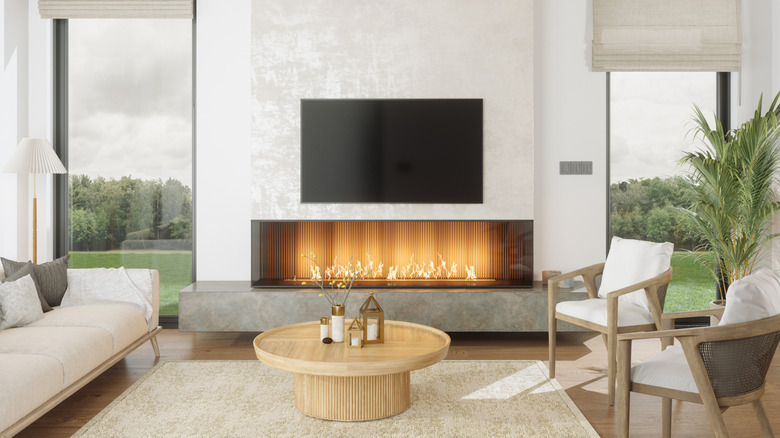
This is a tough one to advise against — honestly, many TVs look great when they're mounted above a fireplace. But if you care about the longevity of your new set, we recommend placing it elsewhere. Heat is no friend to electronics, and given enough time, the heat and soot emanating from a fireplace can cause your TV to wear down faster than you might expect.
Mounting a TV above a fireplace is also likely to place the screen off-axis, resulting in washed-out colors and glare. Most TV screens are designed to look their best when your eyes are level with the center of the screen. If your TV is mounted way too high, you'll be forced to look at the panel from an angle, which won't bode well for picture quality.
If you're set on taking the risk no matter what, your best bet is to purchase a wall mount that can be tilted downward, such as the Mounting Dream TV Wall Mount. That way, you'll have a better shot at viewing the screen on its proper axis. Adjustable mounts also make it easier for you to get to the inputs on the back of your TV.
In the path of toddlers and pets
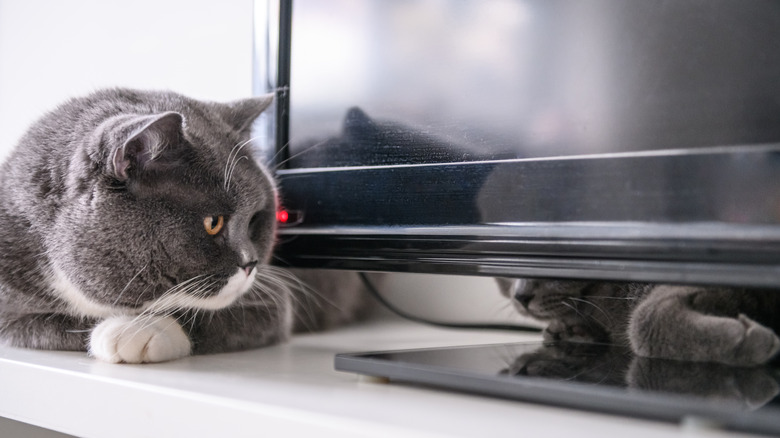
Want to know what a two-year-old child and a cat have in common? Neither one cares about how much you spent on your TV, and both would probably relish laying their hands and paws on your shiny new screen. If you have no choice but to put your TV in the toddler-feline danger zone, you'll definitely want to invest in a couple of safety accessories.
If you're placing your TV on a stand, your first investment should be an anti-tip harness. You can purchase some Safety 1st TV & Furniture Safety Straps for less than $12, which can be used in four unique configurations: TV to wall, TV to furniture, TV to furniture (and then furniture to wall), or simply furniture to wall. The tops of the straps can attach to your TV's VESA mounting holes, and you'll be able to lock everything down using the included hardware. Depending on the weight and size of your TV stand, it might also be a good idea to anchor the stand itself to the floor.
We also advise placing the TV as far back on your furniture as possible, ensuring no part of the TV hangs over the edge. Last — but definitely not least — keep all cables as organized and as hidden as your setup allows. Kids and pets tend to enjoy playing with wires, and one unfortunate tug could spell disaster in more ways than one.
Outdoors (if it's not an outdoor-rated TV)
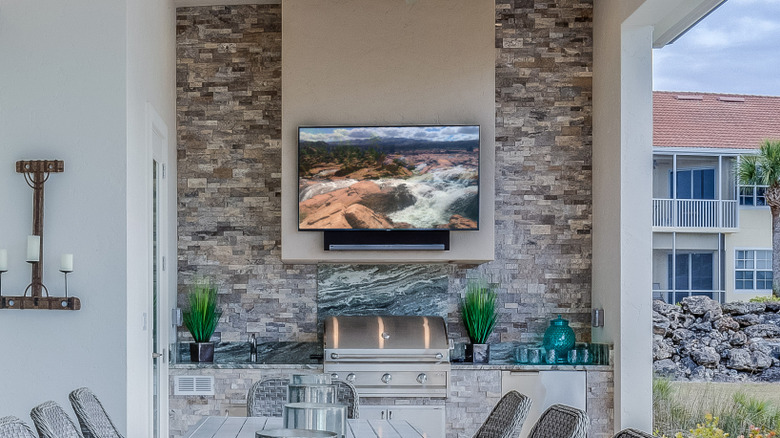
Putting indoor-only TVs outside is a bad idea for several reasons. First, they're not weather-rated in any way, shape, or form, so even the briefest summer shower or an accidental splash from the swimming pool could spell instant death for the 4K QLED you paid so much for. Indoor TVs also don't have the kind of chassis that'll protect inputs and cable connectors from dirt and moisture.
Then there's the fact that they aren't meant to be exposed to direct sunlight. Most indoor TV panels are only so good at combating glare inside the home, and some manufacturers specifically recommend keeping LCD TVs away from direct sunlight. UV rays can actually wear down the anti-glare coating you'll find on some indoor sets, which could lead to washed-out colors and reduced brightness.
If you have a patio or cabana that you're dying to add a TV to, there's an entire market of outdoor-rated TVs to consider. Brands like SunBrite and Séura produce multiple sizes of outdoor sets at varying price points, and these types of outdoor-rated TVs are usually armored against extreme temperatures, dirt, moisture, and even UV rays. There's also Samsung's "The Terrace" product lineup, a family of weather-resistant screens that push intense brightness levels. These TVs have an official Ingress Protection rating of IP56. The "5" means they're designed to keep out enough dust to prevent malfunctioning, and the "6" means they're able to take on powerful jets of water from any direction.
In front of a window or near a lamp
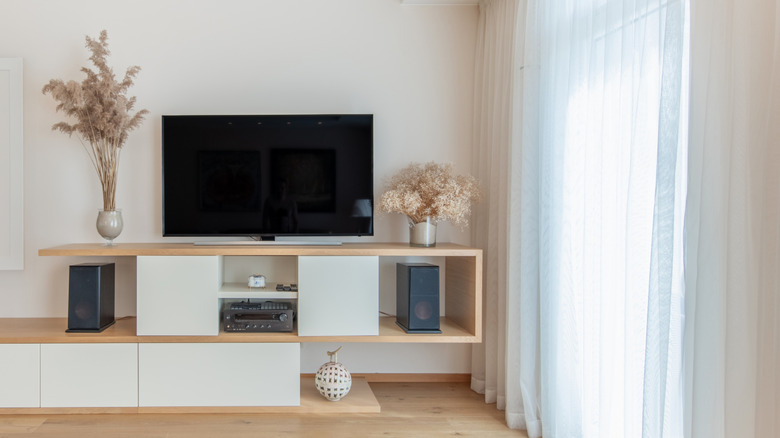
Whether you're rocking an OLED, a QLED, or a traditional LED from one of the most reliable smart TV brands out there, all TV types are getting better at dealing with glare caused by sunlight, lamps, and other lighting fixtures. But no one brand or panel is perfect at eliminating glare, so placing your TV directly in front of a window or next to a light source isn't the greatest plan. If you don't have the option of closing curtains, relocating a lamp, or putting your TV somewhere else, we highly suggest avoiding an OLED model.
Not only are OLEDs more susceptible to burn-in than LCD screens are, but — in most cases — they also can't get as bright. This is because OLEDs lack backlighting altogether; instead, each pixel emits light individually. The brightest rooms warrant the brightest TVs on the market, so if you'll be watching movies or playing video games in a well-lit room, you'll want to make sure the TV you buy will be bright enough for the tasks.
Behind a doorway
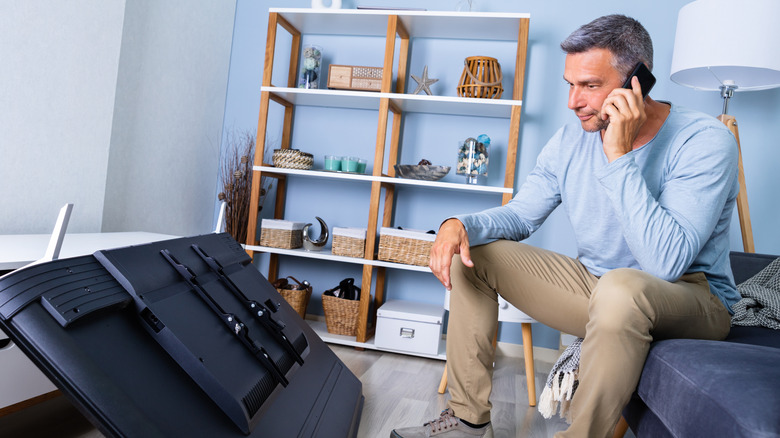
This may seem obvious, but putting a TV in the path of a frequently used moving object is a risk you should avoid. Even if you've triple-checked that your door stopper juts out farther than your wall-mounted TV does, not all stoppers are created equal. If you're using one with an adhesive backing, it could fall off the wall without anyone realizing. And for those with TV furniture in the path of a swinging door, you'll want to exercise caution when entering and leaving the room; all it takes is one good smack from said door to send your TV toppling to the ground.
If your hands are tied, anti-tip straps will be useful in keeping your furniture-mounted TV stable. If you plan on wall mounting your TV, you'll want to ensure there's a door stopper in place that sticks out further than the TV does. In either case, so long as your TV is behind a door, we also advise staying away from full-motion wall mounts. We wouldn't want you making the mistake of pulling out your TV and then forgetting to push it back before you slam your door into it.
Alternatively, you could also place your TV on a shelf that extends past both the screen and chassis. It would certainly be tragic if your door damaged the shelf, but it would be far worse if it busted up your TV instead.