

This Costco Gadget Makes Your TV Cables Completely Invisible
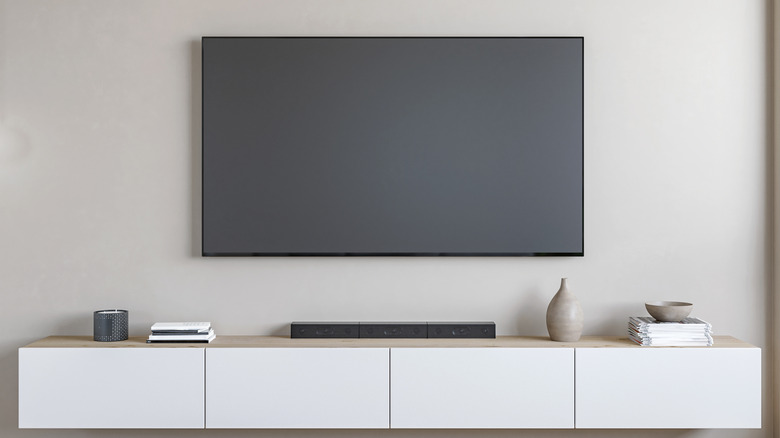
Whether you're wall-mounting a TV for aesthetic reasons or to free up space on your entertainment center, it's hard to deny that a bunch of dangling cables introduces a crowded and disorganized look. Even if you clamp the wires together with zip ties or straps, you're still left with a strand of power connections and HDMI leads. Not only is this unpleasant to look at, but exposed cables could be an open invitation for toddlers and cats to fiddle with.
Luckily, there are a number of ways you can clean up exposed cables used to hook up your AV components. Wire cover kits are one good option. Installing these is relatively simple and in most cases you can paint the cover to match your wall color. But if your ultimate goal is to see nothing below your TV whatsoever, you should probably look to an in-wall power kit. These systems are available from several manufacturers, and right now, Costco is selling the Sanus Simplicity In-wall Power and Cable Management Kit for $60.
A perfect way to say goodbye to messy TV cables, the Sanus Simplicity kit comes with everything you need for installation — save for a drywall knife and stud-finder — including a power input module (with two power outlets and a brushed wire pass-through), a power output module with a six-foot power cord, and a cut-out template with full instructions.
This in-wall gadget is great for TV cable clutter
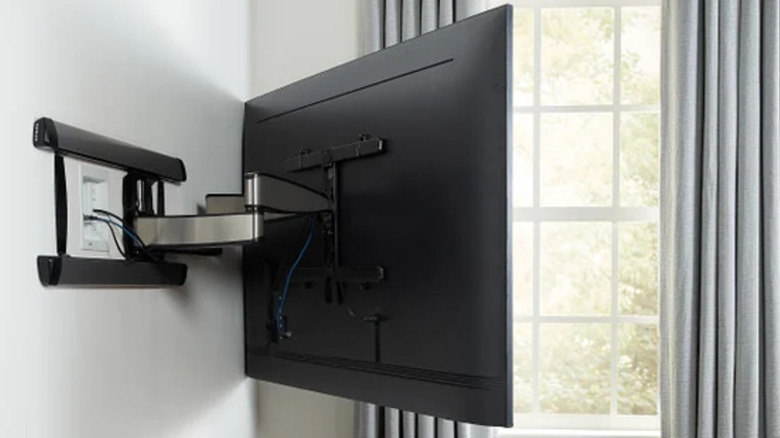
One of the best gadgets for fixing cable clutter in a living room, bedroom, or home theater is an in-wall power kit. Rather than installing a new outlet behind the TV, you'll use an existing AC outlet (ideally located below your TV and close to the floor) to run a power "jumper" from that power source up to the in-wall kit. The upper half of the kit is installed behind your wall-mounted TV and has a pre-wired power cord.
The cut-out template is used to mark and make cuts in the drywall for the top and bottom portions of the kit. Wrap any HDMI and AV wiring needed for external TV devices to the power cable with electrical tape and then push the bundle down the stud bay. Finally, pull your cables through the pass-through on the bottom, and connect the power plug to the existing outlet. That's all there is to it.
Your TV power cord, HDMI, and other AV connections will be blocked from view by your TV, while the bottom portion of the kit and cables can easily be obscured by an entertainment center or furniture. To further organize your setup, say goodbye to ugly power strips with the sleek D-Line cable management box. Running an extra HDMI cable or two may also be worthwhile to future-proof for any additional HDMI-connected devices you want to add down the line.