

5 Ways To Protect Your Privacy On An Amazon Fire TV Stick
We may receive a commission on purchases made from links.
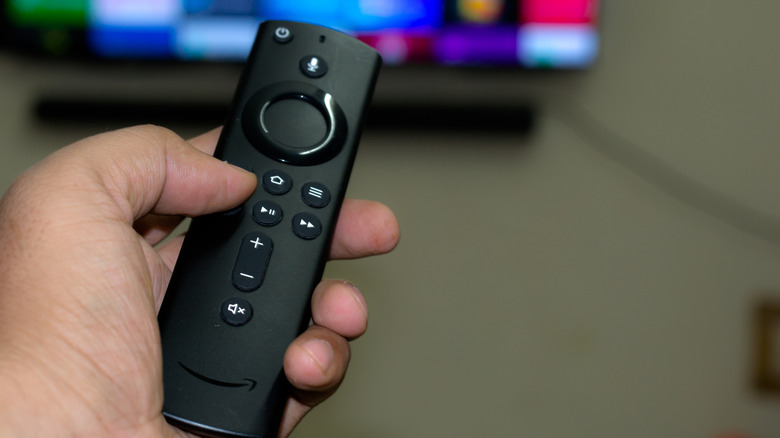
An Amazon Fire TV Stick is a great way to make your TV smart or extend its lifetime. This streaming stick adds Wi-Fi capabilities, runs streaming apps, and does much more even on old displays with or without smart features. However, choosing an Amazon Fire TV Stick means giving Amazon access to a ton of data that it can use to track you, allegedly "improve" your experience, and make its products more appealing. This is why when using this accessory, you should protect your privacy and ensure what you do on the Fire TV Stick can't be fully accessed by Amazon or third-party vendors.
One of the Amazon Fire TV Stick facts you should be aware of is that Amazon won't protect your privacy by default. These devices are cheaper than Apple's offerings, for example, becauseAmazon collects data and display ads on your Fire TV Stick experience. Here's what you can do to protect your privacy anyway.
Delete personal information
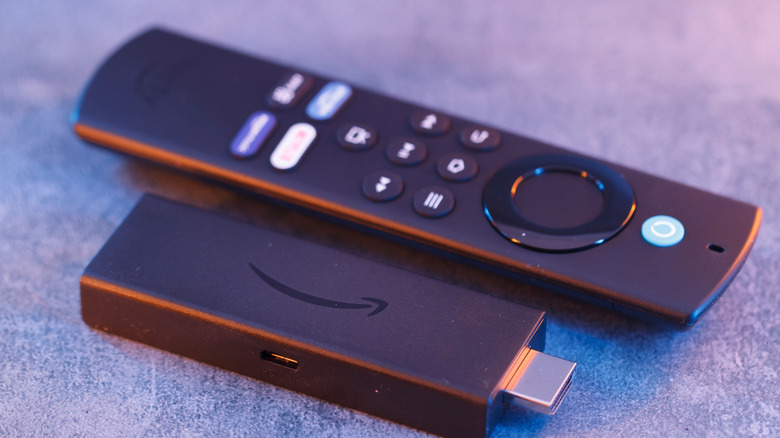
Amazon lets you turn off personalized ads. However, it doesn't mean it stops collecting your data. That said, the best way to stop Amazon from tracking your information is going through Amazon's Advertising Privacy and Preferences, which lets you delete your personal information from the company's ad systems.
This will make the company stop showing ads based on your viewing behavior for a while, as it will delete most of the previous knowledge it has about you. The company says it might retain some information for security and other reasons. Still, deleting your data history is important if you want to reduce how the company and other third-party vendors create a profile of your internet consumption, which makes you slightly more anonymous online. Again: doing so won't stop ads from appearing on Amazon Fire TV Stick or other Amazon pages. The only difference is that they won't be 100% tailored for you.
You can look at personalized ads in two different ways: as useful tools that give you exactly the kind of ad you want, or a privacy concern. If you prefer a less invasive experience, delete what the company knows about you so you aren't as impacted by what the company might be promoting online.
Limit data collection
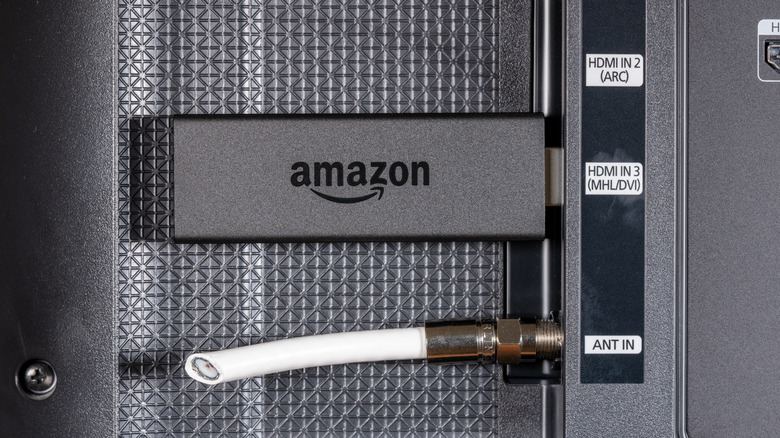
The same way personalized ads can help Amazon create an online profile of you, users can also choose to limit data collection, as Fire TV Stick continuously reports telemetry. It understands which apps you opened, how long you stayed using them, your navigation patterns, when something goes wrong with the experience, and even other engagement metrics. This way, Amazon knows how long you spent watching Netflix and cross information with the streaming's biggest releases. It can see that you opened HBO Max and instantly went for Disney+ instead. It may even analyze what you've been trying to find on its search.
That said, you can go through your Fire TV Stick settings, then tap Preferences, Privacy Settings, and switch off Device Usage Data and Collect App Usage Data. Again, turning these features off won't prevent Amazon from understanding patterns, as some operational data is still required to use the device. However, most analytics used for product optimization and the company's recommendation engines won't be as aggressive and nosy as before.
Delete Alexa's voice recording storage
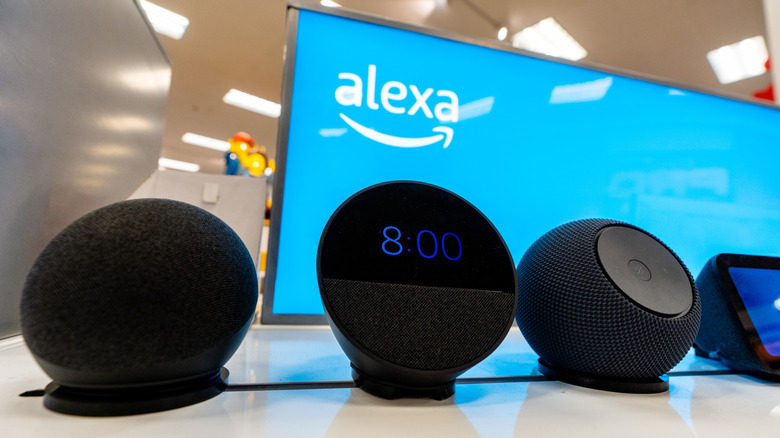
Amazon Fire TV Stick also offers Alexa integration. The personal assistant, which recently got updated to Alexa+, is a lot more conversational, helpful, and intelligent. However, it might be storing information from your chats to train its algorithm and create your ad profile.
You can prevent that by not letting Amazon store your chats or asking it to auto-delete the information after a certain period of time.
To erase Alexa's voice recordings, go to the Alexa app while logged into your Amazon account, tap More, then choose Alexa Privacy and navigate to Review Voice History. Then, select a date range or filter by device or profile to pick which chats you want to delete. Besides that, you can also prevent Alexa from saving your recordings, which protects your privacy a lot more. So, you'll be able to ask it to play your sad songs playlist or watch your favorite childhood show without Amazon tracking everything.
Review app permissions
More than having Amazon getting a closer look at everything that you do on Fire TV Stick, you can also improve your privacy by being careful with what permissions you give to third-party apps. This applies not just to your Fire TV Stick, but also for most of your devices, like your smartphone. Sometimes, apps ask for permissions that they don't necessarily require, so you'll just be granting them access to information that is not relevant for your experience, and that can be used to track you across different channels.
Under your Fire TV Stick Settings, you can go to Applications and Manage Installed Applications. From there, you can remove microphone or storage access from apps that don't actually need them. Besides that, managing apps also gives you a chance to take a look at what you have been storing in your Fire TV Stick and delete what's just taking up space without being used. This is also a great moment to see those pre-installed apps that are just sitting there for no reason. By doing that, you ensure apps are working the way you want them to, and not by how they might be set to.
Use a VPN
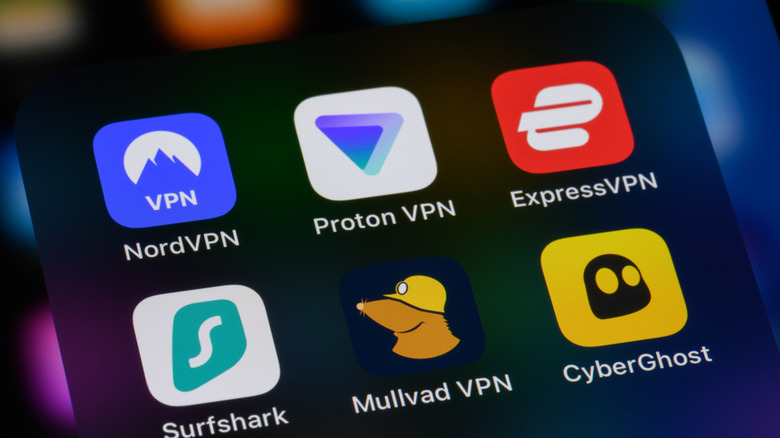
Besides all the tips above, another important step to protect your privacy is to use a trusted VPN. By installing a VPN from the app store, you can hide your streaming activity from your internet service provider, as it reduces IP-linked tracking across apps and adds a privacy layer between your network and Amazon's ecosystem.
Besides VPNs offering other benefits, like bypassing content geographic restrictions, hiding the traffic from your internet provider is more of an extra protection against data collection by your ISP. Unfortunately, it doesn't stop Amazon from gathering information from your activity on its products. Still, if you opt for a less personalized experience with Amazon products, and you also protect your internet usage from your internet provider with a VPN, you can ensure your navigation gets slightly more private and under your control.