

12 Essential Voice Assistant Commands You Need To Start Using
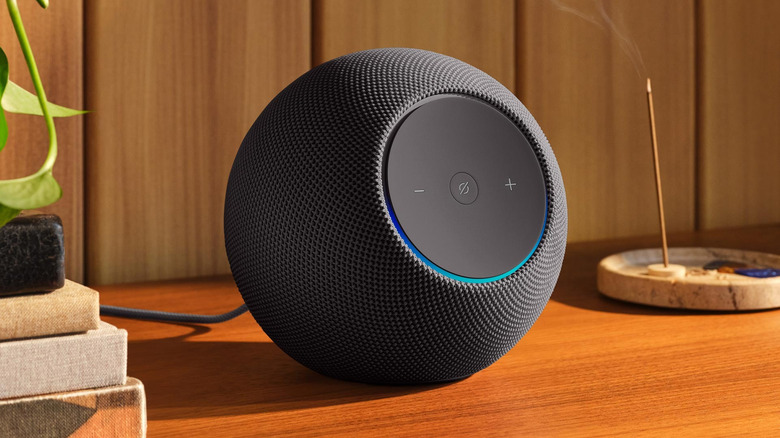
Many people buy a sleek smart speaker and end up using it for just three things: checking the weather, playing music, and setting kitchen timers. That mismatch is absurd because this device was never meant to be a novelty. It is built on cloud intelligence, real-time processing, and automation designed to respond instantly.
The smart assistant is always listening, always ready, and way more capable than we give it credit for. It can handle multiple devices, remember routines, and react faster than you ever could on your phone. But oftentimes, it just sits there waiting while you tap through apps and overthink simple tasks that it could finish in seconds.
Let's fix that. It's time to treat voice assistant commands as the frictionless interface they were designed to be. We break down the most overlooked commands that solve real daily problems, from tightening home security to reducing mental load when your brain is already done for the day.
1. The Phone Locator (Sanity Saver)

You're already running late, keys in hand, shoes on, mentally calculating whether you can still make it on time, and then it hits you. Your phone is gone. Not lost, just mysteriously missing. It is probably wedged between couch cushions or chilling casually in the fridge from your last snack run.
Ironically, this is the same device that helps you with everything else, from your daily to-do list to finding your parked car with your iPhone, which is incredibly helpful when you forget which level of the parking garage you left it on. But none of that matters if the phone itself decides to disappear minutes before you need to leave.
This is where your voice assistant actually earns its keep. Don't tear your living room apart in a panic. Just yell, "Hey Google, find my phone," or "Alexa, find my phone." Give it a few seconds, and your missing device will start blaring at full volume, even if you explicitly left it on silent.
To set this up, you don't need much. As long as you have a Google Home or Amazon Echo and your phone is linked to that same account, you're good to go. Just hop into the Google Home or Alexa app to make sure "Find My Phone" is enabled and your accounts match.
2. The Instant Podcast (Hands-Free Reading)
We've all opened a massive article, telling ourselves, "I'm definitely reading this today." Then reality hits. Dinner needs to be cooked, the sink is overflowing with dishes, and suddenly your reading time vanishes because your hands are busy. That's exactly when your phone can step in and save the day.
While you're staring at an article in the Google Chrome browser, just make sure Google Assistant is enabled and tell it, "Hey Google, read this page." Almost instantly, the Assistant turns a wall of text into audio. What was a screen-bound chore suddenly becomes a private podcast tailored just for you.
You can pause it when the pasta boils over, and pick up right where you left off. It's a tiny shift in your routine, but turning a web page into a hands-free learning experience lets you actually consume the stuff you care about even when life refuses to slow down.
3. The Searchable Memory (Your External Brain)
Even though there are ways you can protect and improve your memory, most of us still forget the simplest things. Human memory is wildly unreliable when it comes to everyday details. Passports disappear. Spare keys vanish. That clever safe place you chose last year is a total mystery now. So instead of trusting your brain to hold onto these random tidbits, just outsource it to your voice assistant.
The next time you stash something important, tell your smart speaker what you're doing. As long as your Wi-Fi is on and you've got a Google Home or Alexa-enabled smart speaker, just say, "Hey Google, remember my passport is in the sock drawer," or "Alexa, remember the spare key is in the blue mug." Just speak clearly so the assistant actually logs the right spot.
Fast forward six months. When that inevitable pre-trip panic sets in, you just ask, "Where is my passport?" or "Where did I put the spare key?" Bam, instant answer. It's basically a real-life search engine for your own house.
4. The Local Guide (Errands Without the App Gymnastics)

I see people unlocking their phones and furiously tapping between apps just to check traffic or figure out when a store closes. You end up standing by the front door, staring at a screen when you should be tying your shoes. Here's the thing: Your smart speaker already has all that real-time data pulled from the cloud.
To make this seamless, take 60 seconds to enter your home and work addresses in the Google Maps or Alexa app settings. Once you've given location access to a device from the major smart speaker brands like Amazon Echo or Google Nest, you can just shout, "How is the traffic to work?" while putting on your coat.
Even as Google Maps moves toward answering more conversational questions like Gemini, a quick, basic voice command already does the heavy lifting without making you stare at a screen. It totally changes how you handle quick errands. You get your answers without falling down a social media rabbit hole on your phone.
5. The Decision Helper (Indecision Killer)
Do you remember the "How I Met Your Mother" episode where Marshall Eriksen sprints across Manhattan like a man possessed? He dragged the whole gang to random corners of the city just to find that one specific burger. He was starving. He was sweaty. He was operating purely on vibes. Don't let your Friday night turn into a full-season storyline.
Fortunately, you have better tools. If you're signed into Google Maps, your recent searches and visited places are already connected to your account. So when Google Maps remembers the name of that amazing coffee shop you can't recall, it's not magic, it's data doing its job. So a simple "Where did I get coffee last week?" can bring it right back. You can also use Google Assistant and Alexa integration to locate gas stations, determine routes, and make other map-based requests.
Or, if you're just chasing a new craving, you don't need dramatic city-wide expeditions. Just say, "Find the best burger place near me," and your assistant pulls up ratings, reviews, and directions instantly. No toggling between apps. No retracing digital footsteps. Just answers, delivered before you can even say legendary.
6. The Dinner Bell 2.0 (Broadcast Mode)
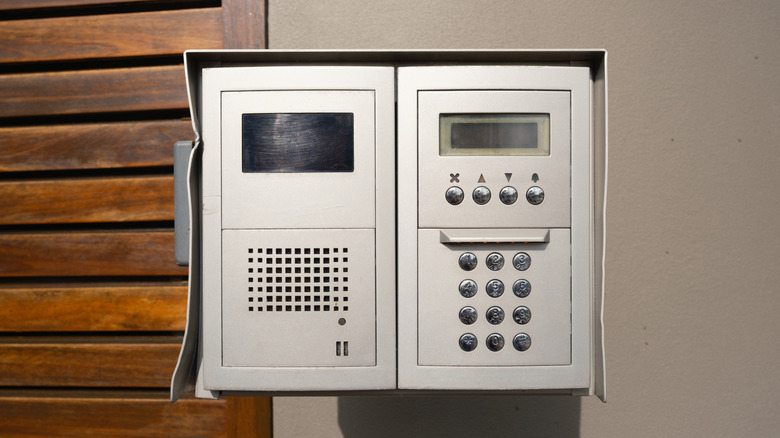
You shout "Dinner!" up the stairs, wait for a response, get a half-hearted "Coming!" and then watch nobody actually appear for another 10 minutes. Broadcast mode completely fixes this age-old communication breakdown by turning your smart speakers into a proper intercom system. Instead of destroying your vocal cords and hoping for the best, you get your message delivered right to the room you need.
You only need two Google Home or Alexa speakers on the same Wi-Fi network to pull this off. Then, you just say, "Hey Google, broadcast 'Dinner is ready'" or "Alexa, announce 'Time to leave'."
The absolute best part is how it handles background noise. If your teenager is blasting music, the speaker pauses the song, plays your voice, and then starts the music right back up. It sounds like a minor detail, but it genuinely lowers the stress in your house. Less yelling, zero repeating yourself, and you don't have to sound like a drill sergeant.
7. The Partner-Safe Toggle (Whisper Mode)
Talking to your smart speaker late at night can be tricky. One poorly timed command and suddenly your device is screaming tomorrow's weather forecast while your partner is fast asleep. Whisper Mode fixes this by turning your oblivious gadget into something that actually respects nighttime boundaries.
If you've got an Alexa-enabled smart speaker like the Amazon Echo Dot Max, all you have to do is say, "Alexa, turn on Whisper Mode" one time. From then on, whenever you whisper a command, Alexa whispers back. It automatically lowers the volume and keeps things quiet so you don't wake anyone.
Google users, you have a solid workaround too. Dive into your Google Home settings and flip on Night Mode. It lets you cap the volume limits and set specific quiet hours. It sounds like a gimmick until you use it at 2 o'clock in the morning for the first time. After that, you'll wonder how you ever lived without it.
8. The Circadian Alarm

Traditional alarm clocks treat waking up like a five-alarm fire with its sudden, loud noise and instant panic. It makes sense if you've already figured out how to create a custom alarm sound on your iPhone to make mornings slightly less violent. But realistically, your body wants something gentler: gradual light. Waking up to a natural sunrise doesn't traumatize your nervous system, and with a little help from bulbs, you can fake that exact experience in your bedroom.
You'll want to grab some smart bulbs, specifically, Cync GE A19 Smart LED light bulbs compatible with Alexa and Google Home, offering millions of colors and adjustable white tones. Connect those to your smart home app, pair them with your Google Home or Alexa speaker, and either build a light-based alarm routine or just say, "Alexa, wake me up at 7 a.m. with lights" or "Google, use Gentle Sleep and Wake."
Here's what happens: way before your audio alarm actually goes off, the lights start slowly fading up. By the time the sound finally hits, your brain has already pulled itself out of deep sleep. It switches the entire vibe of your morning from aggressive to calm, which is a total game-changer if you absolutely hate getting out of bed early.
9. The Hands-Full Entry
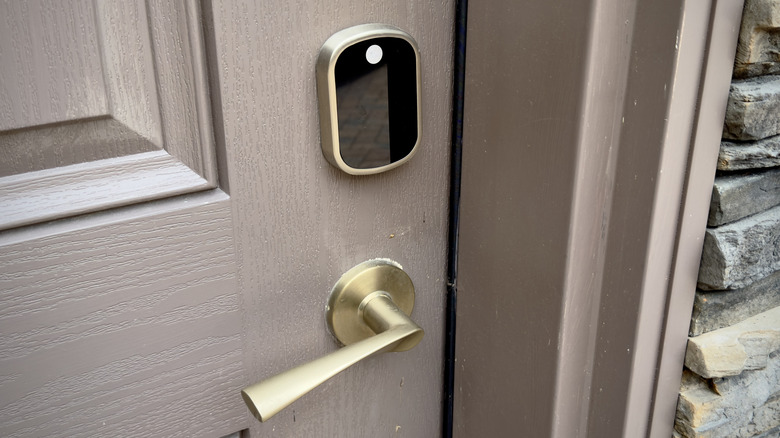
We've all been trapped on the front porch, wrestling with heavy grocery bags that are actively cutting off our circulation. We're irritated, our hands are full, and our house keys have somehow migrated to the absolute bottom of our bag. It's incredibly frustrating and entirely avoidable in the modern age.
You can actually kill that frantic doorstep shuffle for good. If you install a smart lock that works with Alexa, such as the eufy Security Smart Lock C220 or DESLOC Smart Door Lock B200, and link it to your app, you can literally just ask your voice assistant to unlock the door while you're standing outside. Once you enable "Unlock by voice," the deadbolt clicks open, and you walk right in without dropping a single bag.
I know what you're thinking: Isn't shouting a command outside a massive security risk? Nope. Most smart lock voice systems allow you to set up a specific four-digit voice PIN. So even if a stranger stands on your sidewalk yelling at your Alexa or Google Home speaker, nothing is going to happen. You get the VIP treatment without compromising your safety.
10. The Perimeter Check
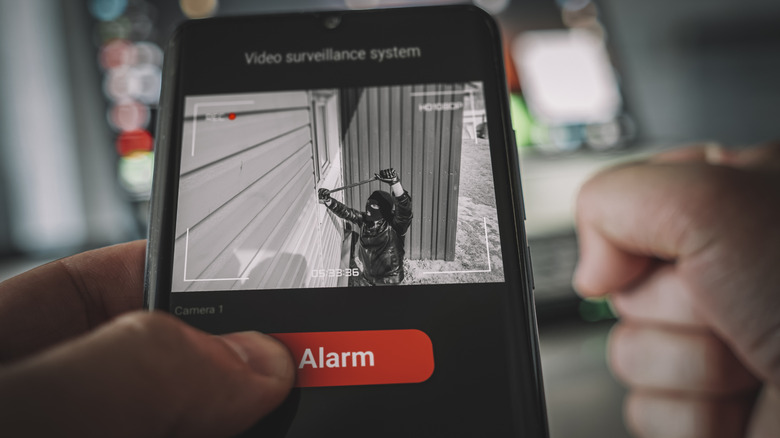
There is nothing worse than hearing a weird noise outside in the wee hours. Your brain immediately spirals. Is it a raccoon, the wind, or someone trying to break in? Instead of fumbling for your phone, waiting for security camera feeds to buffer, or tiptoeing around flipping switches, your voice assistant lets you handle it instantly.
To build this setup, grab some outdoor smart lights, like the Ring Floodlight Cam Wired Plus, and pair them with something like the Govee Outdoor Pathway Lights 2. Once those are installed and connected, open up your Google Home or Alexa app and head straight over to the Routines or Automations section. Tap that little plus icon to create a brand-new routine from scratch, and name it something like "Perimeter Check" to keep things organized.
Now for the fun part: Telling it what to do. First, pick a trigger: select the voice option and type your exact phrase, like "Alexa, run perimeter check." After that, tap to add an action, select your smart home devices, and pick that specific bundle of outdoor lights. You can even add a second action to trigger a loud siren sound on your outside cameras. Hit save, and you are completely set.
Now, that one spoken command instantly floods your yard with blazing light, strips away any hiding spots, and puts you totally back in control.
11. The Anxiety Killer (Exit Routine)
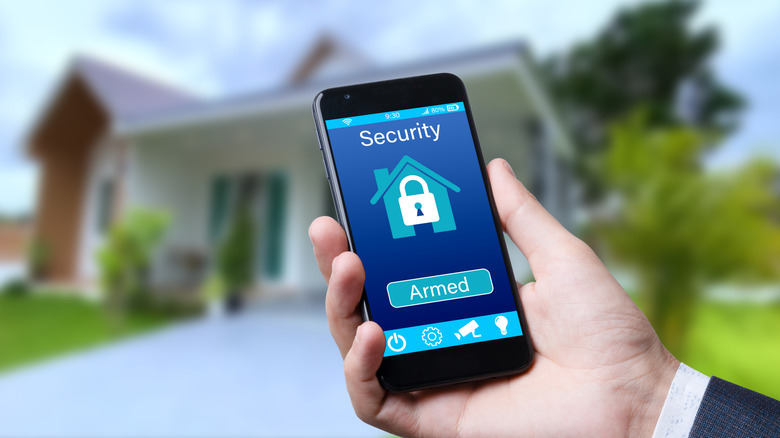
You know that awful, nagging feeling when you're halfway to work? The one where your brain suddenly whispers, "Did I lock the front door? Did I leave the straightener on?" You can completely kill that anxiety loop by setting up a foolproof exit routine. It stops you from second-guessing yourself because the tech handles the verification for you.
To get this going, you just need a voice-compatible smart lock and a smart plug, such as the Amazon Smart Plug with Alexa compatibility. If you want to go all out, toss in some security cameras like the Blink Outdoor 4. Jump into your app, build a "Goodbye" routine, and stack your locks and plugs into one automated action.
Instead of doing a paranoid lap around the house checking every single knob and outlet, you just give your voice assistant one command as you walk out. The deadbolt locks, the smart plugs kill the power to your hair tools, and your cameras arm themselves. You get to drive away knowing for an absolute fact that your house is locked down
12. The Home Alone Protocol (Maximum Drama Mode)

This one is part home security, part Hollywood stage direction. When you head out of town for a week, you want your house to look lived-in. Leaving a single lamp on in the living room for a week straight doesn't fool anyone; it screams, "Nobody is here!" What you really need is to mimic the messy, random rhythm of your actual life.
Grab your color smart lights and smart speakers, and build a custom routine in your Alexa or Google Home app. Pick a trigger phrase like "Activate Away Mode." Then, add lighting actions that randomly shift brightness, choose colors, and flick lights on and off in different rooms. Add an action to play some audio through your smart speaker, maybe a talk radio show or a podcast, and set the volume so it sounds totally natural from the front porch.
Burglars love a dark, empty, predictable target. You can completely ruin that for them. Trigger this routine as you drag your suitcase out the door, and let your nearly invisible smart home security gadgets keep a quiet watch. (Pro tip: give your neighbors a heads-up so they don't call the cops on a ghost listening to NPR.)