

You've Been Ignoring Software Updates On These 5 Devices For Too Long

Software updates can be useful, but over time, many of us develop a habit of ignoring them altogether for the less-used devices or ones that we don't actively engage with. When things appear to be working fine, it's easy to assume that software updates are unnecessary. But almost every device or gadget around you benefits from staying up to date, whether it's improved functionality, enhanced reliability, or stronger security. Yet we tend to ignore updates on routers, cameras and webcams, streaming devices, earbuds, and headphones.
Updates are no longer just about introducing new features or fixing bugs. Many also quietly patch security vulnerabilities that put your devices at risk of attacks from threat actors. Today, most pieces of hardware are either directly or indirectly connected to the internet. If known vulnerabilities exist, they become easy targets for attackers. And even a single compromised device on your home network puts everything else at risk. So, if you have been ignoring updates until now, it's time to rethink. An up-to-date device isn't just secure, it's also less prone to glitches and performance issues.
Older PCs, smartphones, and tablets

Older computers, smartphones, and tablets are generally not updated as frequently. In most cases, that's due to low available storage or performance issues. A 10-year-old computer or smartphone accumulates a wide array of personal and OS-related files over the years, leaving little room for updates. Sometimes, even when we try to install an update, it fails due to a lack of storage. When this happens far too often, we just stop trying, especially if the PC, smartphone, or tablet still works fine.
However, the moment you stop installing updates, vulnerabilities can appear and, sometimes, the performance is affected. You usually don't realize this until it's too late. PCs, smartphones, and tablets, if not updated, can put your personal files, sign-in information, and banking details at risk. And it's not limited to OS-level updates. Drivers on your computer, as well as apps across devices, need to be regularly updated.
As surprising as it may sound, some updates can actually boost performance even if they consume a significant share of storage. That's because these target key performance bottlenecks, optimize power settings, or improve battery efficiency.
Routers
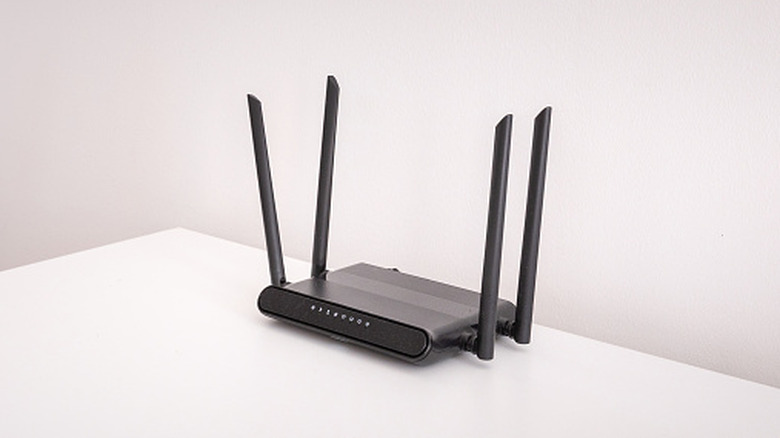
One of the most important devices that's often ignored is the router. It sits quietly in a corner, connected to devices across your home, running 24/7, and yet does not receive the attention it deserves until something goes wrong. A compromised router affects the entire network and puts everything at risk, including your PC, smartphones, smart TVs, cameras, and even security systems. Additionally, files on the storage devices connected to the router's USB port are also exposed to the attacker.
Imagine this: you visit a legitimate-looking website, enter your credentials, browse for a while, and then leave. Seems like a routine affair, right? But if your router's DNS is compromised, the website you were redirected to could actually be a copy of the original designed by attackers to steal your credentials. Or even while downloading apps from the web, you could end up installing malware. These exploits are tricky to identify for everyday users and put your entire home network at risk. Updating the router's firmware can minimize this to a great extent.
Apart from the security side of things, up-to-date router firmware can also fix slow Internet speed and random connection drops, something that's usually either blamed on the router or the ISP.
Home security devices

Cameras, doorbells, smart locks, and alarm systems rely on firmware to run securely, and when you don't update these, it translates into something much bigger. Outdated home security devices can be compromised by attackers, allowing them to access live feeds from cameras, manage doorbells and smart locks, and remotely disable alarm systems. These are real-world risks.
When it comes to home security devices, many assume that these auto-update when a newer software or firmware version is available. However, that's not always the case, even if the device is connected to the network. Some require manual updates via companion apps shipped by the manufacturer. Additionally, if auto-updates fail or the firmware is outdated, there may be no warnings. So, it's vital to manually check them from time to time.
Keep in mind that updating antivirus or other software is only half the job. Patching firmware and OS-level updates is just as critical, and when delayed for far too long, your home security devices might no longer be safe or resistant to attacks.
Streaming devices
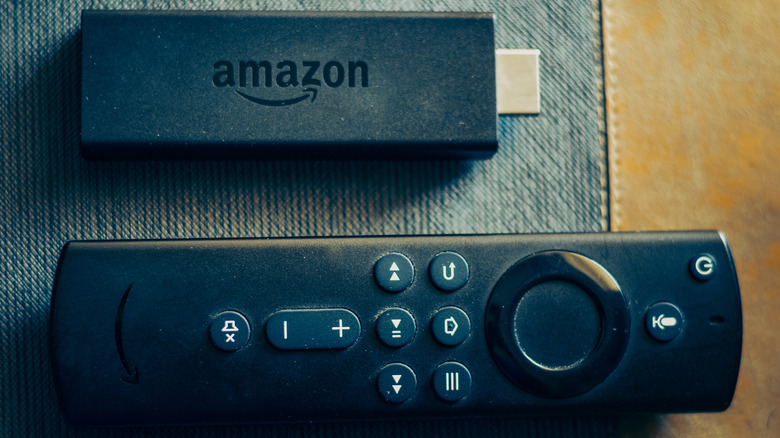
While most realize the importance of updating smart TVs, streaming devices don't receive the same attention. These are considered entertainment gadgets, and updates are usually delayed at best and completely ignored at worst.
There are two major reasons people don't update streaming devices. First, buggy updates can sometimes trigger issues or affect the picture quality. So, as long as the device is working fine, people just don't check for available updates. Second, given the cost-effective pricing, streaming devices are often considered disposable. The moment you encounter issues, you replace it with a new one, not bothering to verify whether an update can fix things.
Problems may not begin to appear after you miss an update or two, but after longer periods, when the software really falls behind. In such cases, the device becomes noticeably slower, and apps trigger errors or stop working altogether. Known security vulnerabilities can also put your data at risk. When you install the latest software updates, it fixes app compatibility issues, boosts the streaming device's speed, improves video quality, enhances security, and extends the lifespan.
Bluetooth headphones and earbuds

These days, almost everyone has Bluetooth headphones or earbuds connected to smartphones and computers, but very few realize that they utilize software. These devices rely on firmware to streamline connections, optimize battery life, and manage audio quality and features like noise cancellation. So, outdated firmware can affect your headphones' performance and sound quality.
Additionally, researchers recently found a major security vulnerability in many Bluetooth-compatible headphones and earbuds. It involves the "Fast Pair" protocol that allows quick connections to these devices. The attack, called "WhisperPair," allows attackers to pair devices using the "Fast Pair" protocol without user consent. Once paired, the attacker can control the device, play music, or even listen to conversations using the device's microphone. Additionally, by adding the device to their own Google account, the attacker can easily track someone's location. Updating firmware is the only way to patch the vulnerability.
As you can see, running an outdated OS or firmware doesn't just expose devices to security risks, but also impacts performance, even on ones that are generally ignored. Don't wait for problems to appear before you update. Instead, periodically check for newer firmware or software versions, especially any that introduce new features or patch known vulnerabilities, and install them as soon as possible.