

This Is Why Your Phone Battery Is Charging Slowly (Even With A Fast Charger)
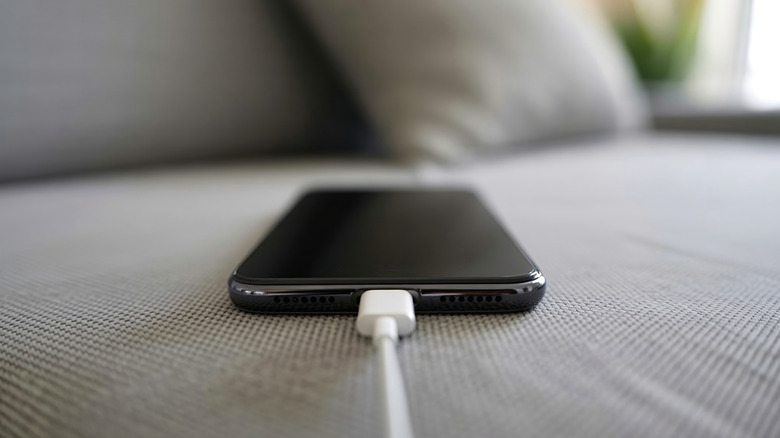
Whether it's an iPhone or an Android phone, most modern smartphones support fast battery charging, a feature that can come in handy when you have to top up the handset quickly during the day. That's when fast charging speeds matter most, as the battery should get a decent charge in a few minutes. For example, iPhone 17 models support up to 40 W charging speeds. The Galaxy S26 Ultra can go up to 60 W, while many of the most powerful Chinese smartphones support even faster charging speeds. However, there may be times when the handset doesn't reach the expected battery charge quickly enough, even though you're using a fast charger. There are several reasons why slow charging can happen, and the good news is that there are fixes for most problems.
To diagnose the issue, you'll have to look at everything involved in the charging process, from the phone and the battery to the cable, power adapter, and environment. The latter may include the power outlet or external battery pack, the actual ambient temperature, and what you're doing with the handset while it's connected to power. Once you've figured out what caused the issue, you can apply fixes, whether it's replacing a degraded battery or faulty accessories, or changing your battery charging behavior. Below, we'll address all the reasons why your phone might suddenly be charging slower than expected.
The phone and charging accessories
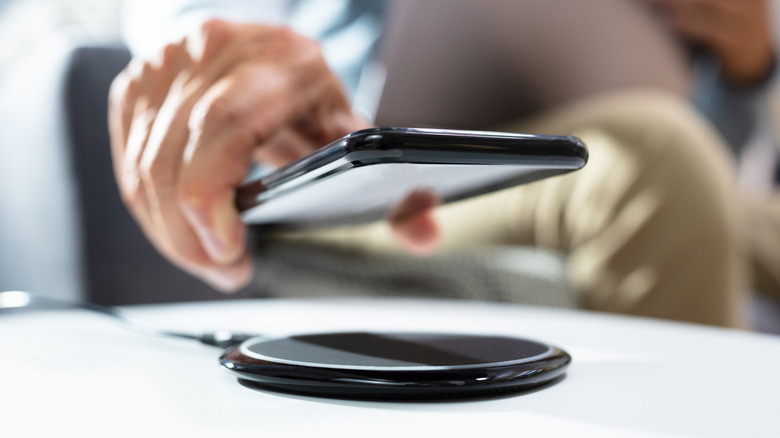
First, inspect the phone, starting with the charging port. After prolonged use, the port may accumulate lint, which may impact the contact between the plug and the connector. We've already explained how to clean your iPhone thoroughly and how to deep clean your Android device. Ensure the port is clean and re-test the wired charging speeds. Separately, any contact with liquids may prevent charging. If your phone gets wet, you'll want to let it dry before charging it. Wireless charging may be an option if you absolutely need to recharge.
The cable is the next key piece of equipment to verify. Ideally, you would use the cable that came with your phone, as it should support the fast charging speeds and standards the vendor requires. If you must use third-party cables, you should check if the cable can fast charge — generally, you'd want to look for one that supports USB Power Delivery (USB PD) and can output up to 240 W. Also, ensure the integrity of the cable. Sometimes, charging cables get damaged, and that can impact charging speeds. You should also ensure the wireless charger you're using can support the maximum charging speeds of your handset.
Finally, check the power adapter. Most smartphones don't ship with chargers in the box, so you have to use the ones you already own. For example, for an iPhone to charge at 40 W, you would need an adapter that supports at least 40 W. If you're using a multiport power adapter to power several devices, including your laptop and smartphone, you should ensure the port dedicated to your phone supports the fast-charging speeds and standards it needs. Like with charging cables, keep in mind that the charger may be broken and may need replacing.
The environment and the battery
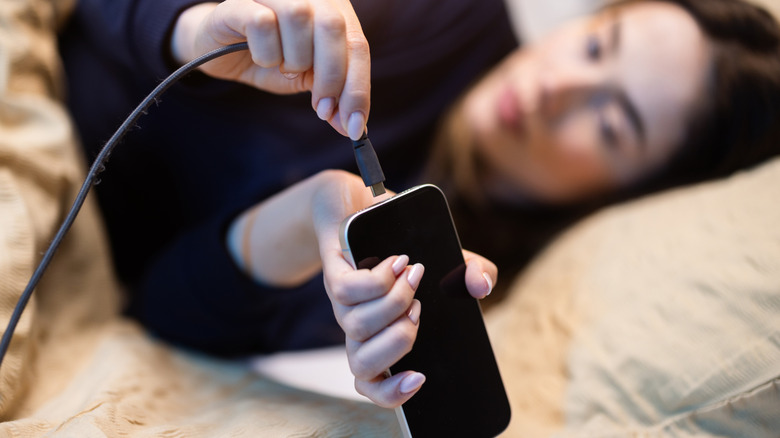
You may need to swap cables, power adapters, and wireless charging mats to determine whether one of these accessories is the problem. Once you've found the culprit, you can replace it and repair or recycle the faulty one. But you should also check the power outlet and ensure there's nothing wrong with it. Charge your phone in different places at home or at the office to see if a specific power outlet or extension cord is the problem.
If you're encountering charging issues during hot summer days, the temperature may be the problem. Make sure the handset isn't exposed directly to the sun, and the room or car is cool. On that note, the user is also part of the environment. If you need to use the handset while it's connected to power, and you engage with power-hungry apps and games, the phone may get warm and impact battery charging. Stop using the handset, turn off the display, and let it cool down and charge. You can also ensure you're not using too many background apps and that you have a decent cellular signal. Resetting the handset may also be a good idea for misbehaving software. You'll also want to check any battery charging settings, like Optimized Battery Charging on iPhone, or Fast Charging settings on Android phones, to ensure you have the correct setup.
If you've reached this far and the phone is still not charging as fast as it used to, the battery itself may be a problem. Any physical damage to the battery, or the battery's age, may impact battery performance. You may want to have the handset inspected by a professional, and replace the battery (and other internal components) that may be impacting charging speeds.