

What Is HDMI With Ethernet, And Do You Really Need It?
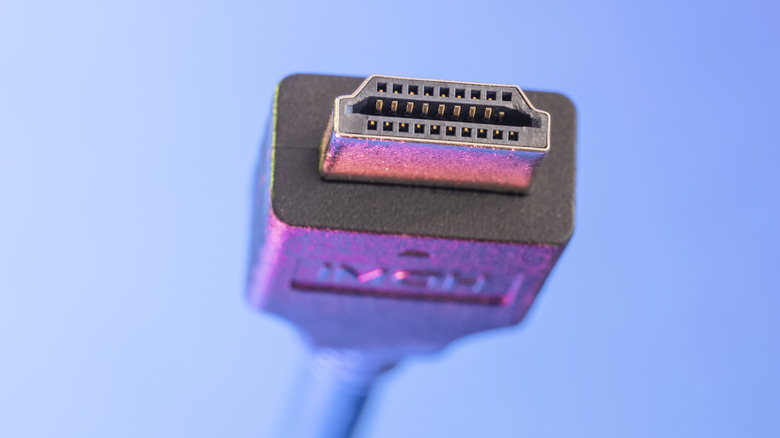
When HDMI — short for High-Definition Multimedia Interface — arrived in 2002, it merged high definition audio and video signals into one cable. Over the years, it has been improved with features like support for higher resolutions and refresh rates, eARC, and more. One feature that was added to HDMI 1.4, back in 2009, is HEC or HDMI Ethernet Channel. Put simply, HEC cables have embedded functionality for Ethernet connections, in addition to audio and video.
The idea is to allow users to piggyback an internet connection that's available on one device, like a smart TV, to another, like a media player. The internet connection via HDMI is passed through a separate channel and maxes out at 100 Megabits per second. Though it sounds convenient, both devices have to support the HEC over HDMI function, which is rare because the technology never really caught on. Not to mention, Wi-Fi is now included in virtually every device from coffee machines to smart plugs, so it makes more sense to connect wirelessly at this point.
Plus, HDMI with Ethernet requires one of the dedicated devices be connected to the internet already. Because support is limited and most modern devices already have Wi-Fi capability, there's not much call for HEC. Note that this technology is not to be confused with HDMI over Ethernet, which is an entirely different configuration. The same is true when looking at wireless HDMI versus the wired version, as that technology involves transmitting HDMI signals over a short distance between a transmitter and receiver.
How HDMI with Ethernet cables work
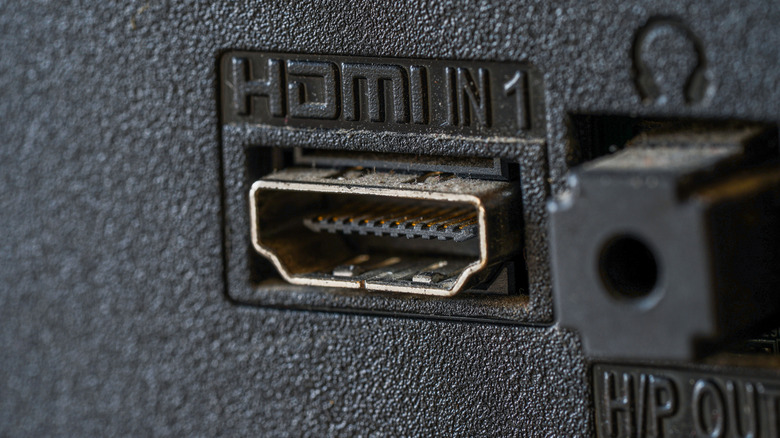
Using HEC simply requires plugging each end of the HDMI cable into compatible devices. Similar to how the HDMI standard helped consolidate audio and video cables, HEC compatible versions consolidate an otherwise separate Ethernet cable — sort of. HEC is designed to help bridge internet connections between two devices, which means one of those devices needs to be connected to the internet in the first place.
That could mean running an Ethernet cable to the device, or connecting via Wi-Fi. The HDMI cable would then bridge that core device with the secondary system, like a DVD or Blu-Ray player. The big idea would be to have a single internet-connected device, like your smart TV, as the main home theater hub, which everything plugs into via HDMI using the HEC connection.
But the idea never really caught on. You won't find many devices that feature this technology today because manufacturers didn't build the support into their modern releases. While HEC over HDMI may not be very useful, there are plenty of helpful HDMI gadgets you may be unaware of, like wireless dongles and capture cards, that can improve your smart TV experience.