

Why Do Some Keyboards Have 2 USB Cables?
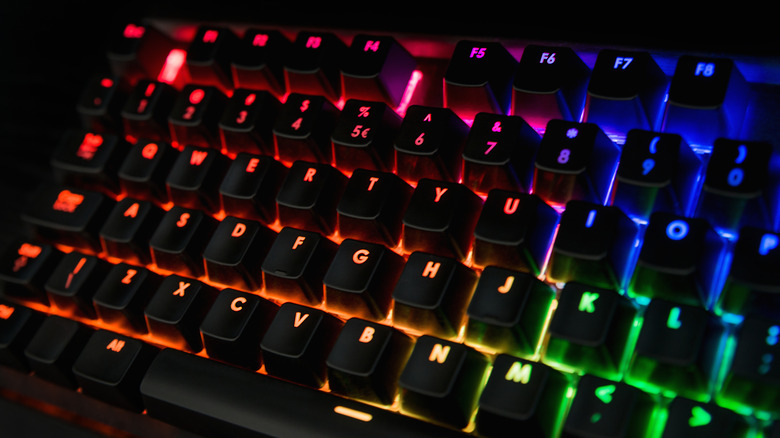
If you recently got a new keyboard and noticed that it has two cables instead of one, it might have felt odd. Most keyboards have a single cable, and even models with two work fine if just one of the cables is plugged in. That extra cable isn't a spare one to be used when the other stops working. It's tied to additional features on the keyboard like USB passthrough or RGB lighting.
The two-cable setup is usually found in more expensive gaming or mechanical keyboards, like the Logitech G513 Carbon or Corsair K70, which both come with a bunch of built-in features. One cable relays keystrokes and keyboard-related commands to the PC, and the other cable provides power or connectivity for the extra functionality. That's the reason the second cable seems pointless — because the keyboard still works without it, or at least performs its core function. But if you spent extra on a feature-packed keyboard, you'll probably want to use the second cable to make sure you're getting your money's worth.
The other cable powers RGB lighting or USB passthrough
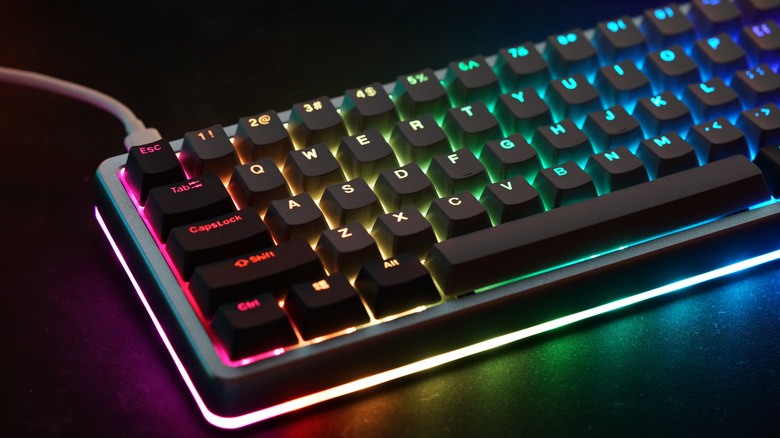
A standard wired USB keyboard draws a relatively small amount of power. While it's enough for typing, features like RGB lighting with hundreds of LEDs usually require more power. That's where the additional cable comes into the picture. When you plug it in, the RGB lighting starts working, presuming it's tied to the second cable.
The second cable is often mistaken for an additional power source for the keyboard's primary functionality. You may hear that you need to plug in both cables or the keyboard would feel slow or sluggish, but that's not how it works. The additional cable powers the secondary features and has nothing to do with the primary functionality of the keyboard. As for differentiating between the two, the cable that sends keystrokes to the PC sometimes has a keyboard symbol on it, while the other features the standard USB logo.
Apart from a secondary cable for powering additional features, several keyboards have a built-in USB port to streamline connectivity, usually at the top. This is called a USB passthrough port. The keyboard acts as a bridge between the device and the PC. In the absence of a separate cable dedicated to this port, the connected device may cause issues with the keyboard or affect its functioning since both draw power from the same port.
Devices you can connect to a keyboard's passthrough USB port

If your keyboard has a USB passthrough port, it almost acts like a USB hub, albeit with fewer ports. This makes it easier to connect devices, especially if the only other ports you have at your disposal are at the back of the computer. Devices you can connect to a keyboard's passthrough port include computer mice, USB microphones, flash drives, USB-powered lamps or fans, and really any useful USB gadget you can find on Amazon. The idea is to utilize the port in a way that complements and streamlines your workflow. For instance, if you have to connect a microphone and want it closer to the overall setup, plugging it into the USB passthrough port is a smart choice.
But just like there are downsides to using a USB hub, the same can be said for the passthrough port on your keyboard. It's best to check the keyboard's manual to find the list of supported devices and learn ways to better use the USB passthrough port. Make sure to also check whether the port is designed for high-power or low-power devices. If it's the former, you can plug in almost anything — but if it's only for low-power devices, some accessories may not deliver their best performance. In such cases, it's recommended to connect them directly to a USB port on the PC, and knowing what every different USB port color actually means can help you pick the right one.