

5 Devices You Should Always Have Plugged Into Ethernet Ports
We may receive a commission on purchases made from links.
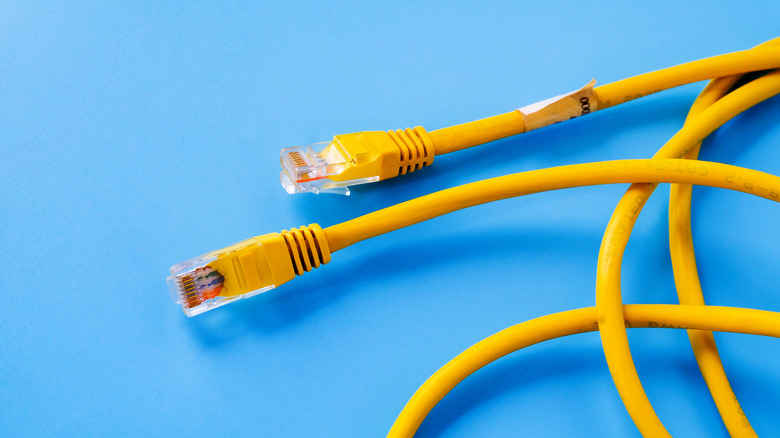
Homes and businesses are packed to the brim with internet-connected devices we humans can't live without. Smart lights, cameras, and thermostats rely on Wi-Fi to function, but an overstuffed network is also one of the fastest ways to put a damper on performance. Fortunately, most routers are dual-, if not triple-band, these days, but nothing's better than a hardwired Ethernet connection to your router.
Modern Ethernet ports often support speeds between 100-1,000Mbps, but speeds can be as high as 2.5, 5, and even 10Gbps depending on the device you're using. With just one Cat5, 6, or 7 cable running between your web-connected tech and router, you'll free up bandwidth to be used by smart home products and other gadgets that are strictly wireless.
Here's a list of five devices you should always have plugged into Ethernet ports. We did our best to include multiple product categories, and we also provided links to a few specific products you can purchase right now.
Smart TVs and streaming devices
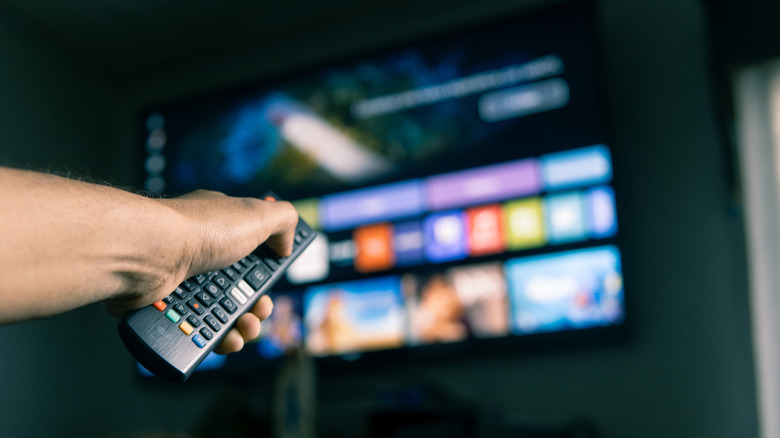
The best smart TVs on the market are packed with apps, games, and other internet-connected features. Brands like Samsung and LG use custom software (Tizen OS and webOS, respectively) to navigate and control smart TV functions, while companies like Hisense and TCL use platforms like Google TV, Roku TV, and Fire TV — all of which are licensed interfaces built by other developers. Most smart TVs can be connected to Wi-Fi, but if you have a lot of web-connected tech on your network, that might not be the best idea.
Smart TVs and streaming devices are complete bandwidth hogs, especially when you're streaming 4K HDR content from apps like Netflix, Apple TV, and HBO Max. It takes a lot of ones and zeroes to dial in that wide color gamut and pixel-perfect clarity, which may be robbing your Wi-Fi-only devices of precious data. Fortunately, many smart TVs have built-in Ethernet ports that often deliver up to 100Mbps, and there are also a handful of streaming devices with the connection, including the Apple TV 4K, Roku Ultra, and Nvidia Shield TV Pro.
If your router's nearby, we definitely recommend running an Ethernet cable to your TV or streamer. Not only will this provide a faster and smoother streaming experience, but it'll prevent some very high-bandwidth hardware from creating a network bottleneck for your other equipment.
Game consoles
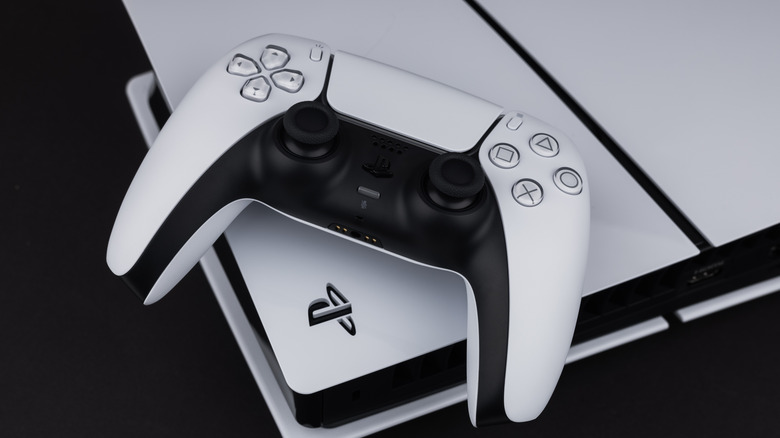
Modern game consoles are total beasts when it comes to graphical output. Yes, hardware like the PlayStation 5 and Xbox Series X|S supports dual-band Wi-Fi connectivity, but if you're in a position to hardwire via Ethernet, you'll definitely want to. Similar to smart TVs and streaming devices, it takes a lot of bytes to deliver sharp-looking visuals with low input lag and fast response times, especially when you're steeped in online multiplayer.
If you're the type of gamer who enjoys live service titles like "Fortnite" and "Call of Duty: Warzone," an Ethernet connection is going to be your best friend. Both the PS5 and Xbox X|S have Gigabit Ethernet ports (supporting up to 1,000Mbps), as does the Nintendo Switch 2, and using said port may give you the competitive edge for online multiplayer. Choosing Ethernet over Wi-Fi for console gaming should deliver lower input lag, faster load times, and quicker downloads — the latter of which bodes particularly well for games with frequent patches.
Even modern handhelds like the Steam Deck and ASUS ROG Ally can be connected via Ethernet, but the former requires the official dock. ROG Ally owners will need to purchase a USB-C dock separately, too, so make sure the interface you decide on actually has an Ethernet port.
Computers

Desktop PCs and laptops are staples of the modern workplace and often a must-have for students. Tackling everything from word-processing and video editing, some of the best PCs on the market are incredible gaming machines, too. That said, if you have the ability to hardwire via Ethernet for one or all of your go-to computers, we recommend doing so.
Similar to smart TVs and game consoles, most computers have Wi-Fi capabilities, but if your everyday workflow entails many open tabs and windows — on top of numerous file downloads, and a little Netflix on your lunch break — an Ethernet connection will provide faster, more reliable internet. This should result in quicker downloads, less playback buffering, and improved gaming performance. And even if your desktop PC or laptop doesn't have an Ethernet port, adding one is relatively simple: you'll just need to purchase a USB to Ethernet adapter.
This Anker product is a solid choice that interfaces with PCs and laptops via USB-C and supports Gigabit Ethernet speeds. You'll also need to provide your own Cat6 cable, and we think this 10-foot MediaBridge will more than get the job done.
Security systems
Adding one or several home security devices to your property is easier than ever. Installation usually involves nothing more than plugging the product in, downloading an app, and walking through a setup wizard to get everything networked and updated. While many security cameras are Wi-Fi-only, some models can be hardwired to a router with an Ethernet adapter, while others may support Power over Ethernet (PoE). The same goes for the base stations and network video recorders (NVRs) that often come bundled with larger camera systems.
If you have the ability to hardwire your security gear using Ethernet, you definitely should. Doing so will give your cameras a better shot at peak performance, so live views and recorded footage should appear crystal-clear with minimal ghosting, banding, and other visual artifacts. Hardwiring base stations and NVRs can have the same effect, and it also helps to keep these more control hubs off of your bandwidth-starved Wi-Fi.
Oh, and one other note about PoE connectivity: if your main router doesn't natively support PoE (many don't), but your camera or security device does, you'll need to purchase a separate PoE injector or switch to complete the A-to-B handshake.
Wi-Fi range extenders
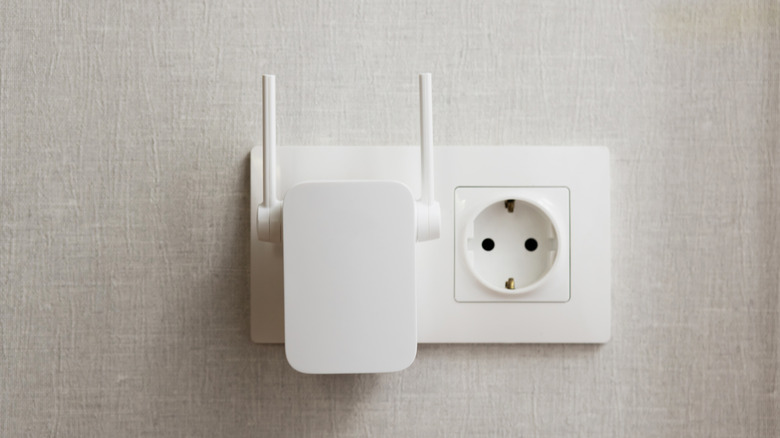
Maintaining a strong Wi-Fi connection isn't the easiest feat for larger homes and businesses. Maybe you're working with an entry-level modem or router that struggles to cast a wide-enough net, or perhaps there are too many walls, floors, and doors between your smart TV or work PC. Typically, we'd suggest upgrading to a mesh Wi-Fi system with one main router and a few satellite nodes, and that is definitely an option. The only problem is that many nodes don't include an Ethernet port, so you'll still be relying on a wireless connection (albeit an improved one).
Now, let's say your smart TV, streaming device, or game console a.) features an Ethernet port and b.) is giving you Wi-Fi problems. Instead of investing in a mesh system, you could simply purchase a Wi-Fi range extender. These devices connect to an existing Wi-Fi network to expand its footprint, and you'll be able to wirelessly pair devices directly to the extender. And while some of these products don't include an Ethernet port, a lot of them do, like this Netgear EXS27 Wi-Fi 7 Range Extender.
Not only does the EXS27 add up to 1,500 square feet of Wi-Fi coverage, but you can also run an Ethernet cable from its built-in 2.5Gbps port to everything from smart TVs and game consoles to AV receivers and soundbars like the Sonos Arc Ultra or Beam Gen 2.
How we chose these Ethernet-connectable devices
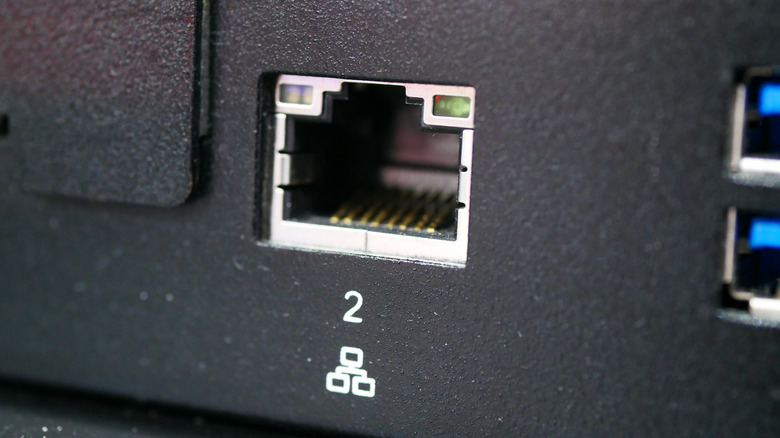
Maintaining a strong Wi-Fi network is no joke, so using Ethernet whenever possible is one of the best ways to improve the performance of many network devices. When writing this roundup, we spent a lot of time on ideation to come up with product categories that would benefit most from Ethernet connectivity. We also linked to a number of relevant products, and did our best to highlight tech with reasonable prices.