

Turn Your Android Tablet Into A Portable Monitor With This Simple USB Trick
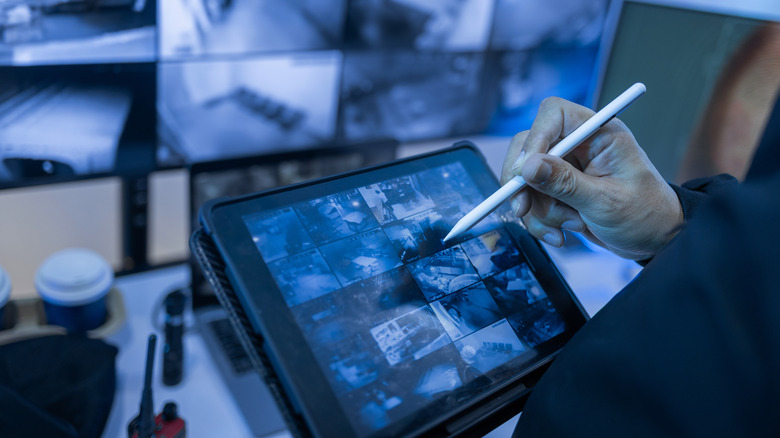
The more screen space you have when using a computer, the more your productivity can increase, as you have more information in view, reducing the need for constantly switching between apps. A second display may be a luxury you can't afford, especially when traveling. But $14.99 is all you need to pay for a second display that extends your Windows laptop's screen when you're on the road. That's what the SuperDisplay application costs. The app will let you turn your current Android tablet into a portable monitor, without impacting the device's primary function, by connecting the device via USB to your Windows 10 laptop or desktop.
Beyond travel purposes, SuperDisplay can also help you increase your overall display area at home or at the office, even if you were starting to think there's no need for Android tablets in the current computing landscape. In fact, the screen-extension app is especially useful for use with older Android tablets that are too slow for your current day-to-day productivity needs. They can still work as secondary monitors for your laptop or desktop. According to the developer, SuperDisplay requires Android 5.0 or later to work, which means the app is compatible with much older tablet generations.
Even if you use tablets regularly and you own one of the newest flagship devices, like the Galaxy Tab S11, you can still have them work as portable monitors when you need your Windows PC for more complex tasks than what an Android tablet can offer.
How to use SuperDisplay on an Android tablet
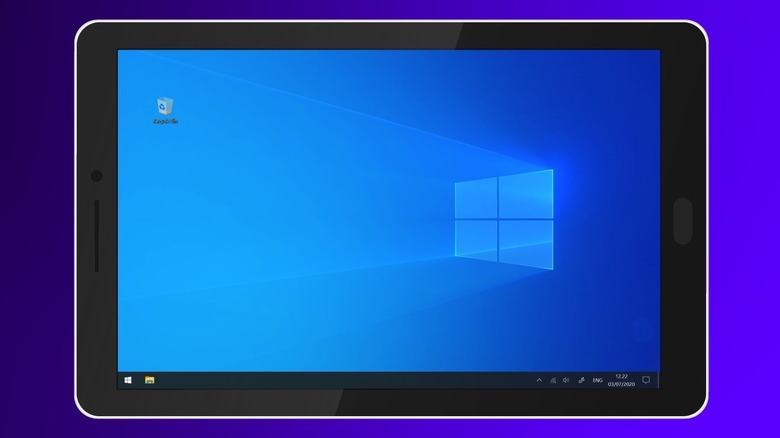
SuperDisplay is available to download from the Google Play Store, and you can test it for free before having to buy it. You will also need to download the Windows 10 driver that will allow your computer to see the tablet as a monitor. The driver is available from the superdisplay.app website. Once you install the driver and the app, you'll be able to turn your Android tablet into a monitor. While old Android devices will work with SuperDisplay, you will need the 64-bit Windows 10 version 1703 or later to make it work.
After you install the required software, you can connect the Android tablet to the Windows machine via a USB cable or wirelessly. The PC will see the tablet as a monitor and let you manage its position and settings accordingly, just like you would do with a regular monitor. SuperDisplay also supports stylus input, which allows the user to turn the tablet into a graphics tablet that may work with some of the apps you have installed on the Windows machine, including Adobe Photoshop.
The developer notes that performance was a critical consideration in building the app, so the three-day trial period should help you get an idea of how snappy it is. From there, you can decide whether the app will work with your setup.
Foldables and regular phones are also supported
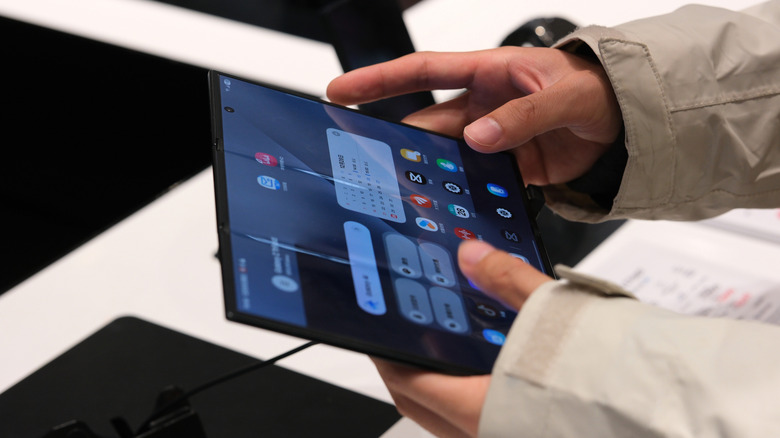
It's not just Android tablets that can become portable monitors with SuperDisplay. Users can install the app on all of their Android devices, including standard and foldable phones. One purchase is enough to let you use SuperDisplay on all your devices, though only one of them can act as a portable monitor at a time. Turning a smartphone into a display may not be as helpful as using an Android tablet, but you still get additional screen space. The app may be more useful on book-style foldable phones like the Galaxy Z Fold 7 and the Galaxy Z TriFold, which offer larger displays. The latter unfolds into a 10-inch Android tablet, but it can always double as a Windows PC monitor when you need an extra screen. The handsets will continue to work as Android phones while they're connected to the computer via USB to perform monitor duties.
The SuperDisplay app doesn't support other desktop operating systems at this point, so you can't use an Android device as a portable monitor with your MacBook, unless you run Windows on the laptop. If you use Apple devices, though, you can extend your Mac's display to an iPad via the Continuity features built into Apple's operating systems. Also, SuperDisplay isn't the only app that lets you turn your Android tablet or phone into a PC monitor with ease, but it's a well-reviewed tool. The app has an average rating of 4.4/5 out of over 7,400 Google Play Store reviews. Alternative solutions include Duet Display and iDisplay.