

10 Major SSD Brands Ranked From Worst To Best
We may receive a commission on purchases made from links.
A computer's SSD card plays a crucial role in keeping your machine running optimally. A high-performance one means you can boot your desktop or laptop and launch your applications much faster. Additionally, an SSD card determines how quickly your machine reads information, including when you're playing a graphic-intensive massive open-world game. It is one of the critical components for a high-end gaming rig and an important aspect of any computer. The optimization of SSDs has caused a heavy shift away from standard hard drives to the point that they may literally be worth their weight in gold. It can be difficult to know which card to go with and which brand to buy from in a constantly changing and expensive market.
We've gone through the largest SSD brands available on the market and compiled them into this list, showcasing the best options for users. Some of them are better than others, based on the prices of specific products and how they perform for many users on their machines. We consulted professional reviews, spec sheets, and buyer feedback to determine how major brands perform, and which may be best avoided. We list the prices of the SSD cards in each section, but these are subject to fluctuation as the market changes regularly. Here are 10 major SSD brands ranked from worst to best.
10. Kingston
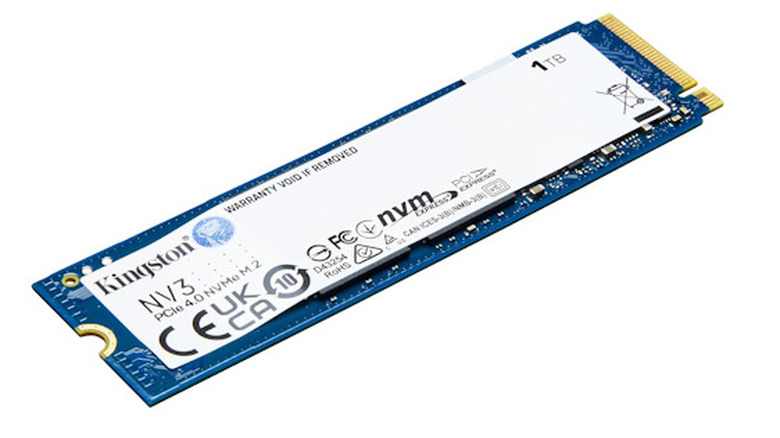
When you're looking for a solid and reliable SSD card brand, Kingston is a respectable choice. If you go with Kingston, they have a handful of options for you to pick from, such as the NV3 for $165 that gives you 1TB, or you can go with the NV3 2280 2TB version for $349.50. There is also a 4TB NV3 option currently priced at $629.12. The NV3 read speed is up to 6,000 MBps. These purchases, before the 4TB, are also on the cheaper side, making them budget options compared to some SSD brands.
What might put some people off from purchasing a Kingston SSD is that these components heat up quite a bit inside a machine. They do not include a heat sink, which results in speed throttling under heavy usage. If you're regularly running high-quality games or bouncing large quantities of information, the Kingston might not be your top choice.
With the budget Kingston, you'll find that its performance doesn't hold up well compared to other competitors. It may require you to lower the graphics several notches, meaning you won't be able to run "Ultra" on modern games consistently, and you may even want to steer clear of "High" graphics.
9. Adata
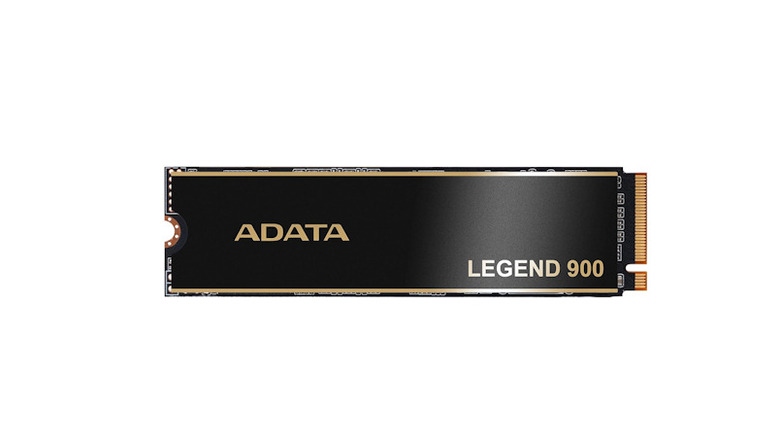
The Adata SSDs are another budget option that pack a decent punch. They're not going to have the highest speed marks of any SSD, but the Legend 850 and the Legend 900 are reliable choices, especially if budget is a significant factor. You can get the Legend 900 for $225, and the Legend 850 normally goes for a similar price, but is frequently unavailable. These models only go up to 2TB, which holds the brand back in general, but could be worthwhile for someone looking for smaller capacities. Issues with the availability of these SSD cards aside, they perform well and provide streamlined performance. You'll find your computer booting up pretty quickly, along with any application you want to jump into immediately when you're ready to sit down. The Legend 900 has a read speed of 7,000 MBps.
The Adata SSD cards are inexpensive and reliable, but you'll find that as you continue to use them, the performance will degrade when about 25% of the space is full. If you're planning to use your computer for longer periods of time and continue to use optimal settings, going with a slightly more expensive model from this brand is a good idea. Overall, Adata cards are decent for everyday use, but the limited availability of these inexpensive cards holds them back from being a good choice for some users.
8. Acer (Predator)
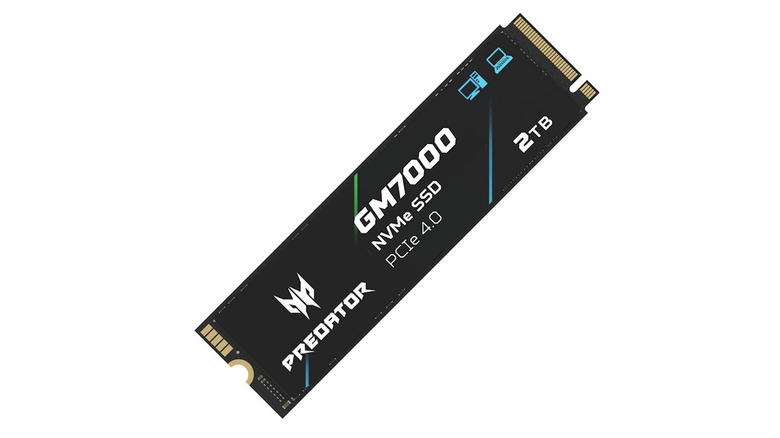
Acer is a known hardware company, and it has a handful of notable SSD drives that you can choose from. When it comes to the well-known cards from the Predator line, you have the Acer Predator GM7 for $290, or the 4TB model for $668. There are other choices, like the Predator GM7000 for $330 or the FA200 for $272, though these might not be as popular for a desktop user building from the ground up. The Acer Predator GM7 has a read speed of 7,400 MBps. These are reliable chips that have a reputation for good all-around performance, and they can handle sustained workloads, so you can expect consistent performance under heavy usage.
The downside to going with Acer's line of Predator products is limited availability and variety. If you don't like the limited options Acer offers, you're better off looking at a different brand with a wider variety of products. The Predator chips are relatively affordable and reliable, but this limited scope can make them difficult to source, such as the Acer Predator GM9000, which is unavailable in the United States. Additionally, with past models, there's no software support like the Acer Predator GM7, which could steer some potential buyers away.
7. Crucial
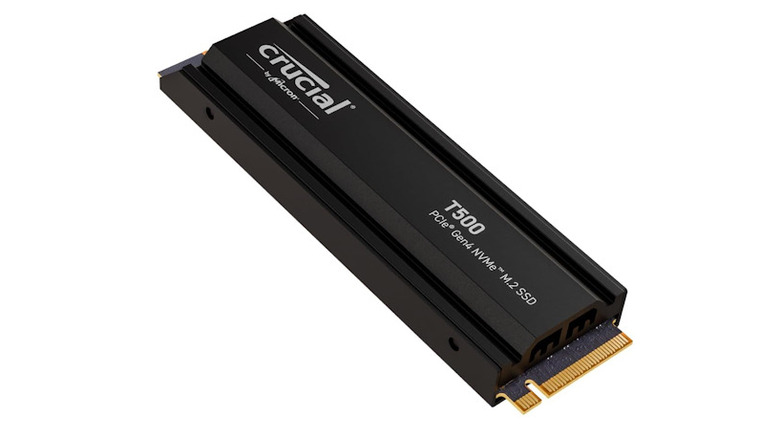
The Crucial brand is another company known for its budget SSD cards, offering reliable options for builders looking for reasonable pricing on their next purchase. You have the Crucial BX500 for $134, the Crucial T500 starting at $190, or the Crucial P310 for $290.
The BX500 is on the lower end of recommended SSD cards in terms of price and performance, but still beats out HDDs with its supporting software and burst performance. The T500 and P310 are different, and the models you want to consider if you're looking for a budget SSD card for your machine, as these components are power-efficient. The T500 has a rated maximum read speed of 7,400 MBps. However, the Crucial models tend to dip every so often, especially as you use them for extended periods.
Crucial also offers more expensive options if you're looking for a higher-quality product. Its upper-tier offerings can typically launch games and applications better and more smoothly, providing an improved experience if you're focused on maintaining quality and smooth graphics. If you're looking for an SSD for a laptop, the Crucial T500 is a great budget option as a single-sided component, but there are better choices out there. When you're watching your money, going with a Crucial SSD isn't a bad idea, but know that you can find something better from larger competitors.
6. TeamGroup
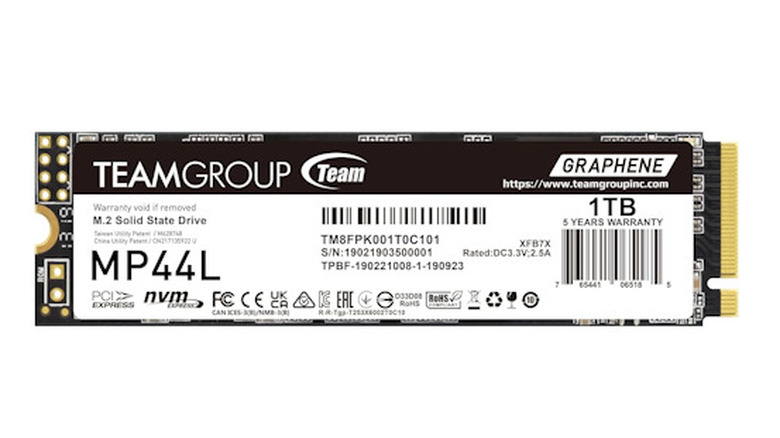
TeamGroup is another brand option for you to consider. It's a company that produces components that work well as mid-range upgrades and safe options when you're in between buying something for the future, especially if you have an older computer with certain cards, like the NV5000 for $166. There are more optimal choices from TeamGroup, like the G70 Pro Aluminum at 1 TB for $215, or the MP44L at 1 TB for $185, if you're looking for basic choices. However, if you want a capacity upgrade from TeamGroup, there's the G70 Pro at 4 TB for $506. The G70 pro serves as a good standard choice from TeamGroup, and it's a solid middle-of-the-pack SSD with a marketed read speed of 7,400 MBps
It comes down to how often you transfer data on your SSD and whether you routinely use its write speed. The MP44 from TeamGroup works well, but its random write speeds detract from its performance against competitors. Additionally, the overall cost of the models, like the 8GB, is not as cost-effective . The smaller capacities might be a better choice for anyone trying to save money, but if you want the best possible choice, expect to pay top dollar for these cards.
5. SK Hynix
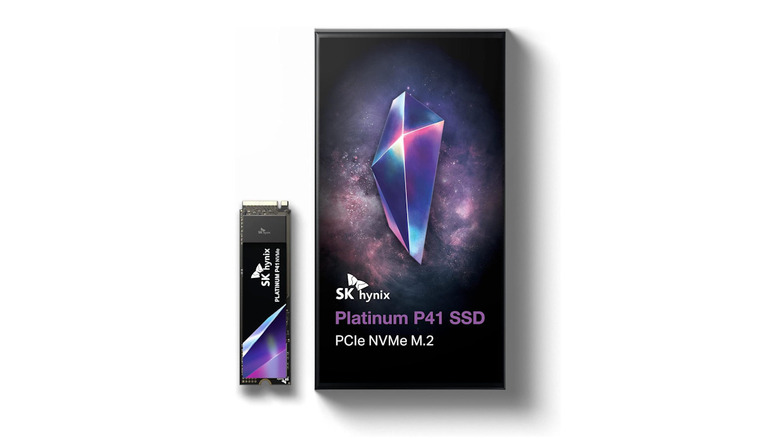
When you're looking for a premium SSD card to add to your desktop or to use on a PlayStation, the SK Hynix brand is among some of the top choices. These SSDs have impressive all-around performance, like the Platinum P51, currently available for $400 for 1 TB or $420 for the 2 TB. Alternatively, the Platinum P41 is also a choice, and you can get a 500 GB model for $239. These have a read speed of 7,000 MBps and decent power efficiency, although they might run a bit too hot for some users. It all depends on your setup and how you plan to take care of it.
Although Tom's Hardware praised SK Hynix's performance, the real problem is the digital storage capacity. The P41's maximum capacity is 1 TB, while the P51's is 2 TB. If you feel that 2 TB is the maximum you need, you'll be happy, but competitors offer equally great options with the flexibility to add more storage. This limitation might mean you look elsewhere for an alternative SSD, but if 2 TB is all you need, SK Hynix is a respectable option if you're willing to pay the expense. If the cost of buying an SSD from SK Hynix is holding you back, keep in mind that the advent of AI data centers is causing prices for these components to rise.
4. Biwin
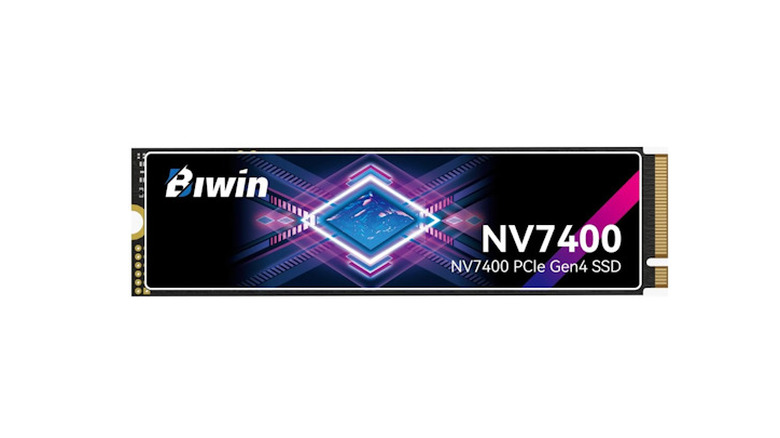
When you need every cent to count, the Biwin is a reliable choice for an SSD. There's the Biwin Black Opal, a relatively frugal choice starting at $169, making it an excellent option for those on an extreme budget. The Black Opal comes in 1 TB, 2 TB, or 4 TB versions, with the 2 TB available for $280, and the 4 TB for $649. What makes these standout options is how cool they are while you're running your machine and their overall performance. The performance does not change much with extended work, making for a good experience on various types of desktops. You can expect to get 7,450 for read speeds and up to 6,500 MB/s for the write.
If you're planning to put this into a machine with a high-quality graphics card and a good amount of RAM, you might feel that it's worth getting a different option if you're planning to use a 4K monitor. A cheaper panel may not get the visual you want, but if you're buying it for work or basic duties, it could be the solution for you. The Black Opal tends to offer lower random speed performance than some competitors, but it's great for most users who plan to use it for games. There are only a handful of better choices available compared to Biwin, but when you're carefully watching your budget, it's a reliable SSD brand.
3. Corsair
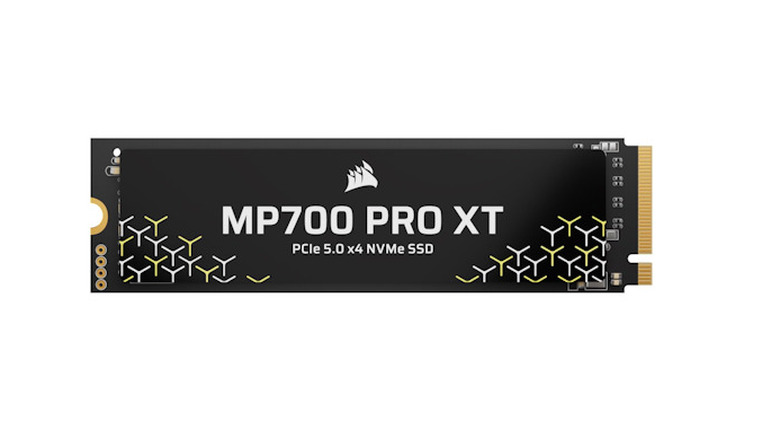
When you're looking for high performance and efficiency, Corsair is up there as one of the better brands available. It has a handful of notable SSD choices, including the MP700 Pro XT for $664, the MP600 Elite for $409, or the MP600 Core XT for $334. You don't have as wide a range compared to other brands, but they're exceptionally effective for many users, depending on the type of hardware you're looking to create and how you plan to use it. Competition is fierce, but you won't find many others that top Corsair on the market, especially as the MP700 Pro has a read speed of 14,900 MBps, with 1 TB, 2 TB, and 4 TB models available. The MP700's all-around performance and efficient power use are a prime example of how effective Corsair's SSDs are.
The Corsair SSD components are a great choice, though you might find them in limited supply, with some models not offering 4 TB or 8 TB options. At the time of writing, none are available on Amazon. However, when you're looking to build a desktop that can handle any game at the highest graphics settings, you'll be able to find an SSD from Corsair that fits what you're looking to use. While the prices of these SSD cards might turn away some customers, even in the current environment, going with a Corsair is well worth it — if you can find one.
2. SanDisk
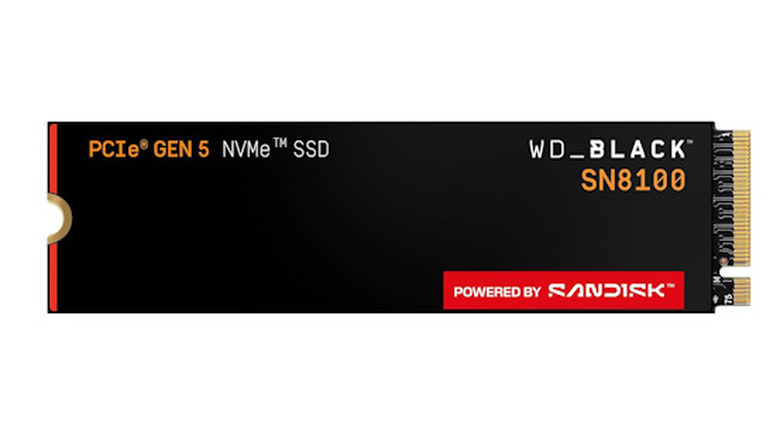
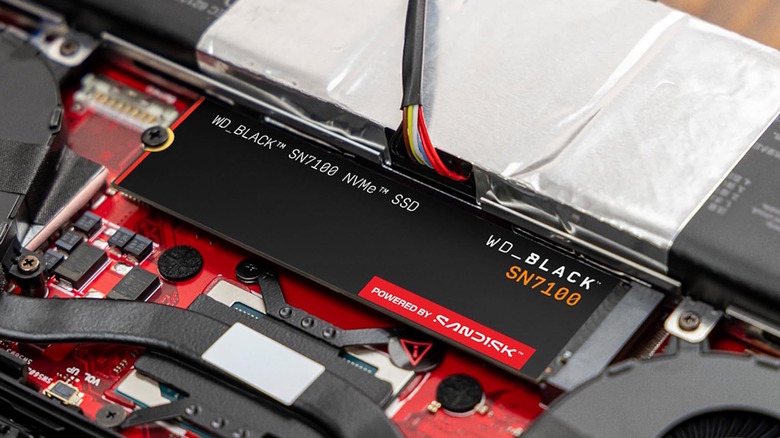
SanDisk is another premium brand on this list, as SSD cards from this company have long been reliable options. These include the WD SSDs, as SanDisk and WD split in early 2025, with SanDisk focusing primarily on SSDs moving forward in its upcoming Optimus models. The WD Blue SN5100 with 1 TB for $210 is a reliable choice, along with the WD Black SN7100 with 1 TB for $206, for general-purpose hardware. If you want more and have the budget, there's the WD Black SN8100 for $285 at 1 TB, and expect read speeds to push beyond 14,000 MBps. Potential buyers can also look forward to the Optimus GX and GX Pro models in 2026, which are primarily geared toward gamers and pull away from marketing to the general audience.
What makes SanDisk a great choice when picking an SSD card is the flexibility with these components. They work well for gamers or anyone who regularly uses their desktop at work to bring up multiple programs or communicate with co-workers online. You can't go wrong with SanDisk, and they're a competitive choice, though their overall price might prompt someone to look elsewhere, as they tend to be expensive.
1. Samsung
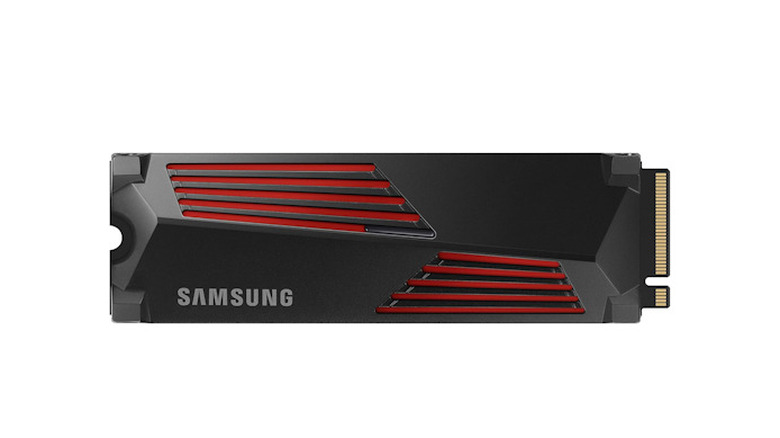
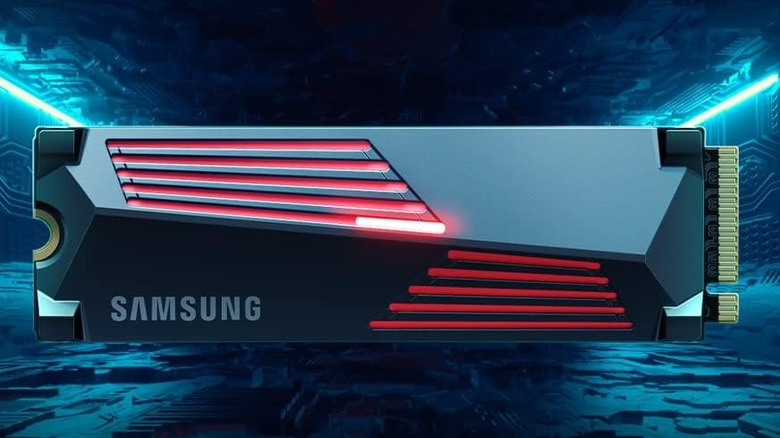
When it comes to efficiency and handling modern graphics, such as 4K read speeds, Samsung is our highest-recommended option. You have multiple selections to pick from, like the Samsung 990 Pro at 2 TB for $374.99, the 990 Evo for $319.99, or the Samsung 9100 Pro 4 TB for $870, that can go up to 8 TB if you feel that you need it for your set up (as it's the biggest SSD you can get), but expect to pay a high premium place, close to $1,600. Given that the card provides exceptional read speeds of 14,880 MBp, it should hold a steady pace on your machine. It's well worth it if you're hoping to run everything at the highest available setting and want it to run smoothly.
Samsung offers a range of products, with the 990 Pro and 9100 Pro as good comparisons. These are both excellent SSDs for different consumers, effective at what they do, with the 9100 being a great choice for anyone who plans to crush heavy workloads with 8 TB of storage. The price will be a significant factor for many who consider a Samsung SSD card, but you'll never wonder whether it will get the job done or if there's a better option available.
Methodology
When it comes to choosing an SSD brand for this list, we wanted to focus on brands that frequently appeared on professional websites and the market. These included Toms Hardware, Tweaktown, PCWorld, and PCMag.
After deciding which brands to feature on our list, we narrowed down the SSD options that were optimal for customers. We focused on how effective they were at handling heat, performance, and read speed, and how well they'd run across a wide range of computers, leaning towards expecting users to view these through how well they'd hold up in high-tier PCs. We also wanted to focus on the range of products a brand could offer customers, along with including the prices for these products, as the overall price was a factor, but not as significant as how well these items could hold up in a desktop, especially given how turbulent the market is for computer part prices.