

5 Mistakes To Avoid When Using A Dash Cam In Your Car
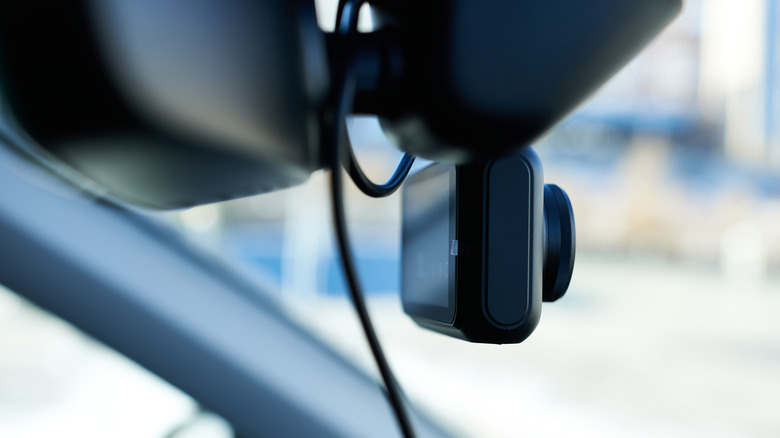
A dash cam is a great addition to just about any personal vehicle, providing various benefits like proof of good driving for insurance purposes or round-the-clock surveillance. However, as with any add-on accessory to your car, a dash cam does require a certain degree of knowledge to use properly. Mistakes like poorly managed cables, cheap memory cards, or forgetting to check the footage could hinder the device's overall usefulness, rendering your investment moot. A dash cam can be a very worthwhile investment, but it becomes a waste if you're not using it properly.
It's solely on you to know the ins and outs of your particular dash cam model, including the means by which it receives power, how it records and stores footage, and its general upkeep requirements. Properly cared for, a dash cam can be your best friend, but without that care, it's just an electronic paperweight dangling from your windshield.
Disregarding power and cable management
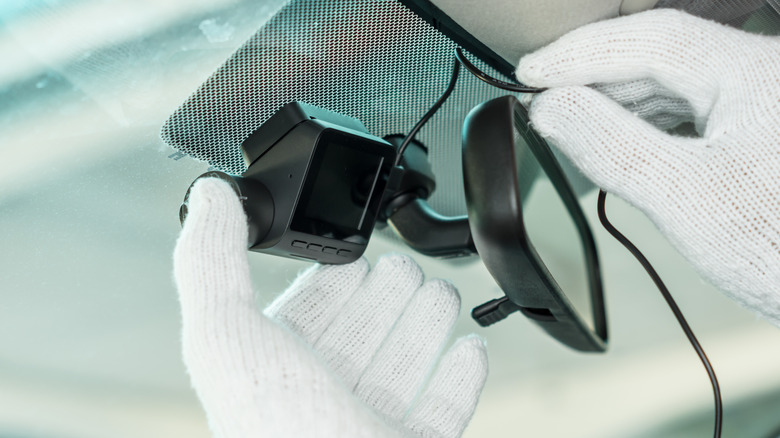
When it comes to connecting to your car and receiving power, dash cams can be installed in a few different configurations. Some of the most common configurations include plugging the gadget into a car's USB port, your cigarette lighter outlet, directly to your car's battery, or using a dedicated portable battery pack. Each of these configurations has its own positives and negatives, but no matter which type you go with, it's important that you understand where and how your dash cam is receiving power.
For example, if your dash cam is plugged into your cigarette lighter, it will only receive power when the lighter port is powered on, i.e. when the car is on. If you're only looking to get footage while the car is in use, that's fine, but if you were expecting it to work as a surveillance camera during the night, you're going to be disappointed. On a related note, if your dash cam has any loose connections or power cables, you should ensure those cables are properly tied down and secured. Loose cables could obscure your view on the road or get tangled in levers and instruments, potentially endangering you and your vehicle.
Disregarding firmware updates

Depending on the make and model of your dash cam, it may have either its own internal software or a companion app on your smartphone to manage its daily goings-on. In either case, you shouldn't just set up your dash cam and assume it will keep functioning exactly as it is in perpetuity. Hardware manufacturers will often release regular updates for their devices' firmware or companion apps, addressing bugs and improving performance. If you never download these updates, you may experience inconsistent performance from your dash cam or its app.
If your dash cam has its own internal firmware, try connecting it to your home internet to see if it checks and updates automatically. Otherwise, try visiting the manufacturer's website to see if any firmware updates have been made available for manual download, then follow the instructions to install them on the device. If the dash cam's functions are managed through a smartphone app, just turn on automatic updates in your respective app store, and let them download whenever they're available.
Using a cheap memory card
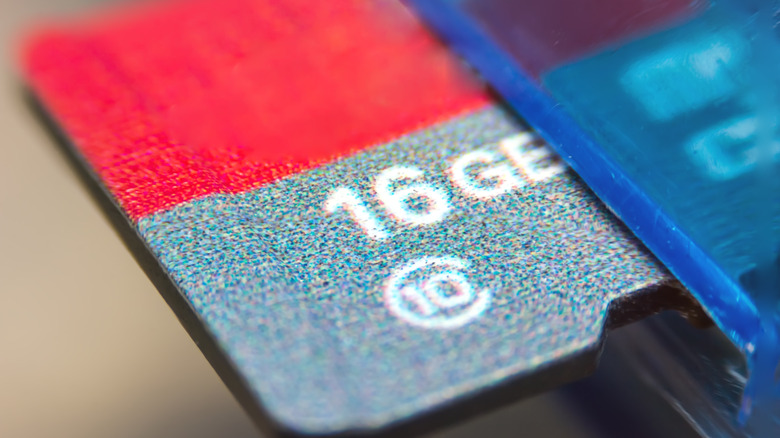
While a dash cam may have a companion app to manage the footage it records, the actual recording is done entirely within the cam itself. Specifically, it's all written to an internal memory card, usually a microSD card. While it's technically the same kind of digital storage as what you'd find in a digital camera or smartphone, the microSD card in a dash cam is a slightly different beast.
A dash cam is constantly recording and writing data in large quantities. A cheap microSD card can handle occasional data writing, but the kind of data surge that a dash cam undergoes regularly is enough to completely scramble a generic card. If you put a random microSD card from the dollar store in a dash cam, you might end up with missing or corrupted footage. To prevent this from happening, you need a microSD card with exceptional speed and durability. Look for a card labeled "high endurance," with a storage capacity of 128GB at the bare minimum. Some good examples of fast microSD cards include the Delkin Devices Power range or the Lexar Silver Plus range. You should also remember to format the internal storage every month or so, depending on how often you use it, to prevent errors.
Never checking the actual footage
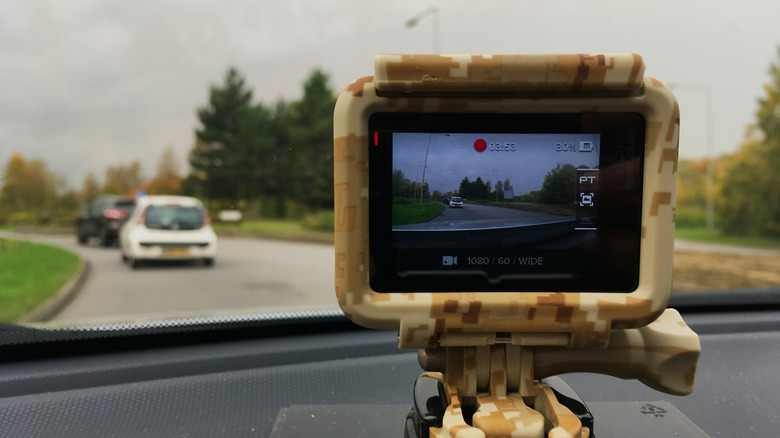
So you've got a reliable dash cam set up with a hearty microSD card plugged in. At this point, it's probably a safe assumption that your dash cam is doing its job properly and you don't need to worry about it anymore, right? Well, not quite. Even if your dash cam's setup was seemingly perfect, you can never know how effective it actually is until you've both recorded some footage and actually checked it. If there's some kind of problem, such as a loose power cable or memory problem, you may not notice it until you discover the dash cam wasn't actually recording when you needed it.
After you first boot up your dash cam, let it record for a little while, then check the resulting footage. You should make sure that the camera has a good, clear line of sight, whether it's watching the road or your car's cabin. If anything looks blurry or out-of-focus, you'll need to readjust. Whenever you start your car, before you pull out of a parking spot, take a quick look over at your dash cam to ensure that it's recording, either through an on-board screen or via status lights. If you have time, try to review your camera's captured footage at least once a week, both as a general health procedure and to verify any advanced features like motion detection or night vision are working as advertised.
Not saving important clips
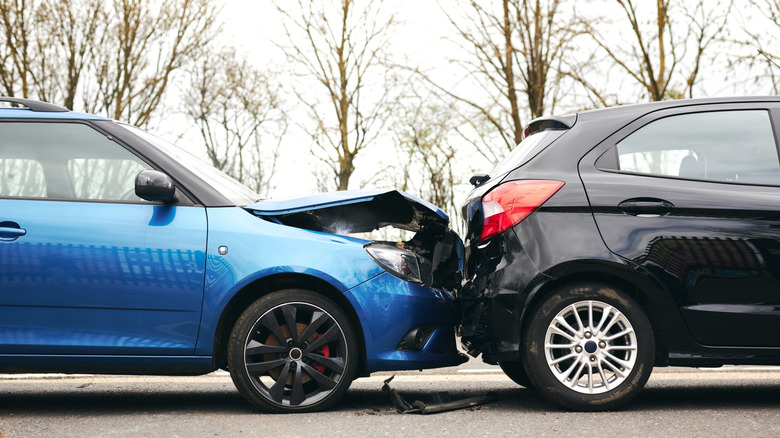
As we mentioned, dash cams are constantly recording footage, writing and overwriting data as they watch over your car. One of the main benefits of a dash cam is that, in the event of a noteworthy event like an accident or attempted theft, you've got visual proof that you can use for an insurance claim or police report, respectively. If you don't remember to save those vital clips when they're recorded, though, they'll end up getting overwritten like the rest of the uneventful footage.
If your dash cam ever records something important, you should take action to secure that footage as soon as you are able. Most dash cam interfaces will allow you to either save specific clips to external sources like your smartphone, or otherwise cordon off the clip as a saved event, keeping it marked on the memory card so it can't be overwritten. Some dash cams have a dedicated button you can press to save the last few minutes of footage; otherwise, you should be able to access the recordings and grab the clip via a companion smartphone app. Keep that clip somewhere safe so you have it when you need it.