

You Can Turn Your Old Dash Cam Into A Webcam - Here's How
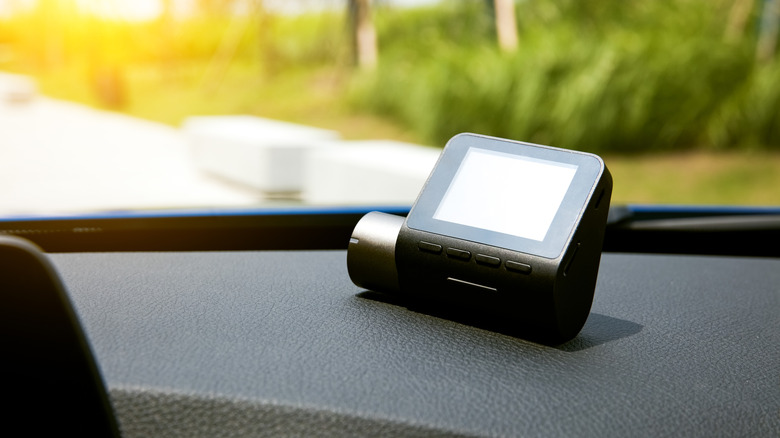
You can take several devices and turn them into a webcam if you don't have a dedicated camera for your desktop — or if you don't have a laptop with a built-in webcam. For example, you can turn an old smartphone into a usable webcam. Of course, with everyone using a smartphone these days, there's almost no need for webcams at all. You can make video calls, take conference calls, or join meetings, all from your phone. But if you'd rather sit at your desk and use a more traditional setup, without spending money on a webcam specifically, there's another neat trick you can pull off. You may be able to use an old dash cam and set that up the same way.
Now, it's important to note that this won't work with every dash cam on the market. That's because the connection between the computer and the camera depends on the USB connectivity. What you're looking for is a camera that uses UVC (USB video class), the protocol that allows cameras to communicate with a computer or various devices, particularly while streaming video and audio.
The simple way to check is to plug your dash cam into your computer via USB and wait for a mode-select screen to show up. If nothing like that appears, simply check if the computer recognizes the camera. Most operating systems, including Windows, Linux, and macOS should recognize a UVC camera and allow you to select and use it as such. If you notice the dash cam is recognized as a mass storage device or USB storage, it probably doesn't support UVC. You can also refer to the original user manual or documentation for the dash cam.
Even if your computer recognizes it, the dash cam may not work
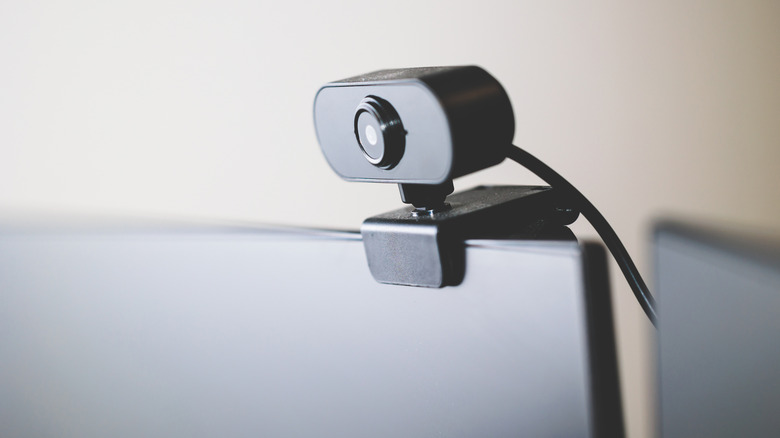
Even if the dash cam you want to use supports UVC over USB, there's no guarantee it will function correctly as a webcam. That's because dash cams are designed to record continuously in one big loop with automated recording based on various events, like when the car starts up. They're not really intended for live streaming. In addition, a lot of dash cams require dedicated power, usually a 12-volt supply. Most USB ports on computers provide only 5 volts of power, so you may need to plug the dash cam into an external power source.
An alternative way to connect a dash cam is to use an HDMI port, if available, and feed that through a capture card. Because there's such a variety of devices on offer, and the process itself is likely to be hit-or-miss, there's really no clear way to recommend setting up a dash cam other than through trial and error. I personally had a Vantrue dash cam lying around that I was able to plug into my computer via USB and get it recognized and working. I did have to use a USB data cable versus a standard charging cable. That's another thing to check if your dash cam isn't immediately recognized by your computer.
Interestingly, you can also do the opposite. You can take an old Android phone and repurpose it as a dash cam in your vehicle with a fairly easy DIY method. That doesn't really help you if you need a webcam, but it's still pretty neat to know how much you can repurpose all these old gadgets and tech.