

Why Hitting A Remote Sometimes Makes The Batteries Work Again
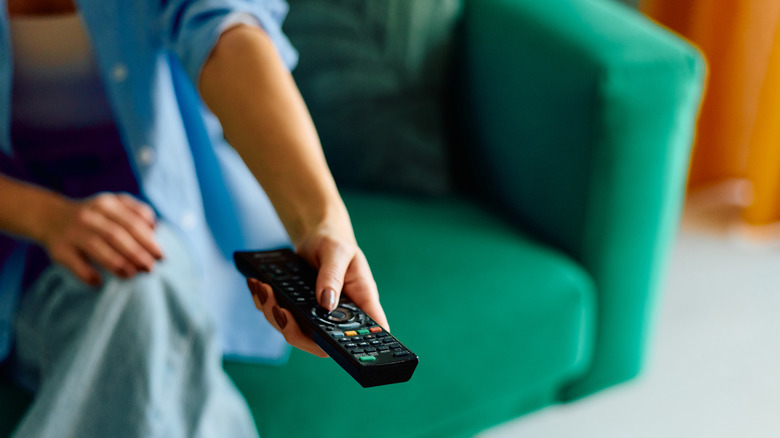
Your smart TV can do a lot of different things, but you'll be hard-pressed to get yours to do anything if the TV remote batteries are dead. Unfortunately, getting a new pair would require standing up. So, instead of retrieving those fresh batteries, you give your TV remote a firm smack on the back — right on top of its battery compartment — and eureka! You got it working again (at least for the time being).
For decades, consumers have been smacking battery-powered tech in hopes of getting a remote or similar accessory operational. And a lot of the time, the act of hitting does seem to give these items an extra boost of energy. One of the leading theories for why that works is that a firm smack helps to shake loose any oxidation that may have formed on the battery contacts.
This is a powdery, white, and green residue that forms on batteries that have been sitting inside a battery compartment for a long time. Oxidation is highly resistive, which means it strongly opposes the flow of current. When you smack the back of an oxide-caked remote, you're essentially "repositioning" the battery contacts, which can help to realign the cells with the terminals inside the controller.
Drumming the oxidation away isn't the only method for restoring battery power
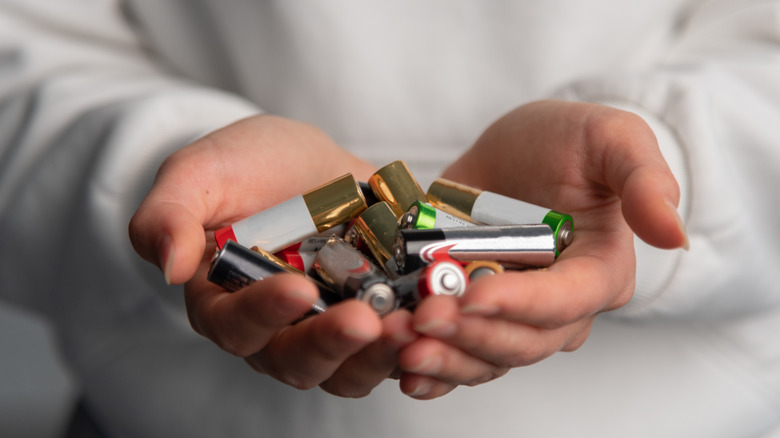
One of the other issues with an oxidized remote is the power draw of the controller itself. Remotes for consumer tech like TVs, soundbars, and streaming devices usually don't require much energy. A set of AA or AAA batteries supplies just the right amount of power, but once oxidation enters the equation, the tiny amount of current your remote draws makes it way harder to overcome the oxide's resistivity.
It's science at its finest, but there's also a better way to work through a misbehaving remote: simply re-seating the batteries. The "smack" method is arguably more fun, but oftentimes, pulling the batteries out and placing them back is all the repositioning you'll need. I can attest to that; when my Roku Streaming Stick 4K warns that the remote batteries are low, I can usually get power back the moment I reseat the AAAs.
If you're worried about oxidation forming on remotes you don't use frequently, one easy solution is to keep the batteries out until it's time to use the controller. You could also schedule a day every couple of months where you inspect all of your device batteries. For oxidation that's clinging to battery terminals, you can use a soft-bristled brush to remove the buildup. Once all oxidation is gone, we also recommend going over the terminals with a cotton swab dampened with isopropyl alcohol to get any leftover gunk.