

Your Fitbit's Sleep Tracking Accuracy Might Be Wrong - Here's How To Fix It
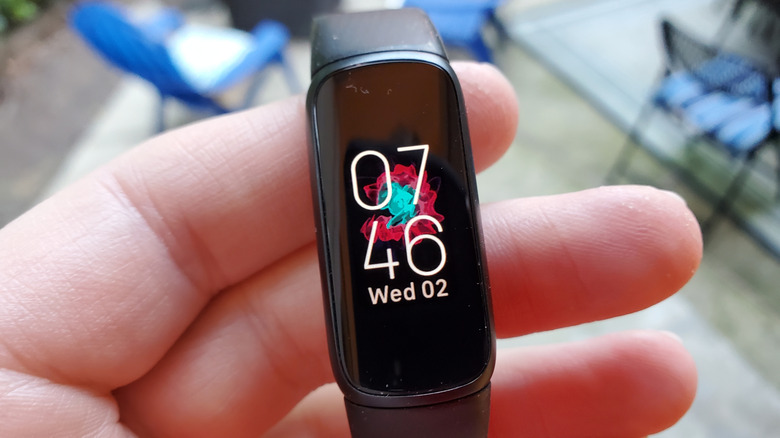
Fitbit has some of the best Bluetooth gadgets that one can pick up. They make for a fantastic digital companion, only rivaled perhaps by one of those high-tech robotic pets. The tracking functionality offered by the wearables can help you better tailor your daily life, work, and overall health. And one of the best features is the sleep tracking capabilities, bolstered by slim designs and soft edges. This helps to make the Fitbit family of devices comfortable to wear while sleeping.
But what happens after you have a particularly poor night of sleep and look down at your Fitbit, only to realize that it isn't providing you the correct sleep data for you to analyze? In cases such as these, there are a couple of steps you can take to make sure you are getting the most accurate sleep results from your Fitbit device.
The fix can be as simple as making sure you are wearing your device properly, or it might be a matter of customizing your settings and bedtime routine. In some scenarios, however, you might need to go as far as to reset your device completely. The following tips and tricks should hopefully help get your Fitbit device tracking correctly so that you can get back to getting a good night's sleep.
Sleep-tracking fixes to try before ditching your Fitbit
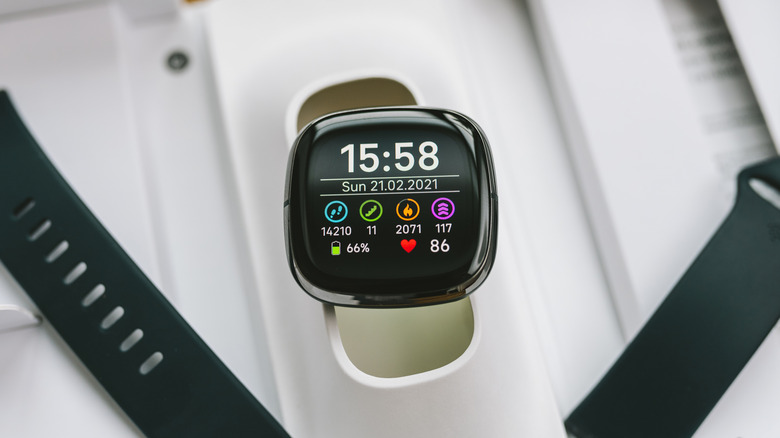
The most important thing to remember about the Fitbit (and most fitness tracking devices for that matter) is that they require good physical contact in order to provide the best results. If you're wearing a Fitbit loosely, it can provide poor results due to shifting while you sleep. You can also face issues with dirty contact points, preventing proper readings.
You'll want to make sure to regularly clean your device and keep the contacts free of dirt, dust, and debris. You should also wear your device snugly to avoid potential tracking issues. It may also be worth checking your sleep tracking settings inside the Fitbit app. Of these, the most common source of trouble is when heart rate monitoring has been disabled. To enable it, check the Settings menu in your Fitbit app under "Heart Rate," or on some devices, look under Account > your device > Heart Rate Tracking.
Another option to fix tracking issues would be to calibrate your Sleep Sensitivity settings in the Fitbit app under Fitbit settings > Preferences > Sleep. Your tracking sensitivity might be set too high, or it might not be sensitive enough. This means tracking can become inconsistent if your device thinks you might be awake when you're not, leading to a higher chance of producing error-prone results.
Have you tried turning it off and on again?
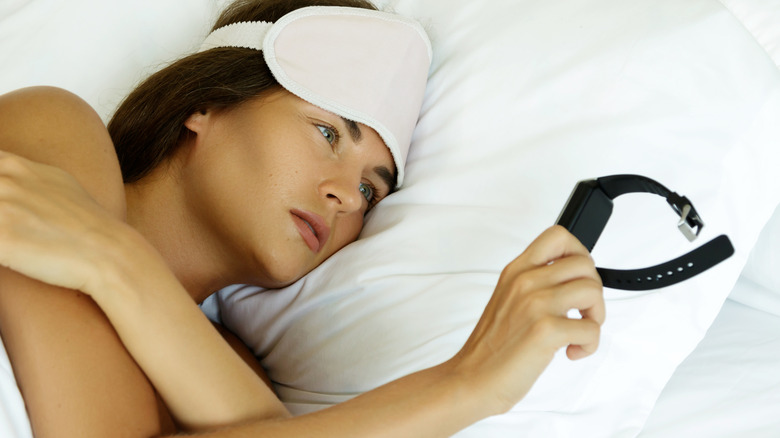
If your Fitbit's still not tracking your sleep properly, there are a few more options available before chucking it in the bin. Make sure that you're using the latest version of the Fitbit app and that your wearable is fully updated. If you are uncertain about what app version you're running or if the app isn't functioning properly, you can always uninstall and reinstall the Fitbit app from your device's app store.
It should also be noted that a number of issues, glitches, and software-related problems can be fixed with a simple restart of your Fitbit device. If your device is tracking poorly, feeling sluggish, or acting erratically, a restart can help fix these issues. So, if you haven't rebooted your Fitbit in a long time, this might be an option to try.
Finally, as a last resort, you can always factory reset your device, which is something that will wipe all the data off of it but can clear up more stubborn issues. The process to reset your Fitbit is fairly simple, but it differs slightly depending on the model, so you'll want to check your manual for detail. Now if only it were as easy to fix the issue of smartwatch companies selling your personal health data.