

Your Old USB Flash Drive Might Be Expiring Soon - Here's Why

It's questionable if there's even a need for USB flash drives in today's world, but if you still use an older device, there's a good chance that it may fail soon. Unlike traditional drives, flash drives don't last as long, and there are several reasons for that. Harsh treatment (such dropping the flash drive or handling it roughly) can decrease the lifespan of these devices, as well as external factors such as temperature, humidity, and dust. Even if the drive itself is protected and treated properly, though, the technology behind USB flash drives is prone to eventual failure.
A flash drive, as the name suggests, uses NAND flash memory — electrical charges inside memory cells to store data. Given that it's non-volatile, the data remains intact even after the power is lost, such as unplugging the flash drive. Over time and with extended use, those electrical charges may slowly leak, leading to data corruption or even complete data loss. While it's possible to recover deleted files from a USB flash drive, recovering corrupted files is more challenging.
NAND flash memory has a limited lifespan
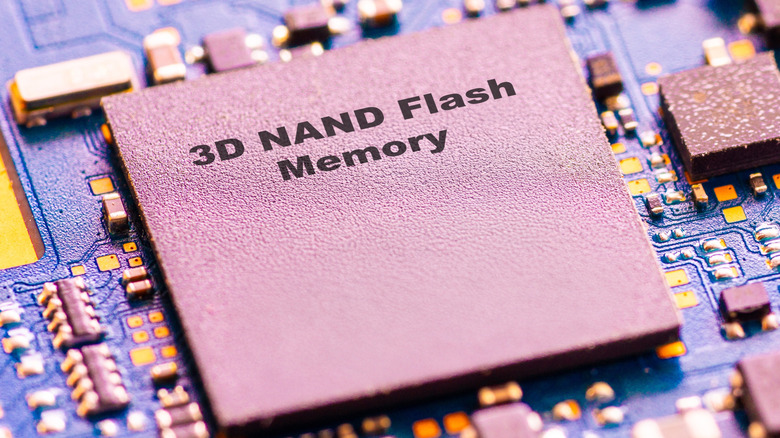
When you perform read and write operations on a NAND flash memory, it undergoes gradual degradation. After prolonged use, the memory doesn't perform the same as it did initially, causing issues, and ultimately leading to a complete drive failure. Each memory cell inside the drive can only be written and erased a certain number of times, which is referred to as the program/erase (P/E) cycle.
This P/E cycle depends on the type and cell density of consumer-grade drives. For single-level cell (SLC), it's 100,000 P/E cycles, while for quad-level cell (QLC), it's 1,000 P/E cycles. Other types like multi-level cell (MLC), enterprise MLC (eMLC), and triple-level cell (TLC), fall in between this range. Based on P/E cycles, a flash drive can last around 10 years under normal use. Extensive usage can reduce that lifespan, though. Apart from that, the quality of the NAND flash memory also plays a critical role. That's the reason low-cost flash drives don't last as long.
Keep in mind that usage isn't the only factor affecting a flash drive's lifespan. Even if you are not using it, a USB flash drive will still degrade after a few years due to a process called bit rot. This refers to the gradual leakage of electrical charge and loss of stored data over time.
How to make a flash drive last longer

While you can't completely prevent a flash drive from failing, you can slow down that process with a few changes to how you use the drive. One of the most effective ways is to minimize read and write operations. While there will always be some activity, since it's primarily a storage drive, avoid running portable apps or operating systems directly from the flash drive. You should also unplug the flash drive when it's not in use.
Remember, you should never defragment a flash drive. Like SSDs, flash drives don't benefit from defragmentation, since fragmentation doesn't really affect the drive's performance. What defragging will do, though, is shorten the lifespan of your flash drive, as it adds to the usage rate with unnecessary write operations.
Flash drives are not long-term storage solutions and shouldn't be treated as such. If that's what you are looking for, go with high-grade HDDs or SSDs. HDDs are better suited for long-term storage, while SSDs usually offer more P/E cycles due to advanced wear leveling. USB flash drives are ideal for quick data transfers and as bootable installation media, but you should always handle them with care and create backups of critical files stored on the drive.