

Are Kindles Actually Better For Your Eyes Than Tablets?
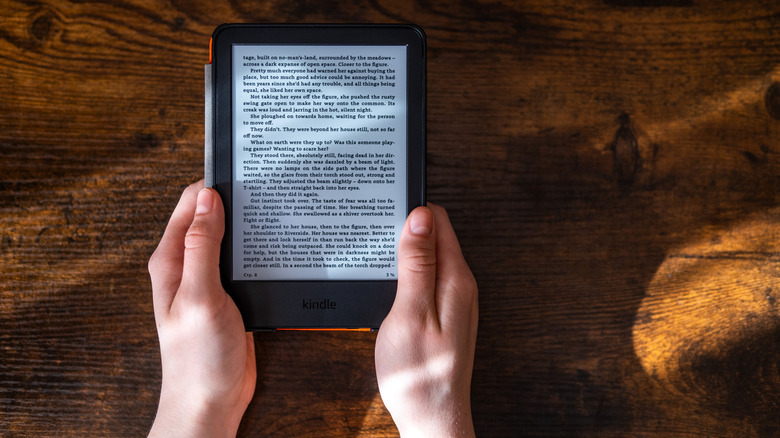
Reading is a wonderfully relaxing pastime that gets your eyes off screens for a welcome break. Ironically, however, many people have switched to reading e-books. You can do this on a tablet, even smartphone or laptop, but ideally, you'd use an e-reader. E-readers are purpose-built for reading eBooks, and they have plenty of advantages over a paperback. They can help reduce clutter and the accumulation of dust since you can get rid of the massive library of paperback novels at home. If you borrow from the local library, you don't have to worry about making trips to both pick up new books and return them. You can carry thousands of book titles in your pocket, perfect for travel and vacations, especially with waterproof e-readers, but there's another major advantage: e-readers are healthier for your eyes than tablets.
Tablets offer access to e-reading apps like Kindle, but with their bright, color screens, reading on one doesn't solve the issue of reducing screen time. E-readers do, and they are better for your eyesight versus an LCD thanks to technology called e-ink that's designed to mimic the look of a true book. It is worth noting that there are some tablets that function as tablet/e-reader hybrids, which might make you wonder if there's even a need for an Amazon Kindle anymore. But when considering a traditional tablet versus e-reader, you'll want to use the latter for reading.
Why you shouldn't read on a tablet

A tablet is designed for productivity and entertainment, from word processing to watching movies, and playing games. Reading is a passive experience that involves sitting in front of the page, digital or otherwise, for long periods of time, your eyes scanning every line. Reading on a bright screen like a tablet or even phone makes your eyes work harder. This is because you're not focusing on ink on paper but rather pixels on a screen, causing you to blink less often, which may cause dryness and even soreness in your eyes. Glare is also an issue, which is why e-readers have glare-free screens.
Further, a Harvard School of Public Health study confirmed that the light from a handheld device like a tablet can be detrimental to eye health when used for long durations of time, as you might do while reading. This is more so than even a TV because you're holding the device at close range, so the light is more intense. Light is also reflected off nearby objects, and you're exposed to potentially harmful levels of blue light. By contrast, an e-reader like Amazon Kindles and other Kindle alternatives users swear by use e-ink or similar technology with glare-free grayscale screens (though there are color e-readers for content like comic books) to help reduce eye strain.
E-readers versus print
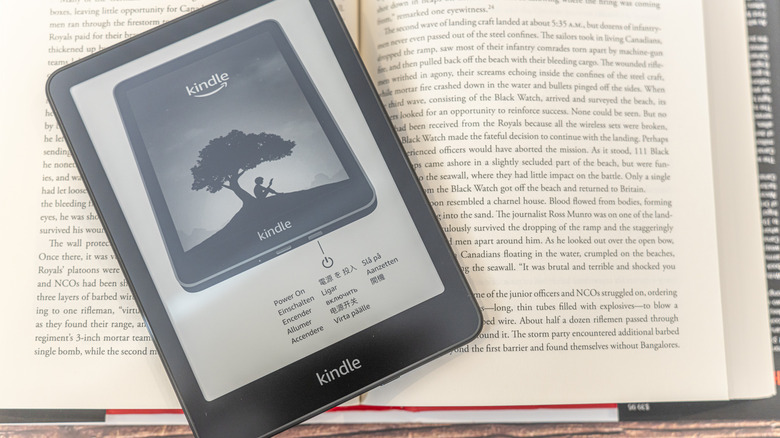
You might wonder if there's any drawback to choosing an e-reader over a book on printed paper. Some sources suggest that while e-readers do reduce strain on the eyes compared to tablets, the use of blue light still exists with them. Blue light can reduce levels of melatonin, which helps induce sleep, and thus negatively impact your circadian rhythm. So, while it might be tempting to read right before bedtime, you might want to avoid this to ensure you get a good night's sleep.
The overall best option is to read a paperback or hardcover book whenever possible. But for light reading, even consistent reading for short periods of time, an e-reader is still a better option than a tablet. No matter if you're reading a physical book or using an e-reader, it's always important to follow the 20/20/20 rule. This is the recommendation to stop reading. Look at something 20 feet away from you for 20 seconds, then resume. Repeat this process every 20 minutes. Overall, it will help relieve your eyes, but even so, try to limit the amount of time you spend reading on a tablet. If you're not picking up a physical paperback or hardcover novel and you read often, go for an e-reader instead. Your eyes will thank you later.