

Your Phone's SIM Card Isn't Safe Until You Do This
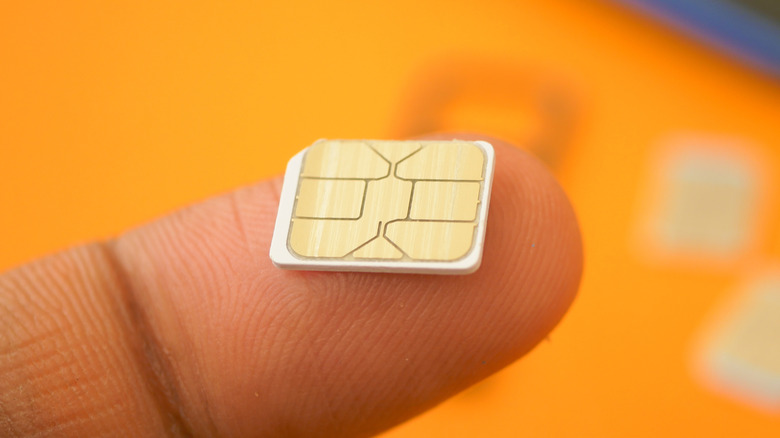
A SIM card is a necessity for connecting your phone to a cellular network. Unfortunately, that necessity can come with a very big risk. Criminals use a tactic called SIM fraud or SIM swapping to gain access to your phone, often remotely, and it's one of a handful of everyday smartphone risks you should know about. With that information, they can access your bank account, your private data, and more. Luckily, you can easily protect yourself against this type of fraud by setting up a SIM lock PIN.
Your SIM card is the small chip that is inserted into your phone to allow you to make phone calls and send texts, and it plays an essential role in many of your cellular device's other functions as well. It is completely unique to your phone and thus has access to highly sensitive information. By setting up a SIM lock PIN, anyone that wants access to that data will have to know the PIN you selected. PINs are typically a short series of numbers not unlike the code on your phone's lock screen. However, if you set up a SIM PIN, you will want to make sure it isn't the exact same code that protects other aspects of your phone to ensure your data is as secure as possible.
How to set up a SIM PIN on your iPhone or Android
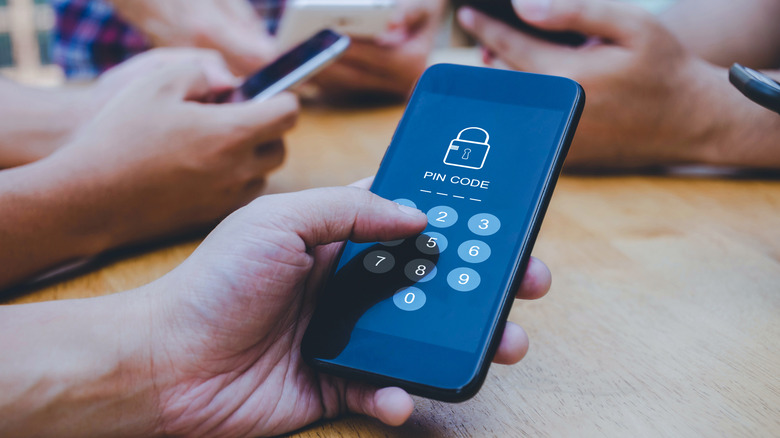
The exact process for setting up a SIM lock PIN can vary depending on your specific phone, but this option is available in many phones' Settings apps. Be aware that if you forget your SIM PIN and guess it incorrectly three times, you will be locked out and your phone carrier will need to intervene. For this reason, you may also want to check if your carrier has a default SIM PIN before enabling one on your phone.
Setting up a SIM PIN on an Android could make your phone especially protected in the coming years, as Android is getting rid of physical SIM cards and opting for eSIMs for better security. On a Samsung smartphone, start by opening Settings. Open the "Lock Screen and Security" tab and then select "Other Security Settings." You should see an option to set up a SIM card lock. When you click on that, you will be asked to create a four-digit PIN. It can be changed or deactivated later if you so choose. Depending on your device's manufacturer, these sections of your Settings app may have slightly different names such as "Security & Privacy."
If you have an iPhone, go to Settings. Open the Cellular tab and press "SIM PIN." Flip the switch that appears and then enter a PIN when prompted. You may need to enter your carrier's default SIM PIN before changing it to a personalized alternative. Just like with Androids, you can come back to this page later and change or turn off the PIN as you see fit.
How bad actors can use an unlocked SIM card against you

One way a SIM PIN can protect you is by ensuring that, if someone steals your phone, they won't be able to access it at all without being able to bypass the PIN. A thief doesn't need your physical phone, though, to access your SIM card. The remote practice of SIM swapping allows bad actors to move your phone number over to another device without the original SIM card. If the perpetrator can gather enough of your personal information, they may be able to contact your cellular provider, pretend they're you, and convince your carrier to transfer your SIM information to another SIM card that the bad actor possesses. While scams like this may sound far fetched, SIM swapping was actually a large problem for T-Mobile that resulted in a $33 million arbitration award. So, taking the time to set up a PIN could protect you from some very real consequences.
For example, a man named Oren David Sela in California orchestrated a massive SIM swapping scam. For years he stole mail from people's mailboxes to access their personal information. He'd then use that information to get his victims's phone carriers to transfer their phone numbers to SIM cards he owned. Once he could access his victims' phones, he then utilized their private data to steal nearly $2 million from bank accounts. After being caught, Sela was sentenced to 61 months in prison in April 2025 and was ordered to pay the money back.