

The Laptop Charging Mistake That Could Be Killing Your Battery
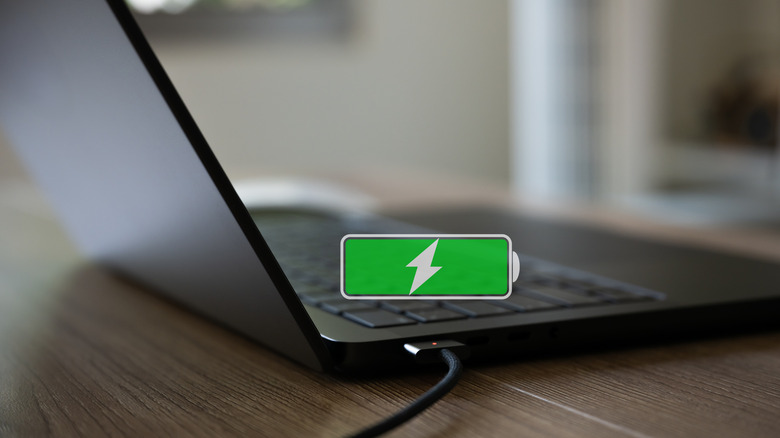
Maintaining good battery health is crucial to keeping your devices in optimal shape, like your laptop or mobile devices. Over time, and through prolonged use, battery life degrades and will eventually chisel away, meaning your device's battery won't last as long as it initially did. While some of this happens through regular use, there are ways to slow its progress so that you're not effectively killing your laptop's battery. For example, keeping your laptop and its internal battery away from extreme temperatures is a great start, and that's true of all battery types.
However, there's one practice, in particular, that's likely killing your battery. You should try to avoid draining your battery completely or letting it get to 0%, instead keeping levels above 20% before putting it back on the charger. The technology has come a long way, so letting a lithium-ion battery drain every once in a while when you really need that extra power is not a big deal. It's more about how often it happens. Every time you drain your battery completely, you increase chemical stress inside which decreases its total lifecycle. Adversely, when you charge the battery to full, you're increasing the energy inside, which has the same effect, reducing lifecycles because of accelerated reactions. Doing this repeatedly is not advised by Consumer Reports, and that's where the 20% to 80% rule comes into play. It's a great way to extend your battery's performance and lifecycle.
The charging mistake is often letting your battery drain all the way before charging it. You should know, Windows 11 has an energy saver mode that can enhance and extend battery life when used. Similarly, Mac has a low-power mode you can enable in settings.
Don't charge to full and empty every cycle
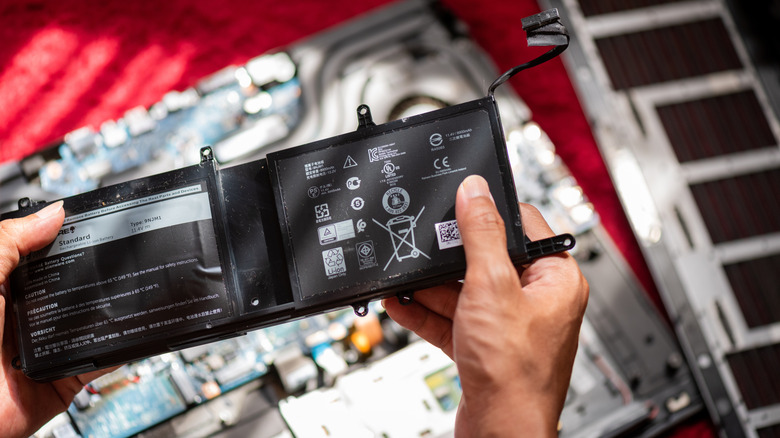
The 20% to 80% rule is a solid pattern to follow, but there are other daily habits that may be killing your battery besides letting it drain fully every time. Perhaps most relevant to the topic at hand, just as you shouldn't allow the battery to run down, you shouldn't charge it to 100% every time either. Moreover, you probably shouldn't leave your laptop, and its battery, plugged in constantly. It's the same principle. Keeping the battery at 100% for long periods increases the voltage, increases chemical and electrical stress, and degrades the battery faster than it would naturally.
The good news is that many modern devices, laptops included, have an intelligent feature called bypass charging. This allows the charger to bypass the battery, when its fully charged, sending power directly to the device to keep it powered, so it, in turn, is not using the battery and not draining it. Not all devices offer bypass charging, and you may need to enable the feature manually .
Without bypass charging, it's mostly fine to leave your Windows laptop plugged in, or your Mac, yet it also depends on how you're using it. If you're using apps or doing things that use a lot of computing power, the battery is constantly being drained, and that adds a lot of stress. Remember to unplug it once in a while and keep the limits in that 20% to 80% range versus undercharged or overcharged.