

The Simple Router Security Setting Most People Don't Change – But Should
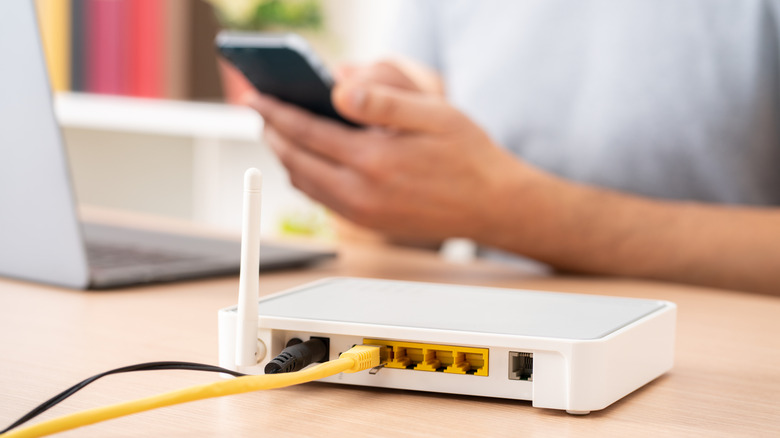
When most people get a new router, they just set a new Wi-Fi password, and that's it. As long as their devices have internet, and their neighbors can't steal their Wi-Fi, it's all good. But there's another highly important password that gets ignored — the router's password. This is the password that grants access to the router's admin panel, which is a web-based interface that houses all the router's settings and preferences.
Considering its importance, you'd think it's one of the first things people change when they get a new router. But according to the results of a router security survey by Broadband Genie, 81% of respondents said they've never changed their router's default password. You should never leave that password unchanged, as it's a major security vulnerability that leaves the door open to nefarious individuals who can cause real harm.
Interestingly enough, the admin panel is the very thing people use to set their Wi-Fi password. They get into it using the default username and password provided by the manufacturer, which is usually something like "admin" and "password." These are quite easy to figure out, even for the average person, because they're public information. But once a hacker gains access to your router's admin panel, they can get unfettered access to your digital life, as well as commit crimes using your internet connection. While there are things you can do to gain back control after a hack, it's often better to prevent that from happening in the first place.
Most people underestimate the dangers of a hacked router
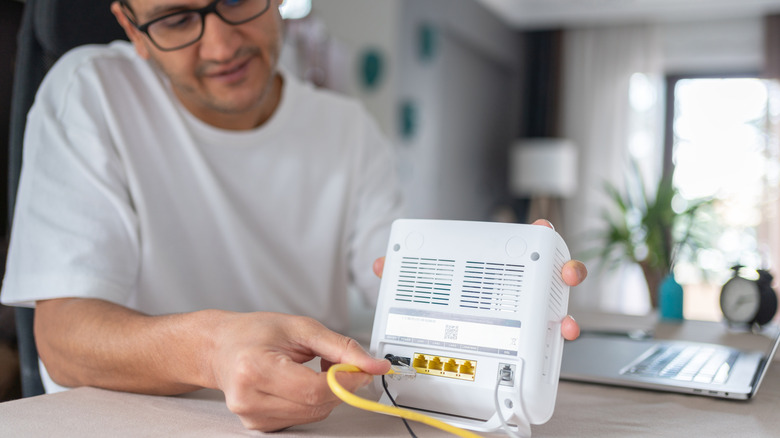
The default password for many routers that use a web-based admin panel is printed on a sticker attached to the router's back or bottom. This provides an easy out-of-the-box experience, allowing you to quickly get everything set up or troubleshoot problems (e.g., if you forget your Wi-Fi password and need to reset it). Hackers just need to figure out which router you have, look it up, and they're in.
Once hacked, cybercriminals can use your router to spy on you by monitoring your Internet of Things (IoT) devices. Gadgets like cameras, speakers, and baby monitors are usually less secure than phones and computers, and hackers can gather personal information about you through them. They can also redirect you to malicious websites that look legitimate. You might think you're logging into your bank's web portal when it's a fake page with forms designed to steal your passwords and financial information. They might even trick you into installing malware.
Cybercriminals can also use hacked routers to carry out man-in-the-middle (MITM) attacks. This is where they intercept communications between two parties to steal data or manipulate messages between them. Another thing they can do is add your router to a botnet and carry out distributed denial-of-service (DDoS) attacks. Here, your router becomes one of the many devices trying to crash a website or any other target by overwhelming it with internet traffic.
Changing a router's password is easier than most people think

Check your router for a sticker with the details for accessing the admin panel — you'll need the username, password, and router's IP address. If it's not there, check the manual or the manufacturer's website. Connect your phone or computer to the router and go to the admin panel using the router's IP address (e.g., 192.168.1.1 or 192.168.0.1). From there, log in, head to the security settings, find the router's password setting, and change it. All this can take a few minutes.
Creating a strong password, one that combines uppercase and lowercase letters, numbers, and symbols, is also critical. Do not use words and phrases that are common or personal. A good trick is to use three random words to make the password longer, unique, and harder to crack. If you're failing to think of some meaningful words, look around, pick three random objects, and use them to create a password.
Also, update your password every 30-90 days. And if you notice any unusual activity on your network, change both your Wi-Fi and router passwords immediately. Your router will likely update automatically, which will install the latest updates and patches to make it more secure. However, if the manufacturer stops releasing updates for your model (these companies aren't obligated to keep supporting it forever), it means the router is too old. You should replace it with a newer model to keep getting updates.